Amazon Price Tracker Automation
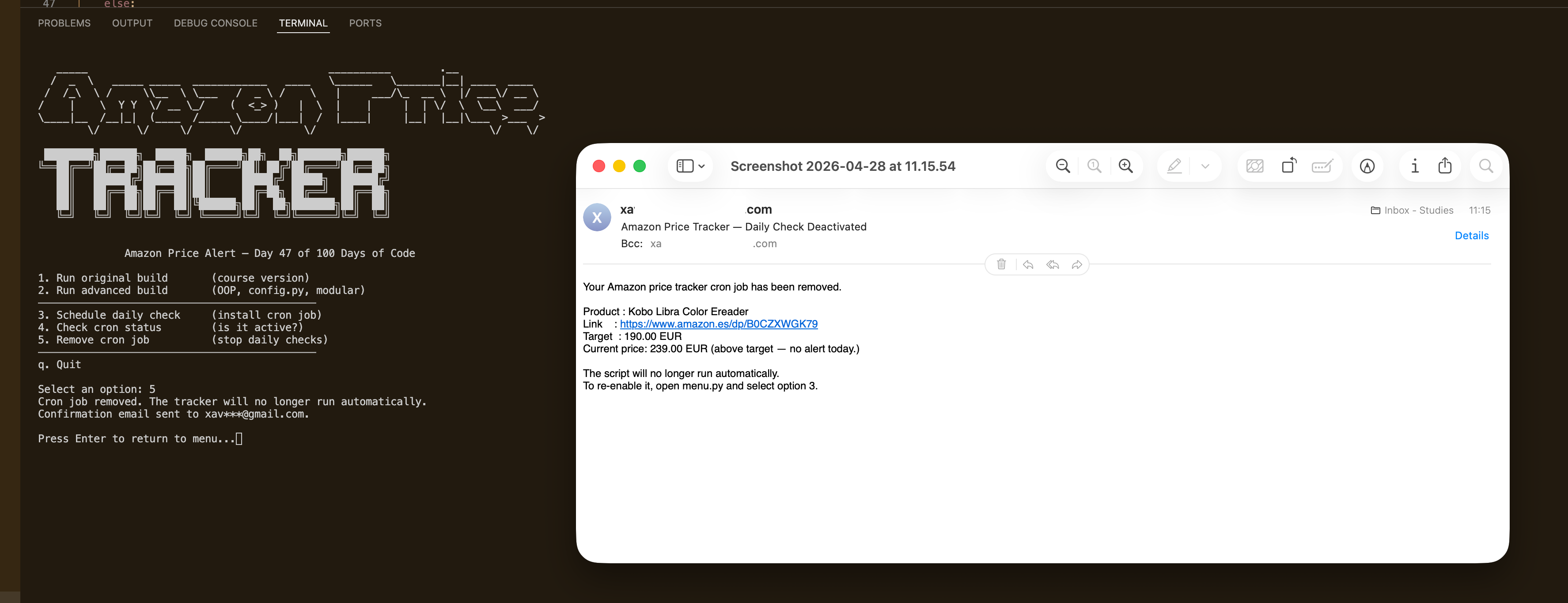
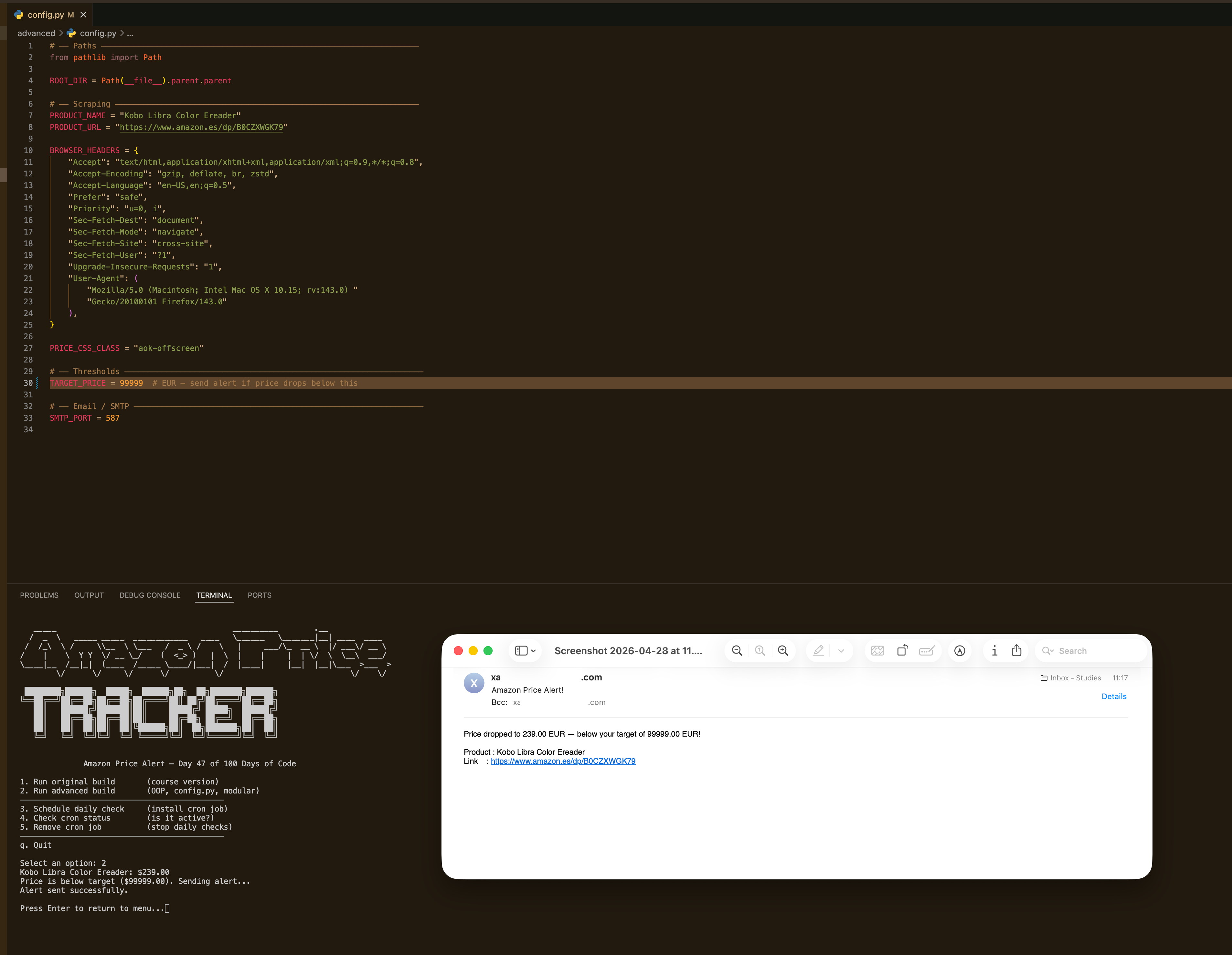
Amazon Price Tracker Automation watches a product page on amazon.es and emails you the moment the price drops below a threshold you set. It handles the full automation lifecycle — scheduling, status checks, and removal — through a clean interactive terminal menu so you never have to touch a crontab manually. There are two builds: the original course script (single flat file) and an advanced OOP version with separate modules for scraping, notification, and configuration. The advanced build is the one that runs automatically every day and sends you confirmation emails with the live price whenever you install or remove the schedule.
Quick Facts
Overview
Problem
Manually checking Amazon for a price drop on something you want to buy is the kind of thing you tell yourself you'll remember to do and then forget completely. Browser extensions exist but they tie you to a specific browser being open, and most price-tracking services don't cover regional Amazon stores like amazon.es. I wanted something that would just run in the background on my own machine, check the price once a day, and email me if it was worth buying — no third-party accounts, no subscriptions, no browser dependency. The harder part was that amazon.es returns prices in a different format than amazon.com (currency codes and non-breaking spaces instead of the € symbol), and running the check from a cloud server like GitHub Actions turns out to be basically useless because Amazon detects datacenter IPs and serves a bot-detection page instead of the real product.
Solution
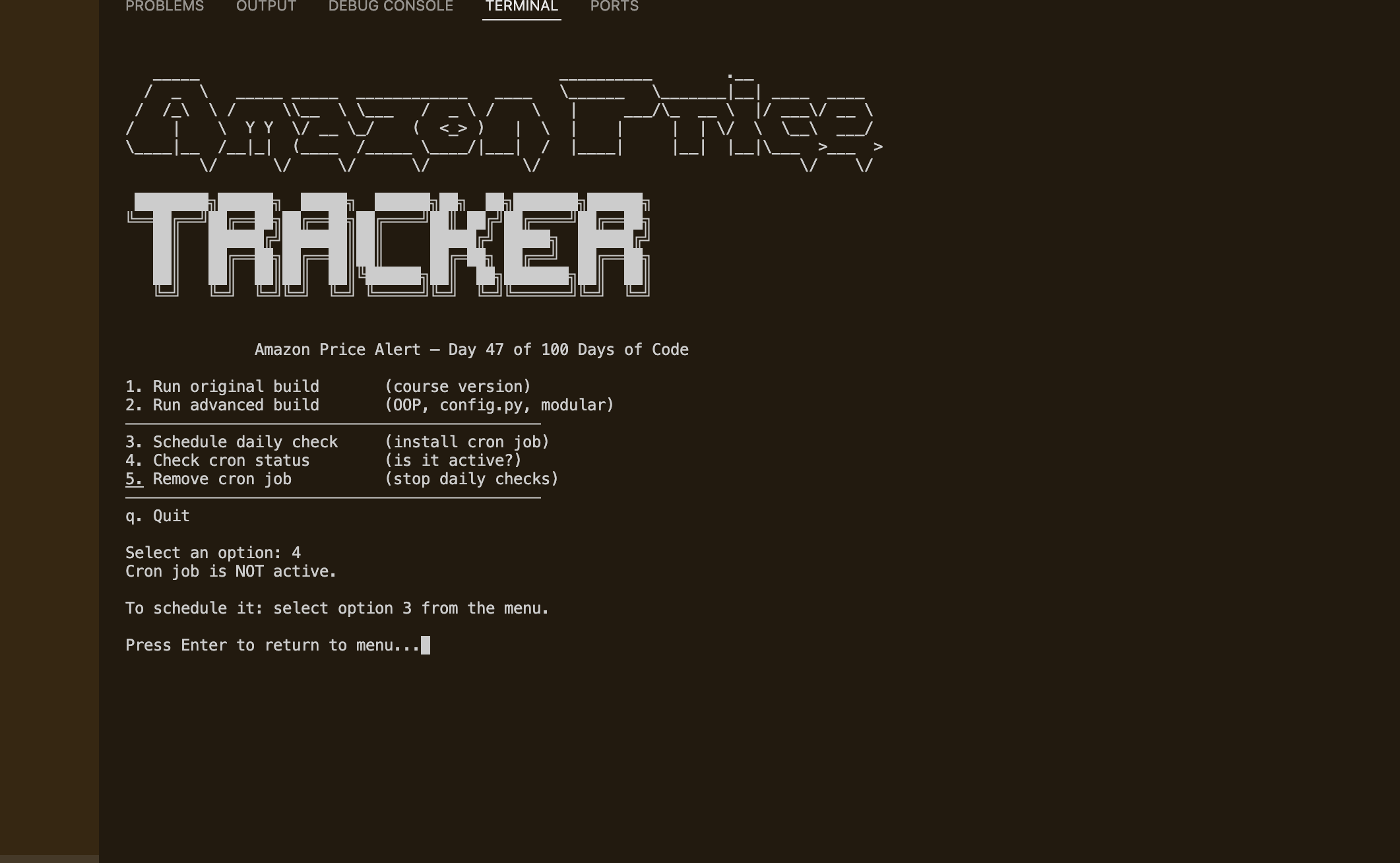
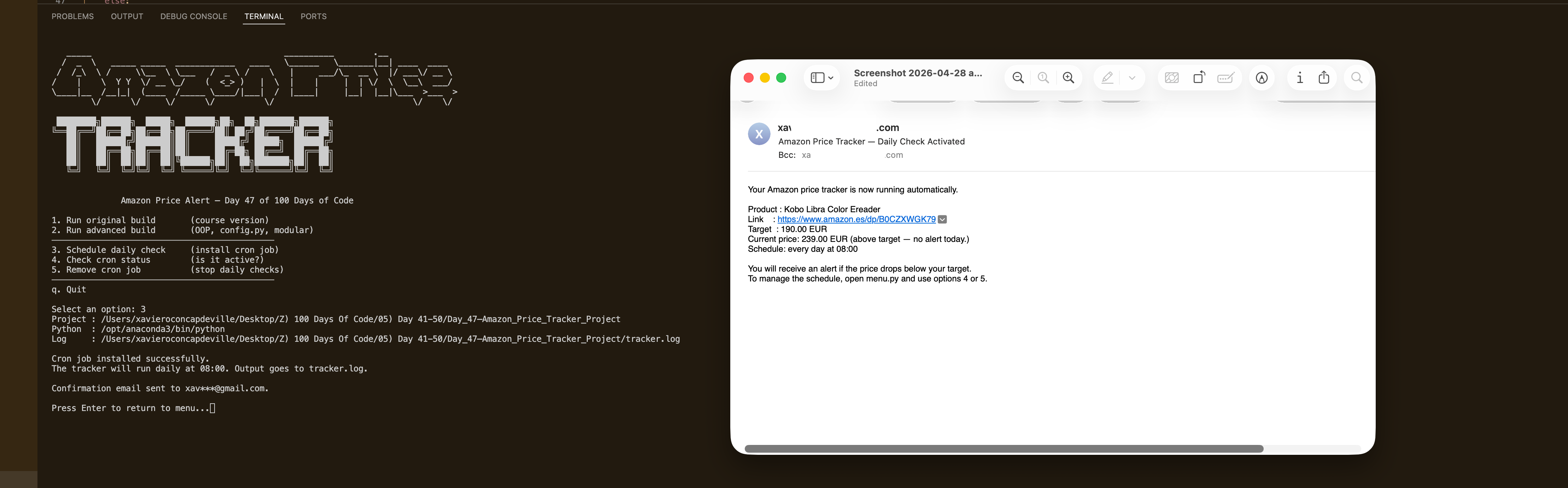
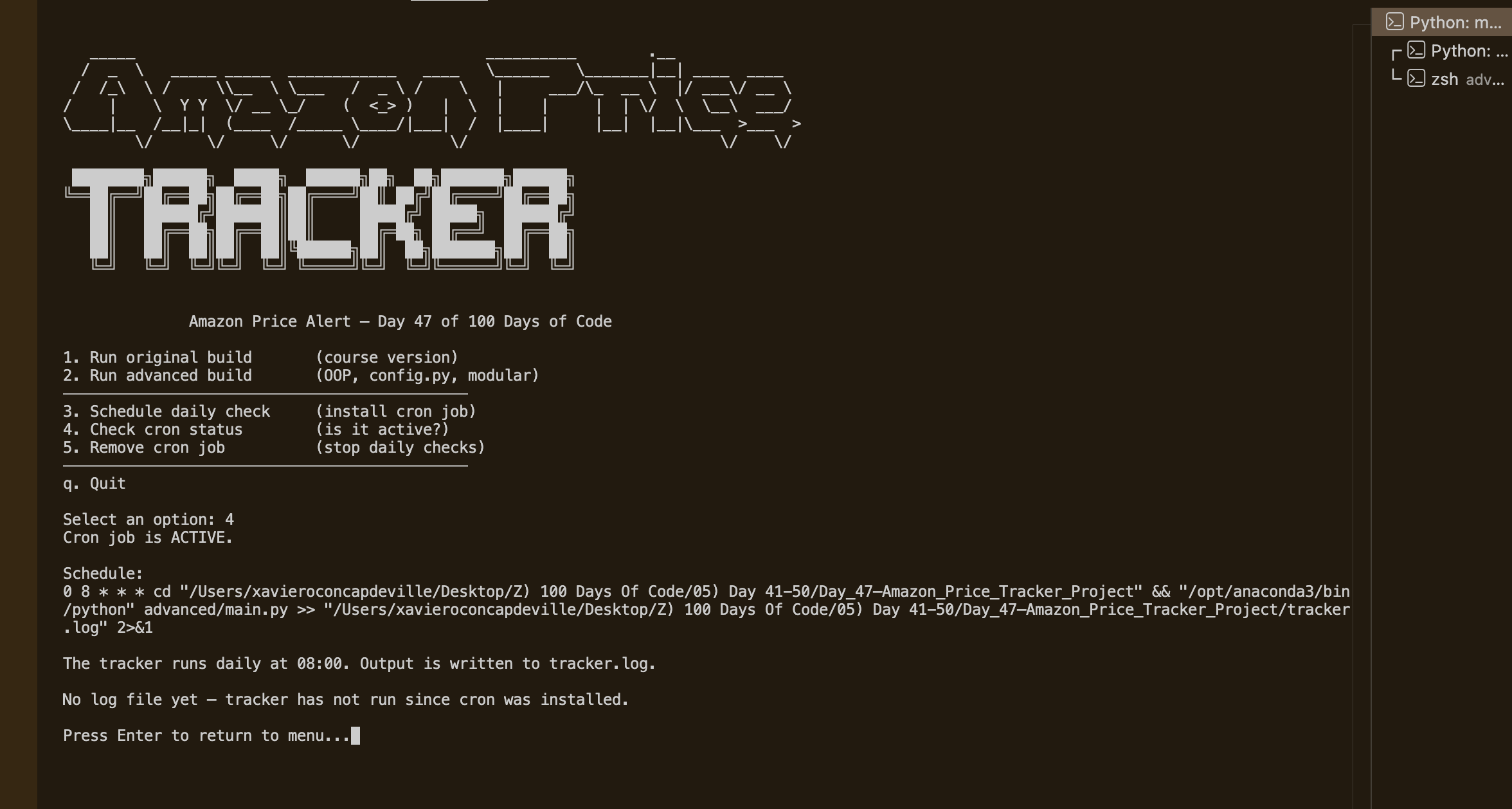
The scraper uses requests with a full set of browser-spoofing headers (matching a real Firefox session on macOS) to fetch the product page, then BeautifulSoup to locate the price element and a regex to extract and normalise the price across every format Amazon uses by region — €59,99, $129.99, EUR\xa068.30 — all handled cleanly. If the price is below the target, smtplib sends an alert email via Gmail SMTP over STARTTLS. The advanced build separates this into three independent modules (AmazonScraper, EmailNotifier, config.py) wired by a main.py orchestrator, with all constants in one place so changing the product or target price is a one-line edit. Three bash shell scripts (setup_cron.sh, check_cron.sh, remove_cron.sh) handle the full cron lifecycle and are surfaced as options 3–5 in the interactive menu, so the whole thing is usable without ever manually editing a crontab. When you install or remove the schedule, the script fetches the current live price and includes it in the confirmation email so you always know where things stand.
Challenges
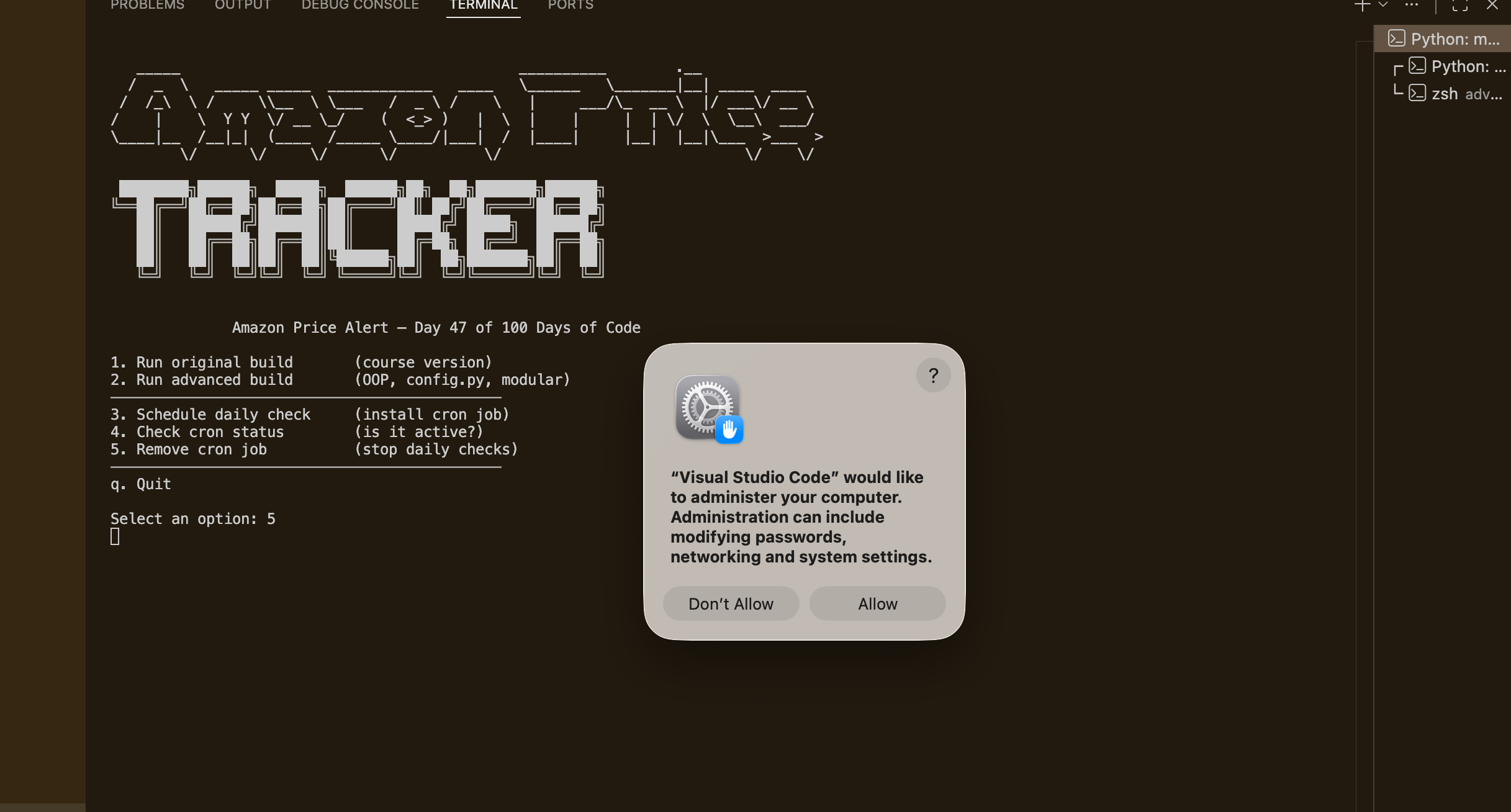
The biggest surprise was discovering that GitHub Actions is effectively useless for scraping Amazon. The workflow file is in the repo for reference, but Amazon's bot detection recognises Microsoft Azure datacenter IP ranges (which is what GitHub Actions runs on) and returns a stripped page with no price element — regardless of how realistic the headers look. The fix was local macOS cron, which runs from my home ISP IP and is indistinguishable from a real browser visit. The second challenge was price format inconsistency: amazon.es was returning prices as "EUR\xa068.30" — the currency code as text, followed by a non-breaking space, followed by the number — which completely broke the original regex that only looked for €/$/£ symbols. Extending the parser to handle currency code prefixes, non-breaking spaces, and both EU comma-decimal and US dot-decimal formats without breaking any of the existing cases took some careful regex work. Getting macOS to actually allow crontab writes from the terminal was also trickier than expected — Full Disk Access has to be granted manually in System Settings, and the error message when it's blocked is silent, so the setup script now explicitly detects the failure and prints the exact navigation path to fix it.
Results / Metrics
The project ended up well beyond the original course exercise — it's a fully automated daily tracker with a complete cron lifecycle built into a menu, confirmation emails with live price data at the moment of scheduling, and a clean OOP architecture where every module has one job. I got a solid understanding of how Amazon serves different page formats depending on region and IP reputation, and of the practical difference between cloud CI/CD scheduling (great for stateless code, bad for scraping commercial sites) and local cron. I also got comfortable writing bash scripts that interact with the macOS crontab safely — checking for duplicates, detecting permission failures, and passing the active Python interpreter through so the scheduled job always runs in the right environment. If I extended this further I'd add a config file for tracking multiple products in a single run and log the price history to a CSV so you can see the trend over time.
Screenshots
Click to enlarge.
Click to enlarge.