Caesar Cipher
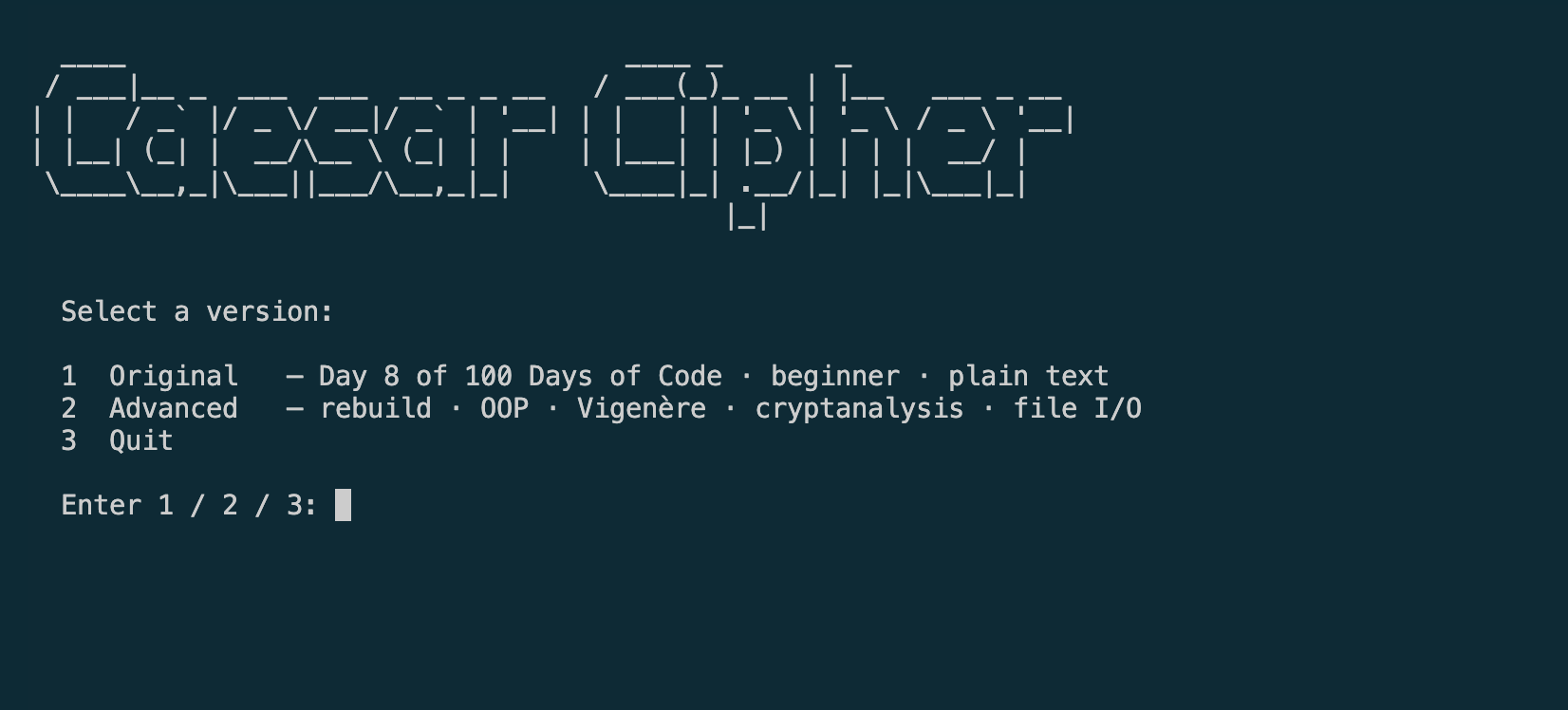
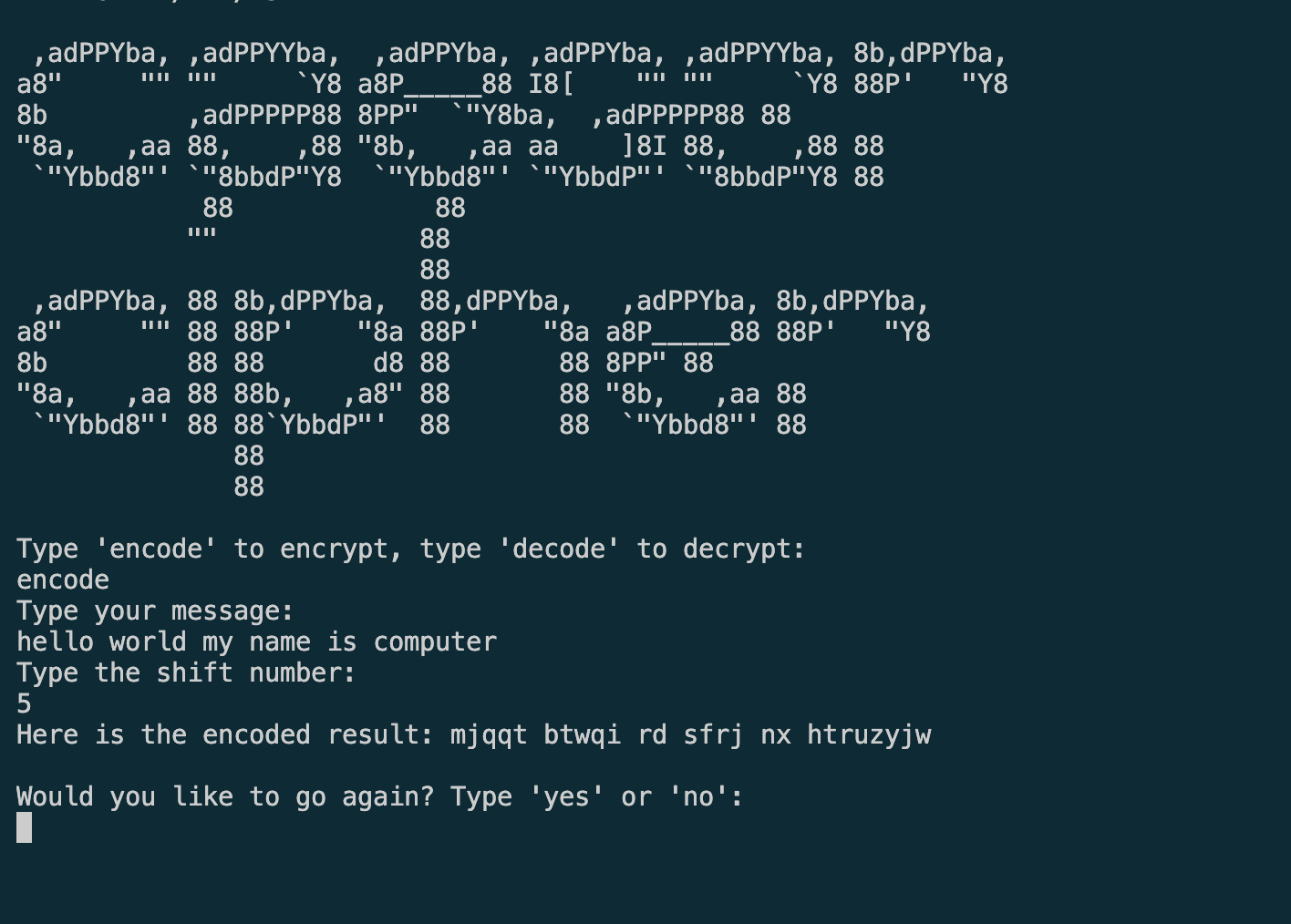
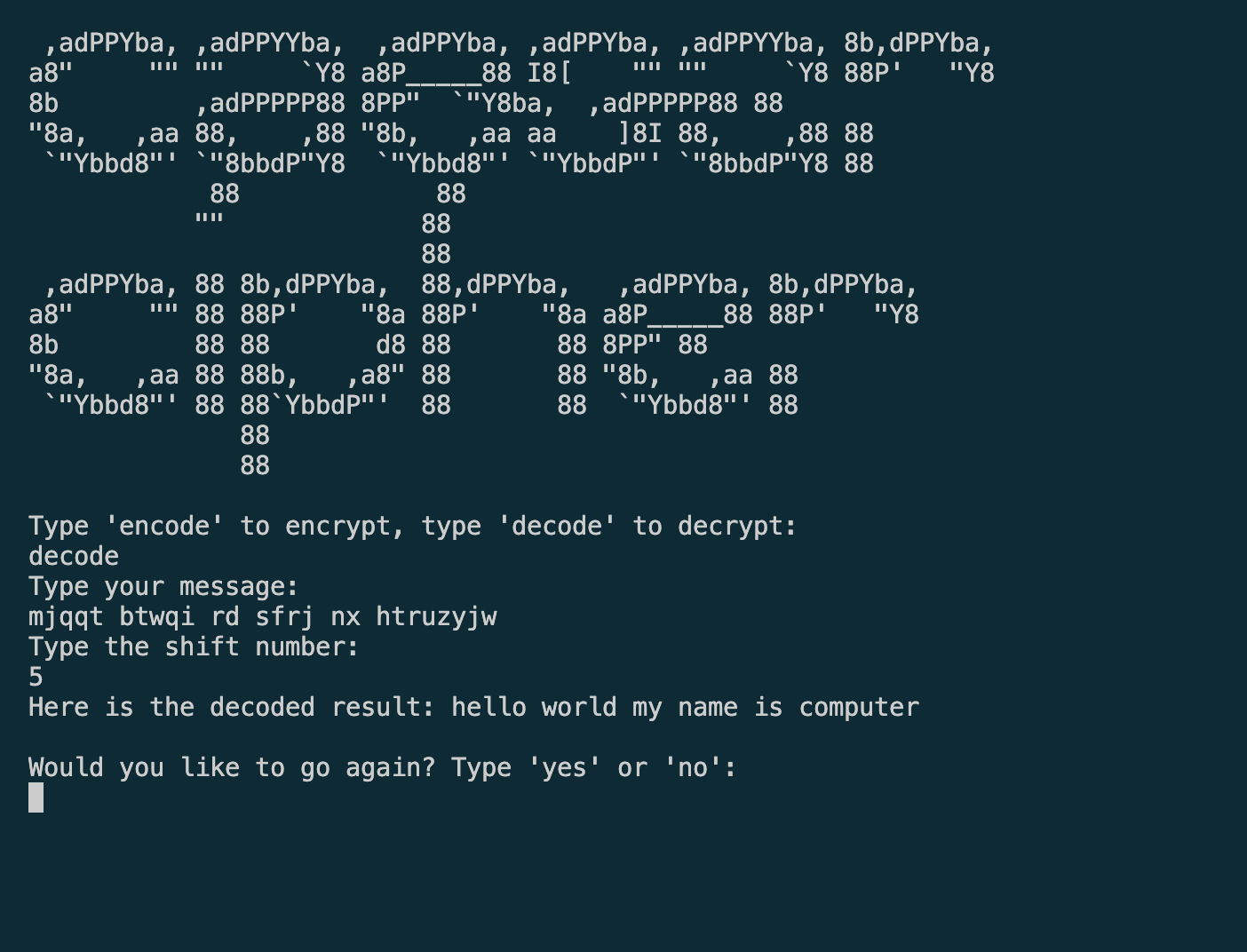
A dual-version Caesar cipher terminal app built as the Day 8 project of 100 Days of Code. The original beginner version (2024)
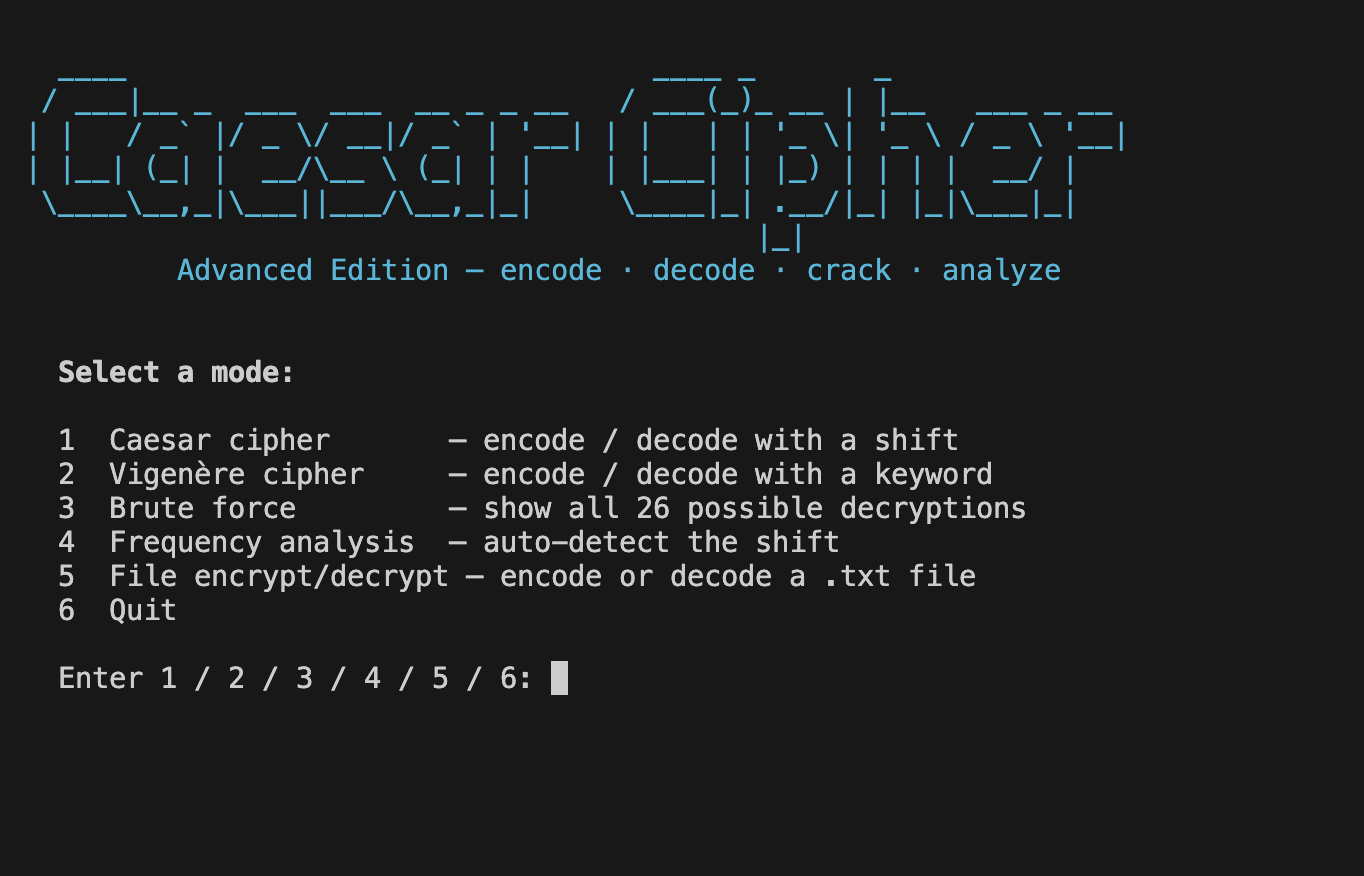
demonstrates core Python fundamentals. The advanced rebuild (2025) adds a Vigenère cipher, brute-force cracking, frequency analysis,
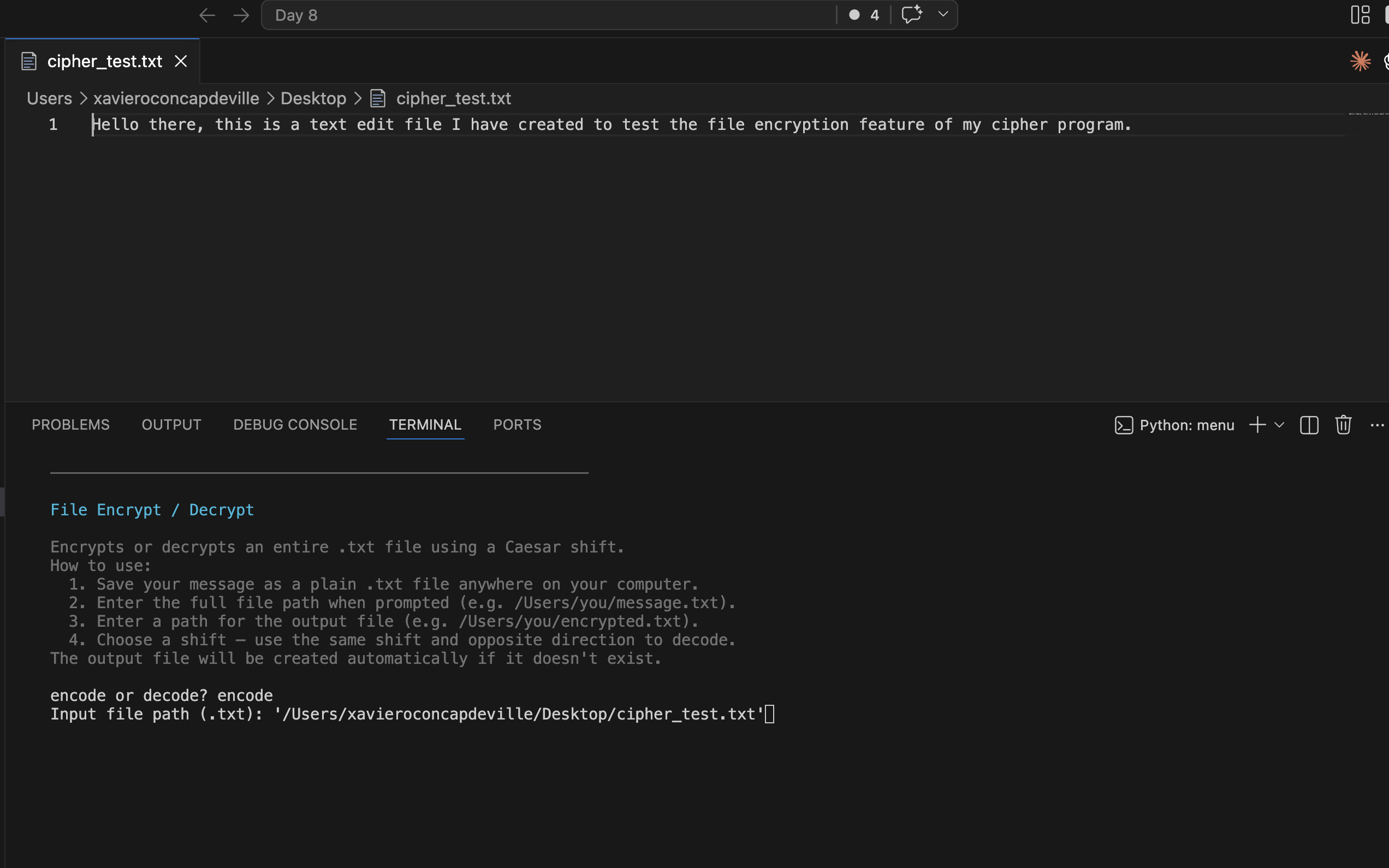
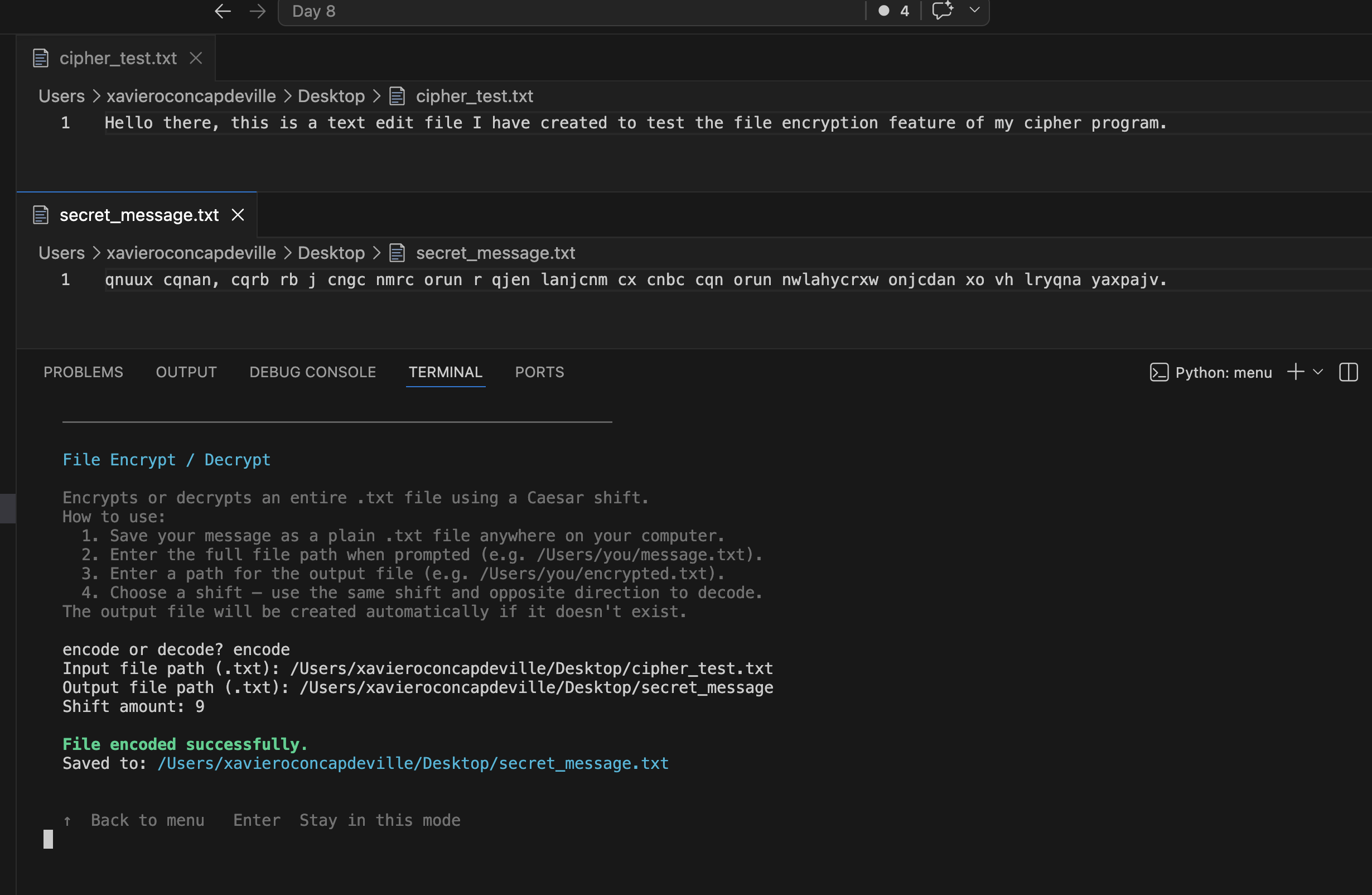
file encryption, ANSI color UI, typewriter animations, and raw arrow-key navigation — all using only the Python standard library.
Overview
Problem
The Day 8 exercise produces a simple working cipher in ~40 lines. That version works, but doesn't reflect what Python engineering
actually looks like — no structure, no reusability, no real UX.
Solution
Kept the original version intact as a snapshot of where the journey started, then rebuilt the project from scratch with proper
architecture: OOP dataclasses, enums for type safety, a cryptanalysis engine, modular separation of concerns, and a polished terminal UI
with color, animation, and keyboard-driven navigation.
Challenges
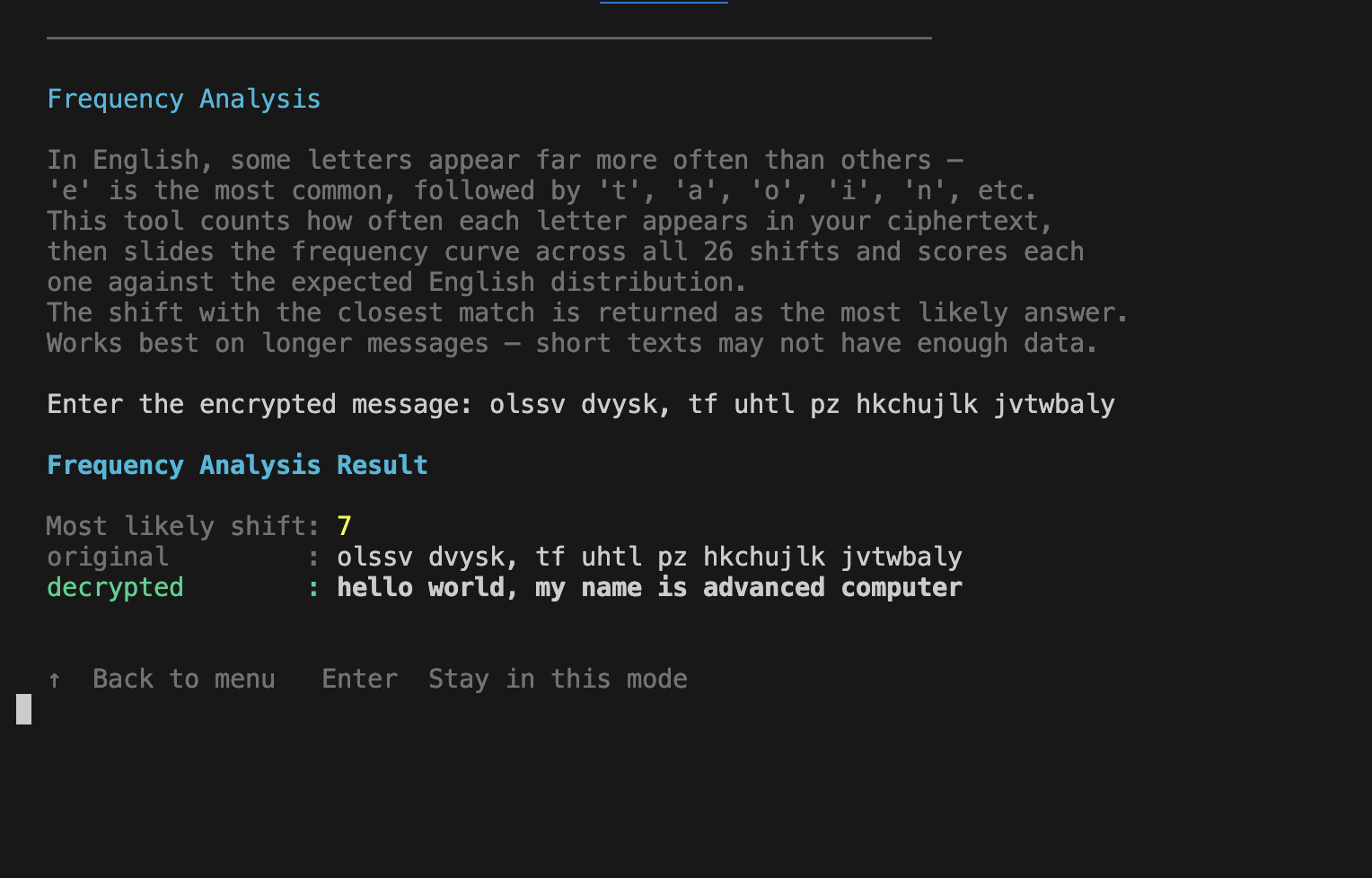
Implementing frequency analysis correctly required choosing a scoring function that works on short texts — sum of squared errors against
the English letter frequency distribution, scored as negative so float("-inf") initialises the baseline naturally. Capturing arrow-key
presses without waiting for Enter required dropping the terminal into raw mode via termios and tty, then parsing the \x1b[A escape
sequence manually.
Results / Metrics
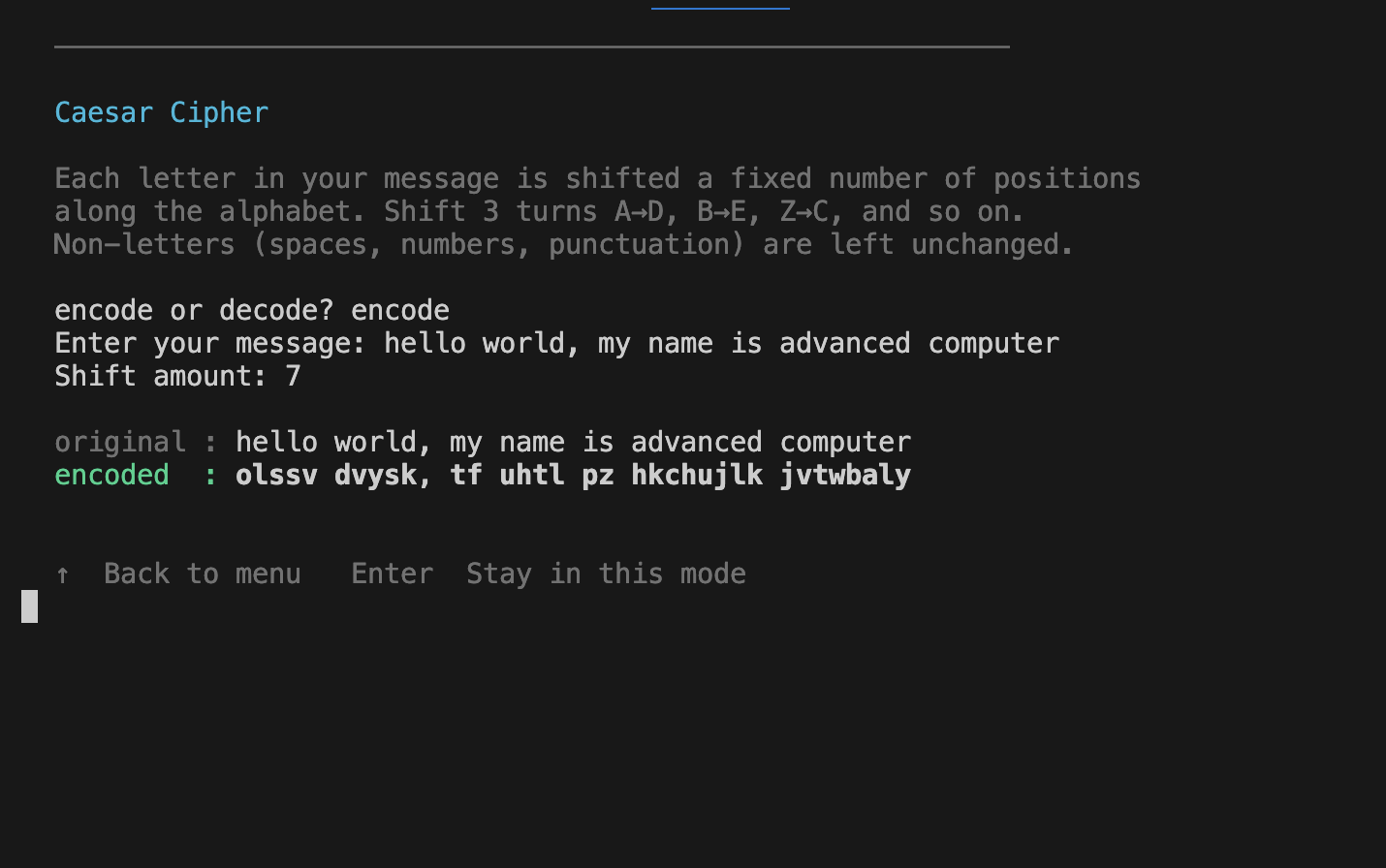
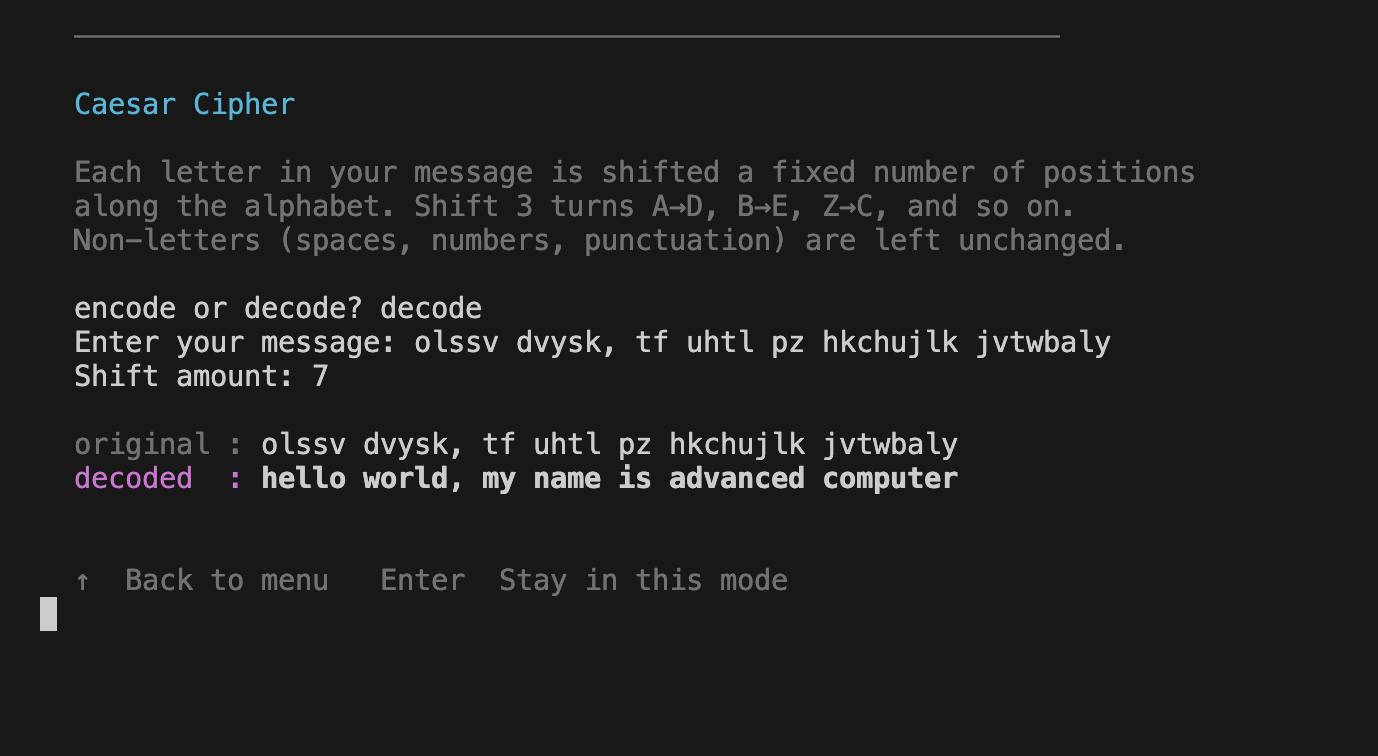
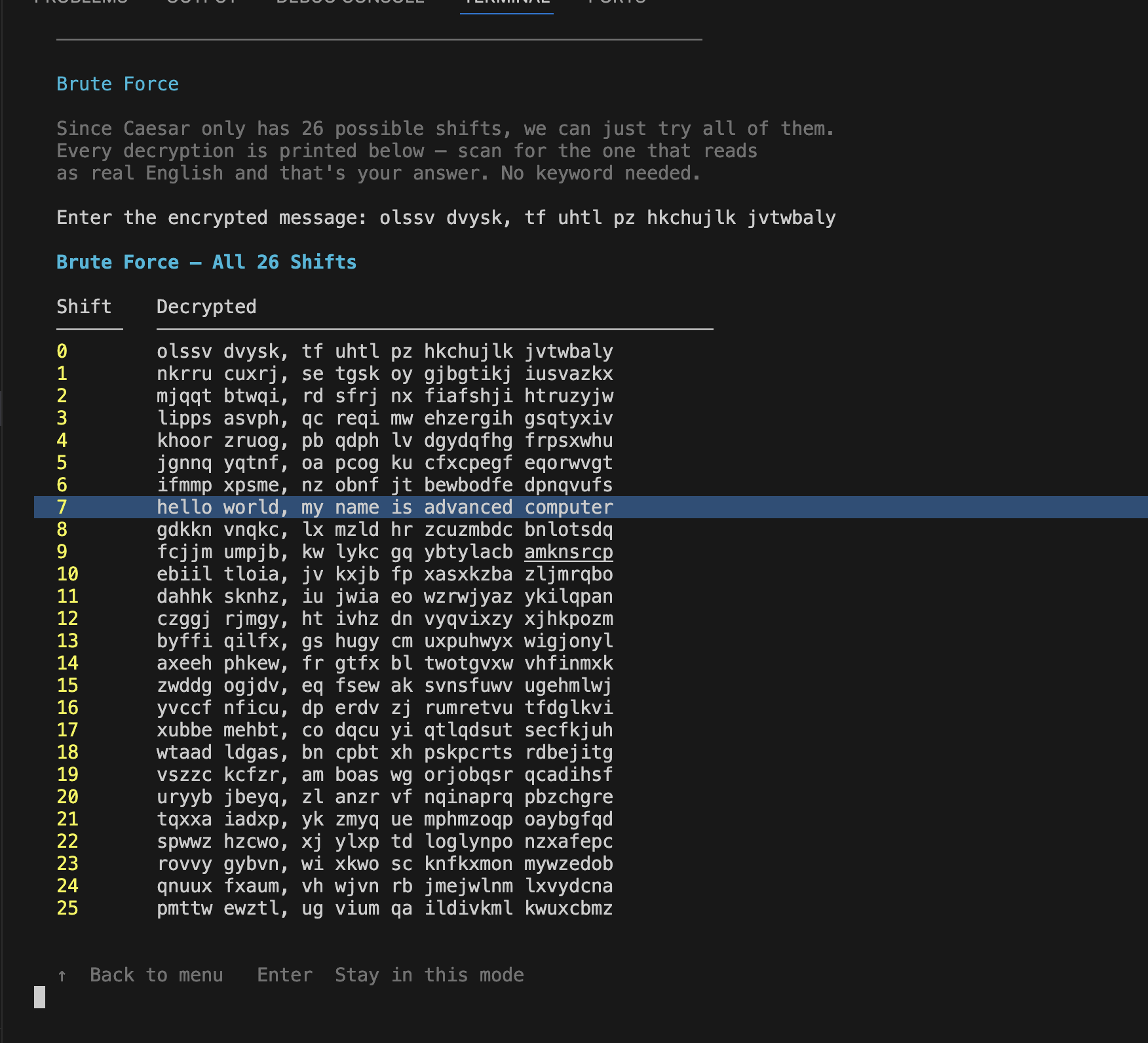
Two fully functional independent programs launched from a shared menu. The advanced version supports 5 modes (Caesar, Vigenère, brute
force, frequency analysis, file encrypt/decrypt), zero external dependencies, and a navigation system where Enter stays in the current
mode and Up arrow returns to the menu. Both versions preserved side-by-side to show the before/after progression.
Screenshots
Click to enlarge.
Click to enlarge.
Videos
No videos available yet.