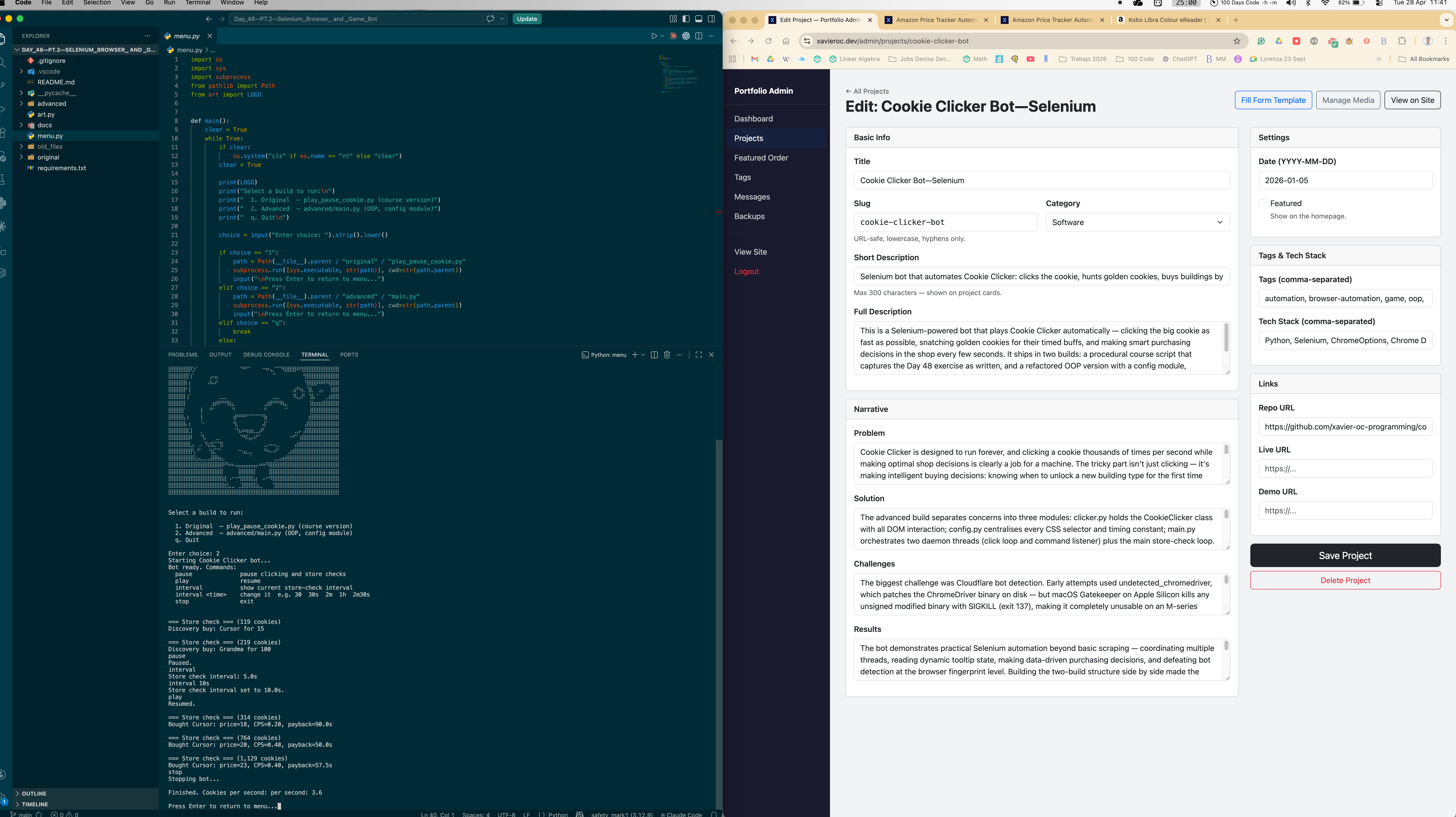
Cookie Clicker Bot—Selenium
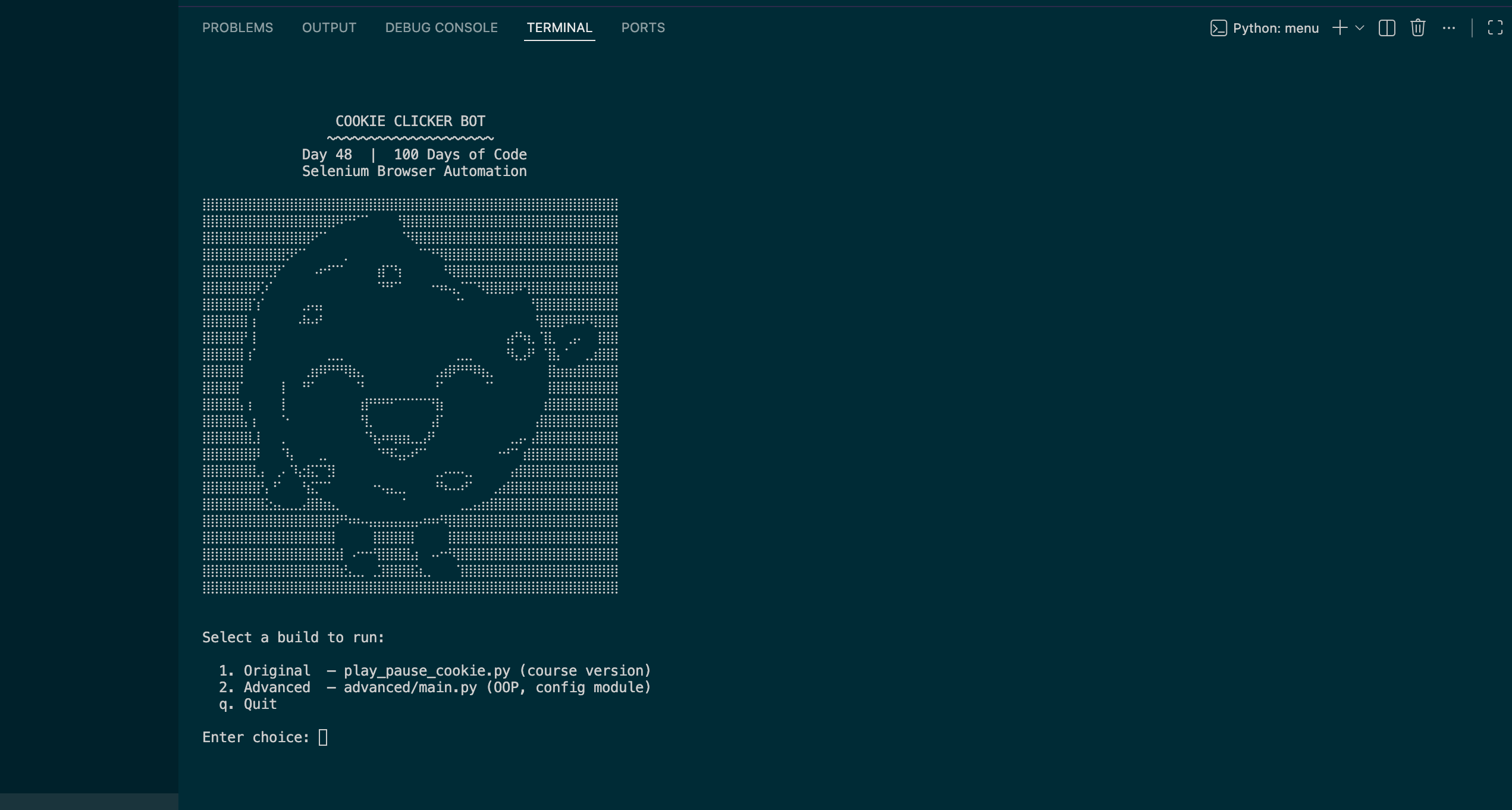
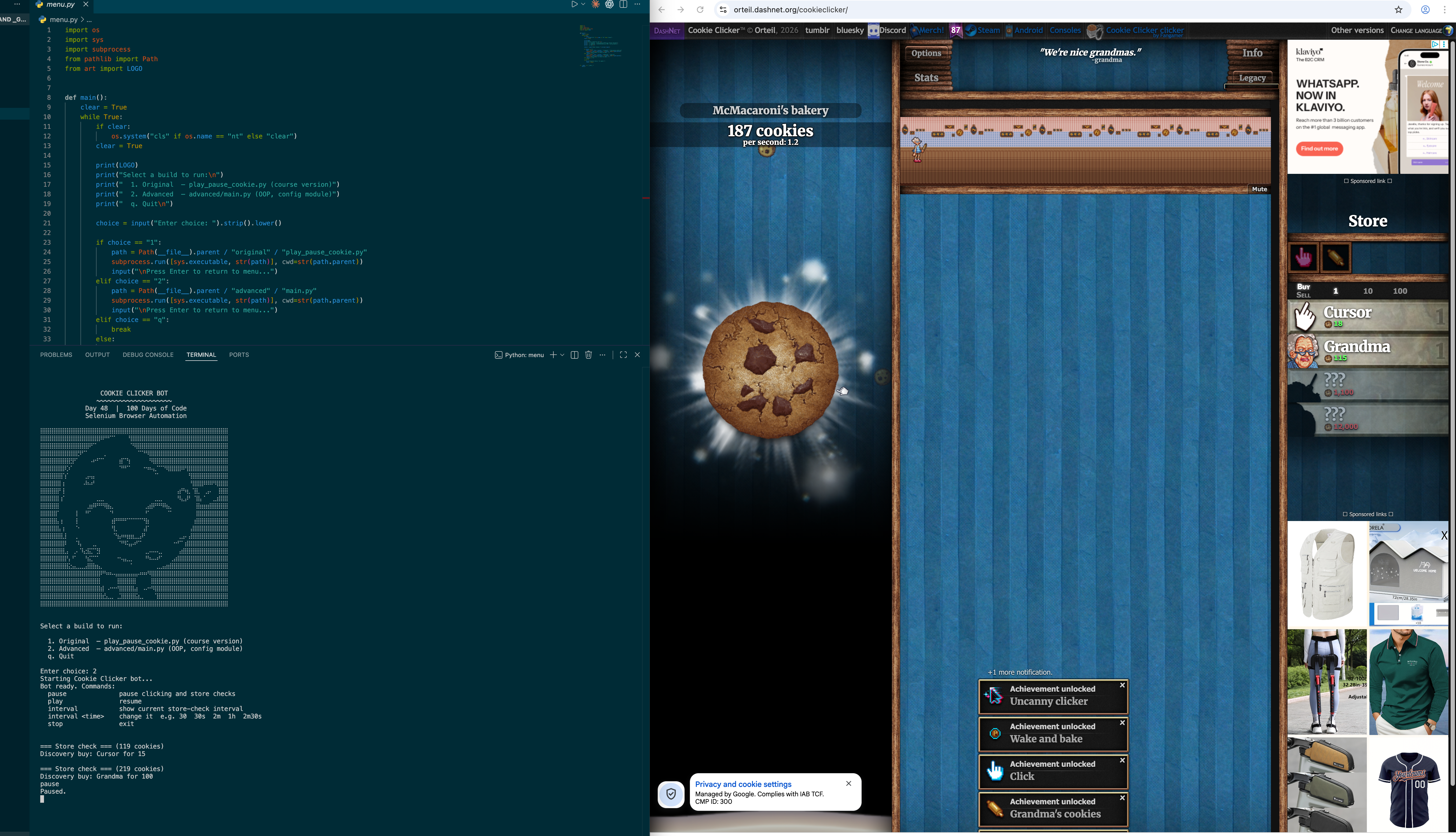
This is a Selenium-powered bot that plays Cookie Clicker automatically — clicking the big cookie as fast as possible, snatching golden cookies for their timed buffs, and making smart purchasing decisions in the shop every few seconds. It ships in two builds: a procedural course script that captures the Day 48 exercise as written, and a refactored OOP version with a config module, threading event coordination, and a runtime console interface. Both builds use CDP-level browser fingerprint spoofing to pass Cloudflare's bot-detection check on the live game site.
Quick Facts
Overview
Problem
Cookie Clicker is designed to run forever, and clicking a cookie thousands of times per second while making optimal shop decisions is clearly a job for a machine. The tricky part isn't just clicking — it's making intelligent buying decisions: knowing when to unlock a new building type for the first time (discovery rule), when to prioritise payback ratio instead, and when to skip the shop entirely because a golden cookie buff is active and every click is worth a multiplier. On top of the game logic, the live site runs Cloudflare bot detection, which blocks vanilla Selenium sessions before the game even loads. There's also a subtle threading problem: hovering over shop items to read tooltip CPS values breaks silently if the click thread is still moving the mouse at the same time, which stops the bot from growing its CPS.
Solution
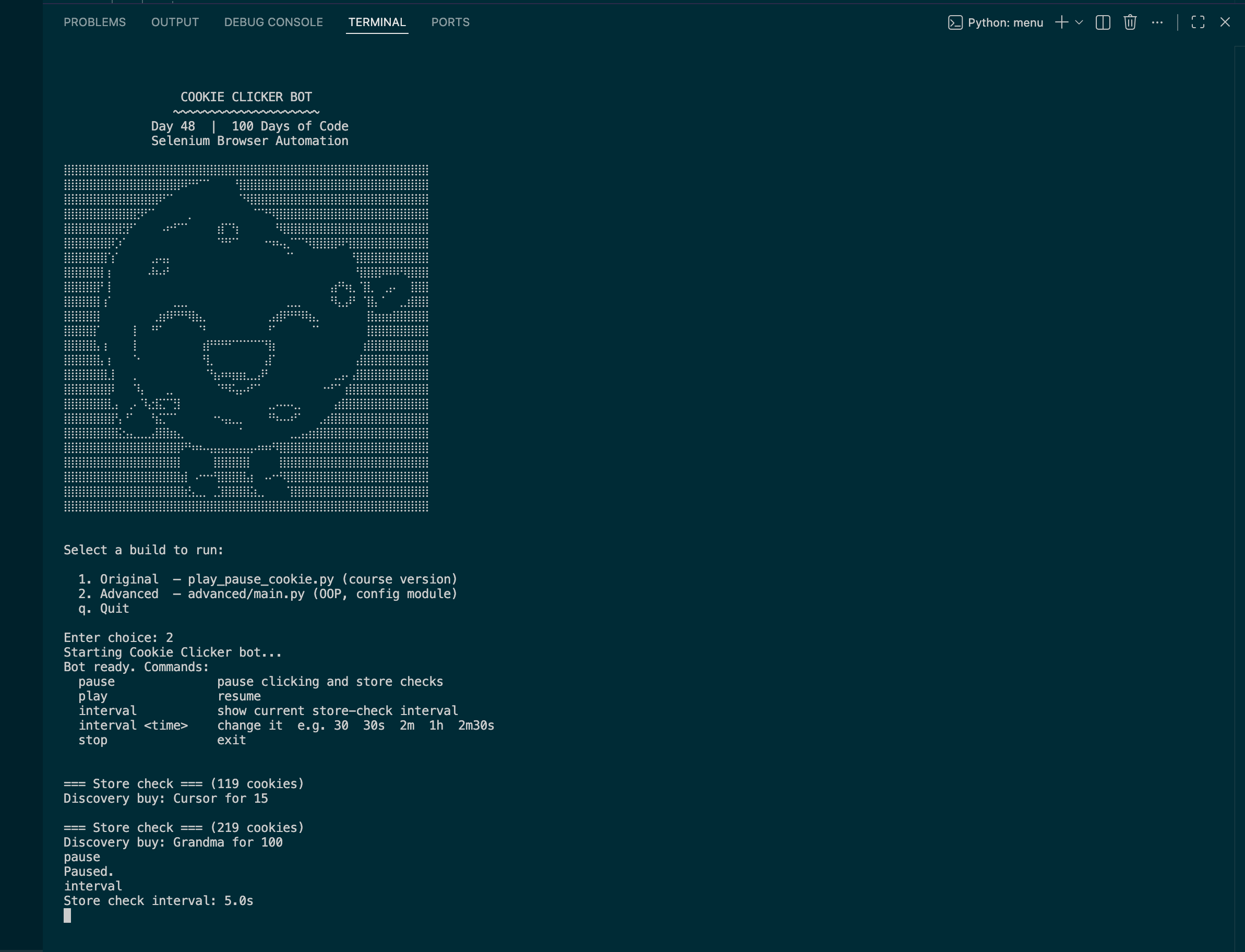
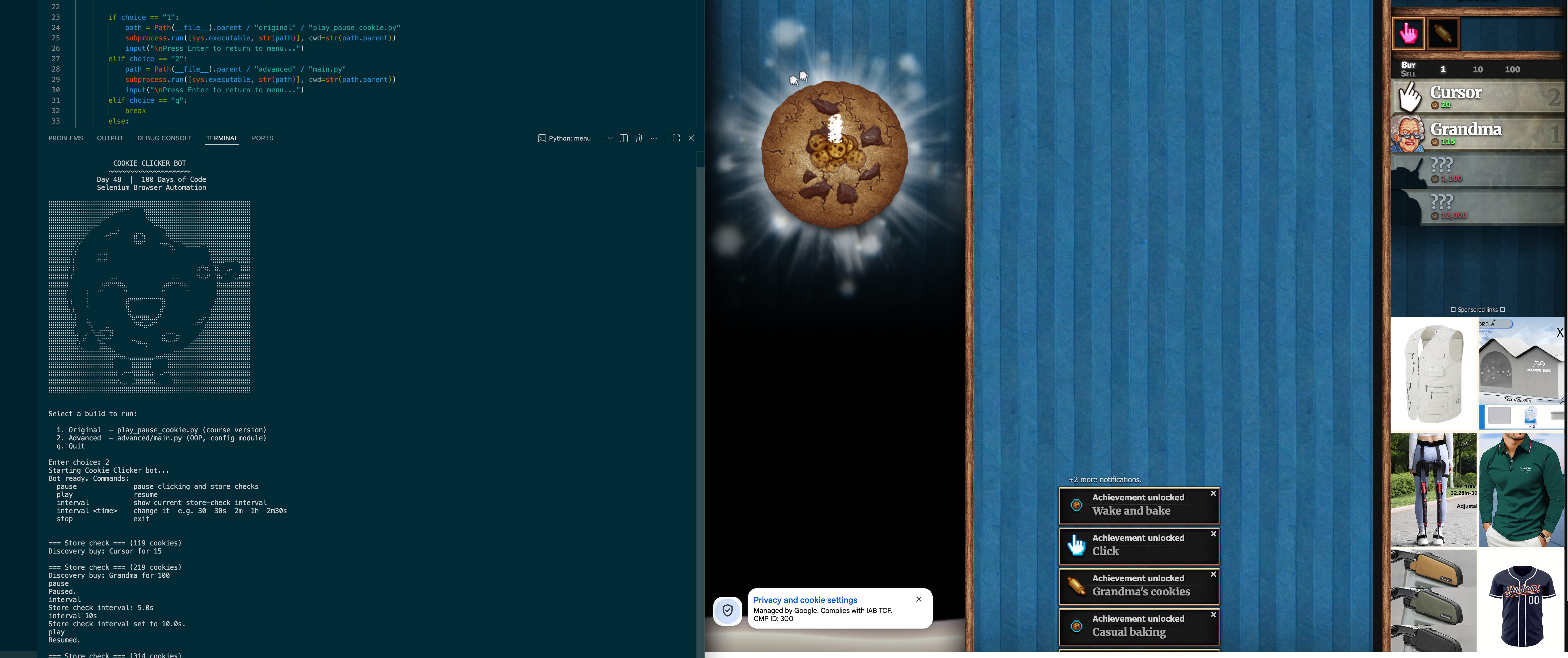
The advanced build separates concerns into three modules: clicker.py holds the CookieClicker class with all DOM interaction; config.py centralises every CSS selector and timing constant; main.py orchestrates two daemon threads (click loop and command listener) plus the main store-check loop. A threading.Event (click_allowed) coordinates the click thread and store-check loop — it's cleared before hovering begins and set in a finally block after, guaranteeing the mouse is free for tooltip reads. Bot detection is bypassed with three ChromeOptions flags plus a CDP Page.addScriptToEvaluateOnNewDocument call that hides navigator.webdriver before the page's own JavaScript runs. The store check implements three purchase strategies in priority order: most expensive available upgrade first, then a discovery buy for any unowned building, then lowest price-to-CPS payback ratio.
Challenges
The biggest challenge was Cloudflare bot detection. Early attempts used undetected_chromedriver, which patches the ChromeDriver binary on disk — but macOS Gatekeeper on Apple Silicon kills any unsigned modified binary with SIGKILL (exit 137), making it completely unusable on an M-series Mac. A fallback to webdriver-manager hit its own timeout fetching ChromeDriver release metadata from Google's servers. The solution that stuck was standard Selenium with CDP flags and navigator.webdriver hidden before page load, applied in the correct order relative to driver.get(). A secondary challenge was the tooltip-read and click-thread race condition: the click thread's constant mouse movement was interrupting ActionChains.move_to_element hovers, causing CPS tooltip reads to fail silently and the bot to stop growing its score. That was solved with threading.Event coordination rather than fragile timing hacks.
Results / Metrics
The bot demonstrates practical Selenium automation beyond basic scraping — coordinating multiple threads, reading dynamic tooltip state, making data-driven purchasing decisions, and defeating bot detection at the browser fingerprint level. Building the two-build structure side by side made the architectural improvements concrete rather than theoretical: the same game strategy looks very different as a flat script versus a class-based module. If I built this again I'd consider a proper ModeController class to encapsulate mode and interval state rather than bare one-element lists — it would make adding a full/click-only toggle cleaner and the code easier to extend. The runtime interval command and buff-aware store skipping are the two features I'm most satisfied with: both came from watching the bot play and noticing exactly where it was leaving cookies on the table.
Screenshots
Click to enlarge.
Click to enlarge.