Coffee & Wifi
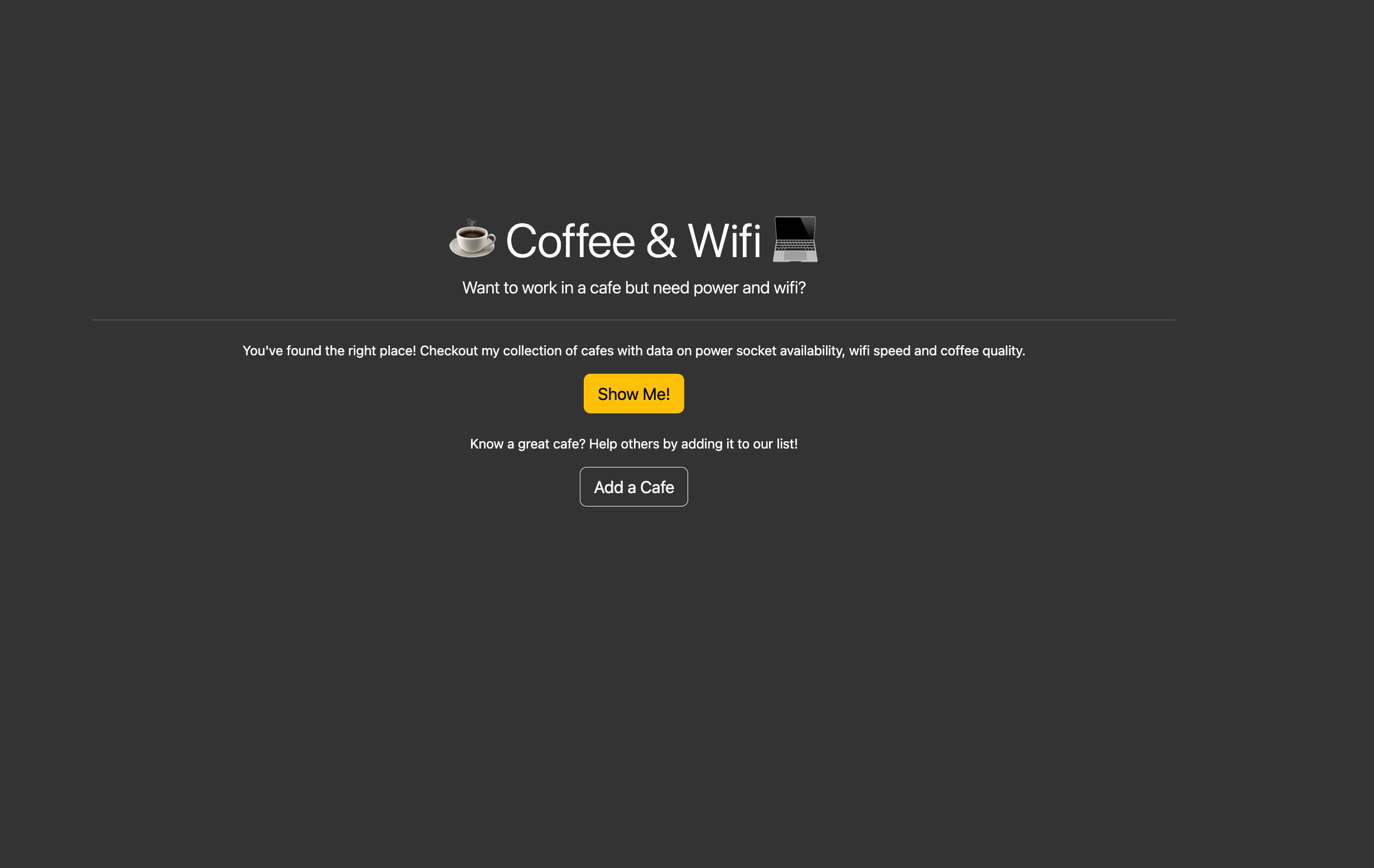
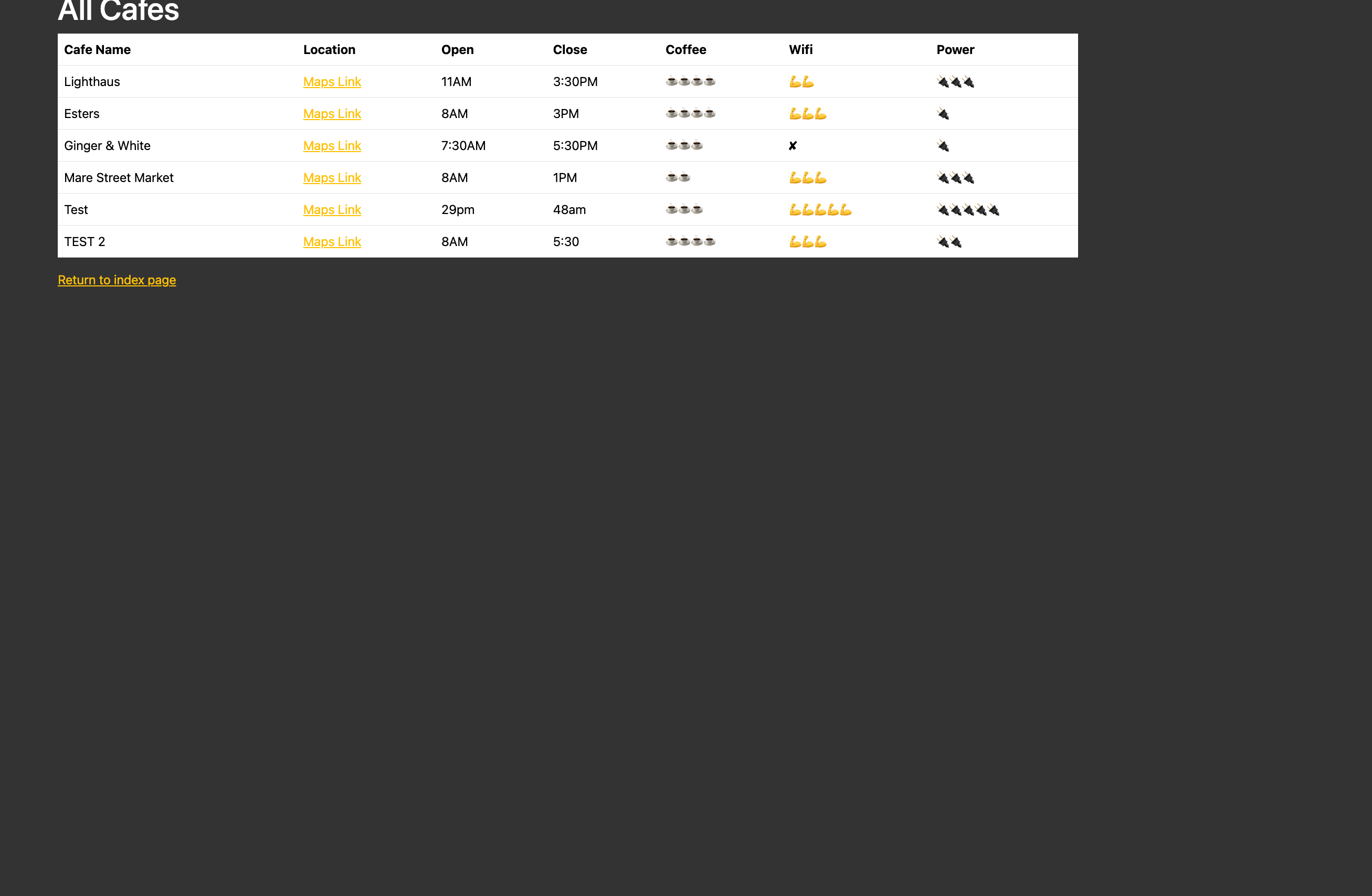
Coffee & Wifi is a crowd-sourced cafe finder built with Flask and WTForms. Users browse a table of rated cafes — each entry includes a Google Maps link, opening hours, and three emoji ratings for coffee, wifi, and power sockets — and can submit new entries through a validated form. It's a clean, self-contained web app with no database required: all data lives in a CSV file. The project demonstrates full request-response cycle handling in Flask, including form validation, POST-redirect-GET, and Jinja2 template inheritance.
Quick Facts
Overview
Problem
Working remotely from a cafe sounds great until you show up and the wifi is down, there are two power outlets for the whole place, and the coffee is instant. There's no centralised, lightweight way to share that kind of on-the-ground intel — Google Maps reviews exist but they don't surface the specifics that actually matter to someone with a laptop. I wanted something dead simple: a table of honest ratings from people who actually sat there and tried to get work done.
Solution
I built a Flask web app with three routes: a home page, a cafe table, and a submission form. The form is a WTForms FlaskForm with select fields for emoji ratings and a URL validator on the Maps link field — so you can't submit garbage. On a valid POST the row is appended to a CSV file with csv.writer, and the user is redirected to the cafes table (POST-redirect-GET pattern). Reading uses csv.DictReader so templates access columns by name rather than positional index. All constants — form choices, the CSV path, the port — live in config.py, and the Flask SECRET_KEY is loaded from a .env file via python-dotenv.
Challenges
The trickiest part was something that sounds trivial: making the file paths work regardless of where the script is launched from. The course solution used a bare "cafe-data.csv" string which resolves relative to the working directory — run it from a different folder and it silently breaks. Switching to Path(__file__).parent / "cafe-data.csv" anchors the path to the script's location, which is the right pattern for any Flask project. It was a small fix but it highlighted something important: a lot of course code implicitly assumes you always run it from the project root, which doesn't hold in practice.
Results / Metrics
The finished app handles the full CRUD loop for a single resource — create via form submission, read via the cafe table — with proper validation, redirect-after-POST, and environment-based configuration. I came away with a solid mental model of the Flask request lifecycle and a reusable pattern for WTForms + CSV projects. The structure (flat files, forms.py separated, config.py for constants) is something I've carried into every Flask project since. If I were to extend it, I'd swap the CSV for SQLite and add a delete button — but for a Day 62 exercise, keeping it database-free was the right call.
Screenshots
Click to enlarge.
Click to enlarge.