Flash Card App
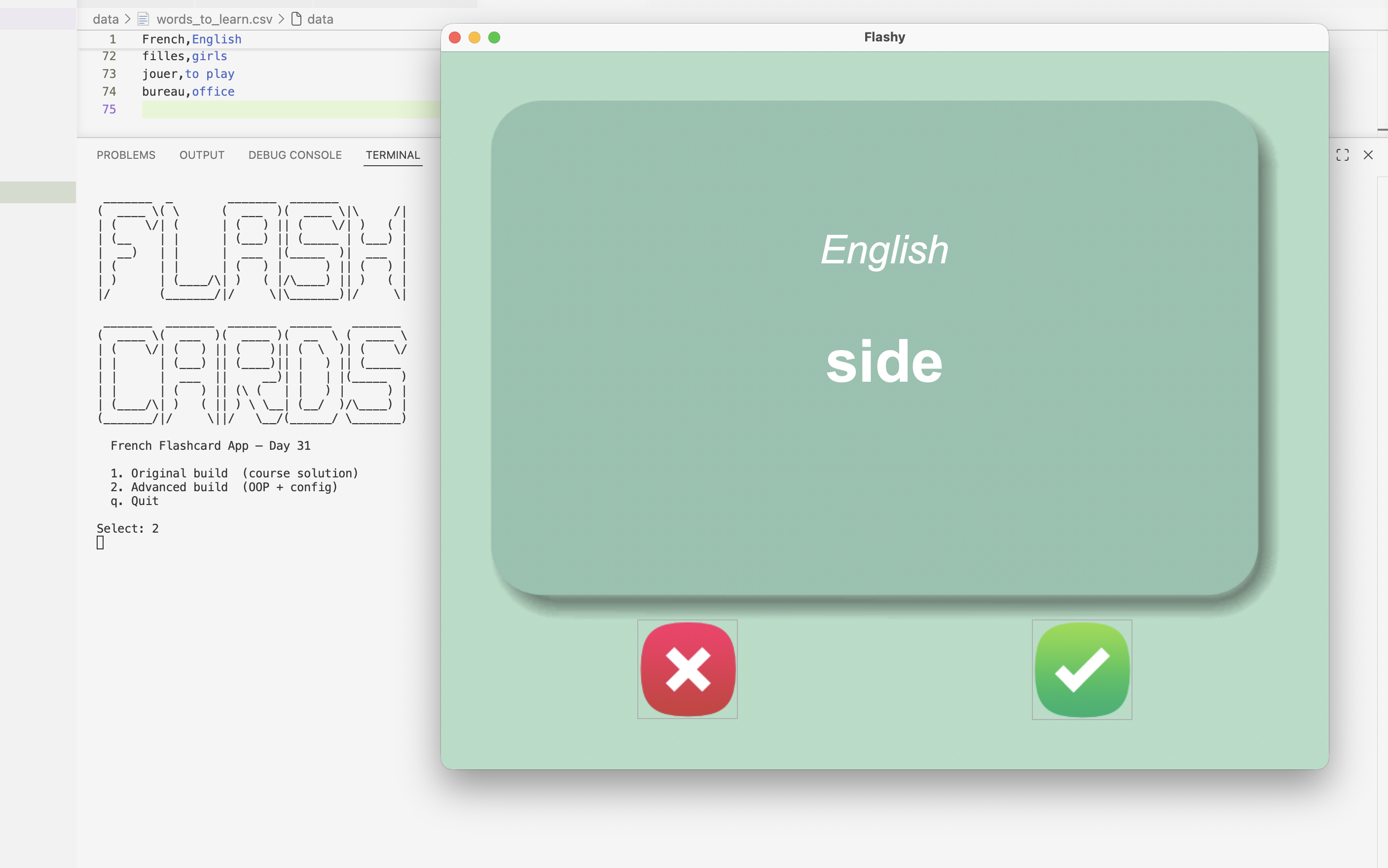
This is a French-to-English flashcard app built with Python and tkinter as part of Day 31 of 100 Days of Code. It displays random French words on a card, auto-flips to the English translation after 3 seconds, and tracks which words you've already learned between sessions. The repo ships two builds: a verbatim course solution and a refactored advanced version with clean OOP architecture, zero magic numbers, and no third-party dependencies.
Overview
Problem
Learning vocabulary from a flat list is tedious — there's no way to skip words you already know, and every session starts from scratch. A flashcard app solves the "what do I study next?" problem by randomly surfacing words from a shrinking remaining deck. Without persistence, you'd restart from the full 100-word list every time, making it impossible to feel real progress. The auto-flip timer also removes the temptation to peek immediately — you have to attempt the recall first before the answer appears.
Solution
The app loads a CSV of French/English word pairs and displays them one at a time on a tkinter Canvas with a card graphic. A root.after() timer flips the card automatically after 3 seconds; clicking the card cancels the timer and flips it manually. Marking a word as known removes it from the in-memory list and immediately persists the remaining words to a separate CSV file, which is loaded on the next launch so known words are permanently skipped. The advanced build separates all word-list logic into a FlashCard class and all UI into a Display class, with main.py wiring them together via injected callbacks — making the logic fully testable without a display and the UI swappable without touching business logic.
Challenges
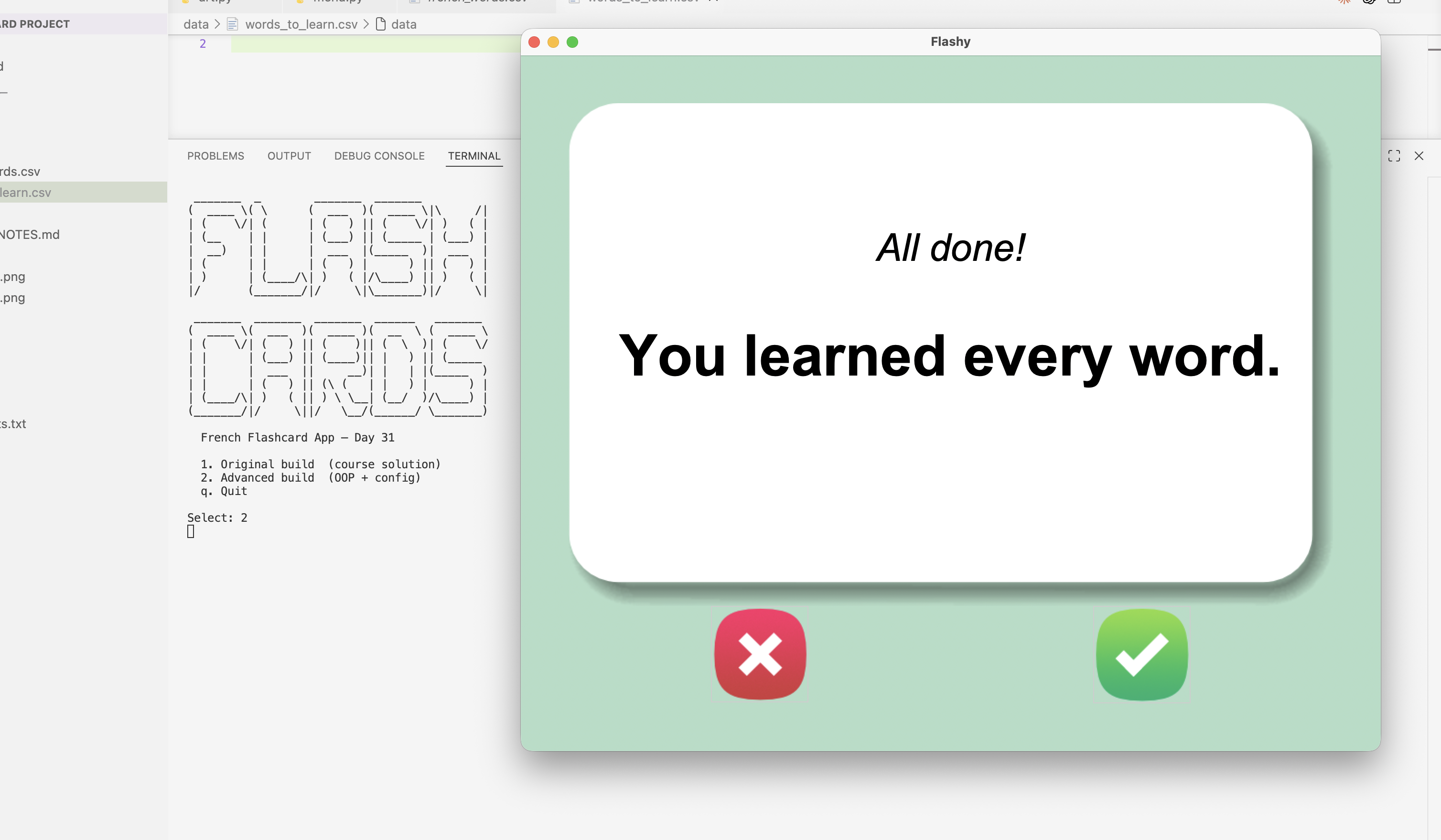
The trickiest part was managing the auto-flip timer correctly. root.after() schedules a callback but doesn't prevent stale callbacks from firing if the user acts before the timer expires — without cancellation, a manual card click would flip the card and then the timer would flip it straight back. The fix was to always call after_cancel() on any pending timer ID before scheduling a new one, and to clear the stored ID inside the callback itself so the cancel check stays accurate. A second edge case appeared with an empty words_to_learn.csv: if the file existed but had no rows, the app loaded an empty deck and jumped straight to "All done!" The fix was to check the loaded list length and fall back to the full original deck if it was empty.
Results / Metrics
This project demonstrates clean separation of concerns in a tkinter app — something the course doesn't cover but which makes the code dramatically easier to reason about and extend. Replacing pandas with the stdlib csv module in the advanced build cut startup time noticeably and removed a third-party dependency entirely. I learned that even small GUI apps benefit a lot from keeping logic and display in separate classes, especially once timer state and edge cases start piling up. The one thing I'd add next is a visible counter showing how many words remain in the deck — right now there's no progress indicator, which makes the session feel a bit open-ended.
Screenshots
Click to enlarge.
Click to enlarge.