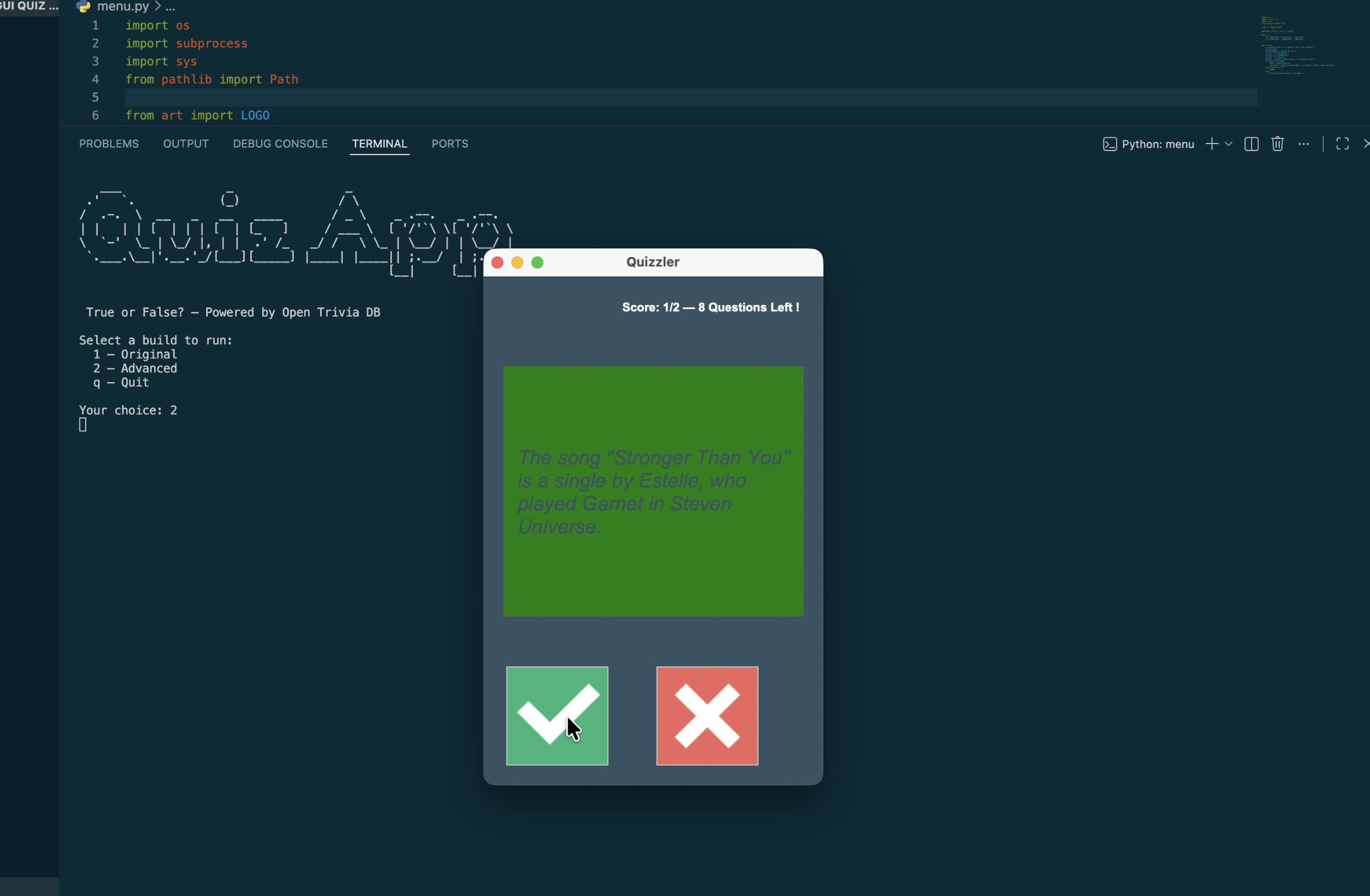
GUI Quiz App
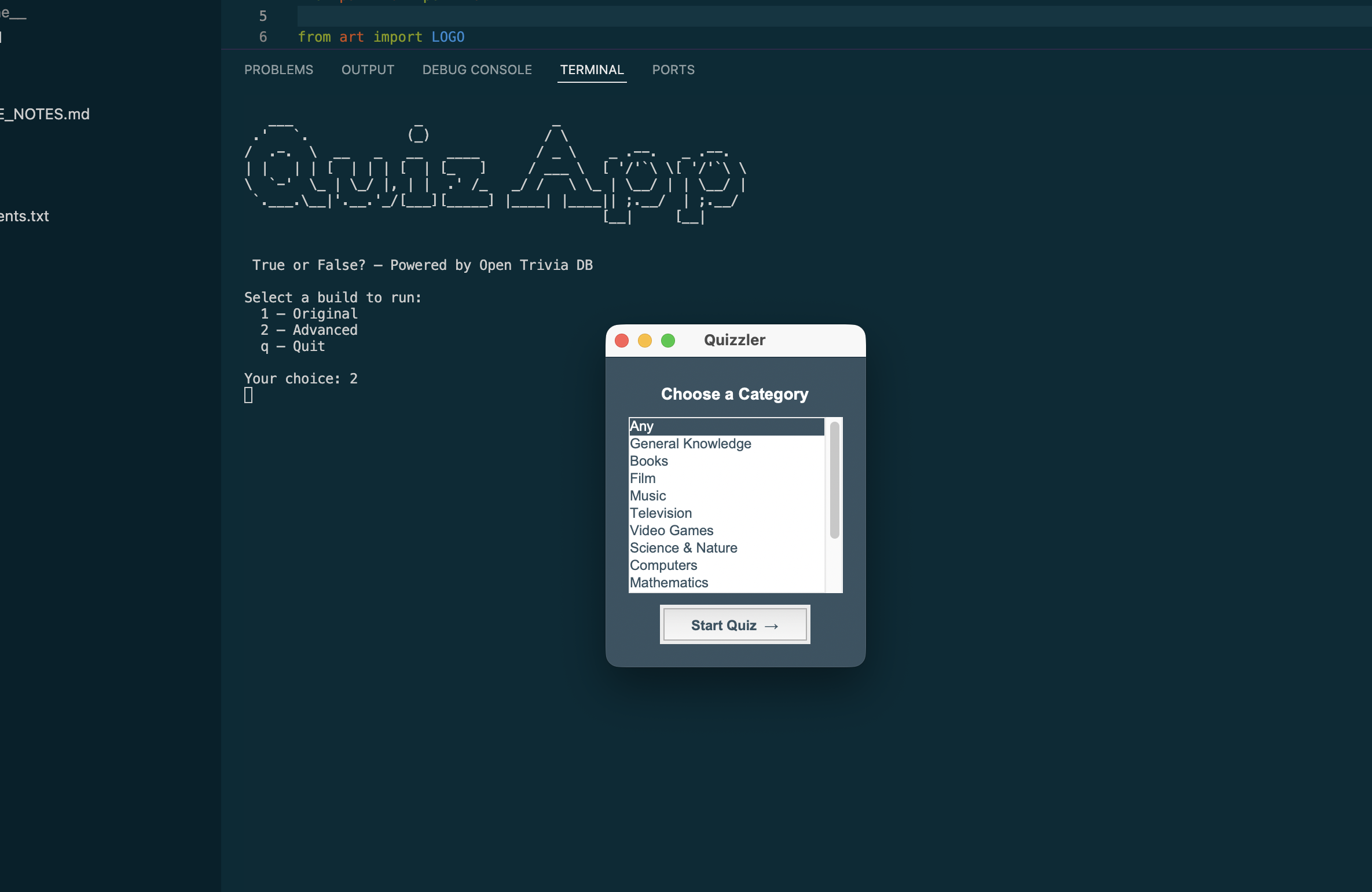
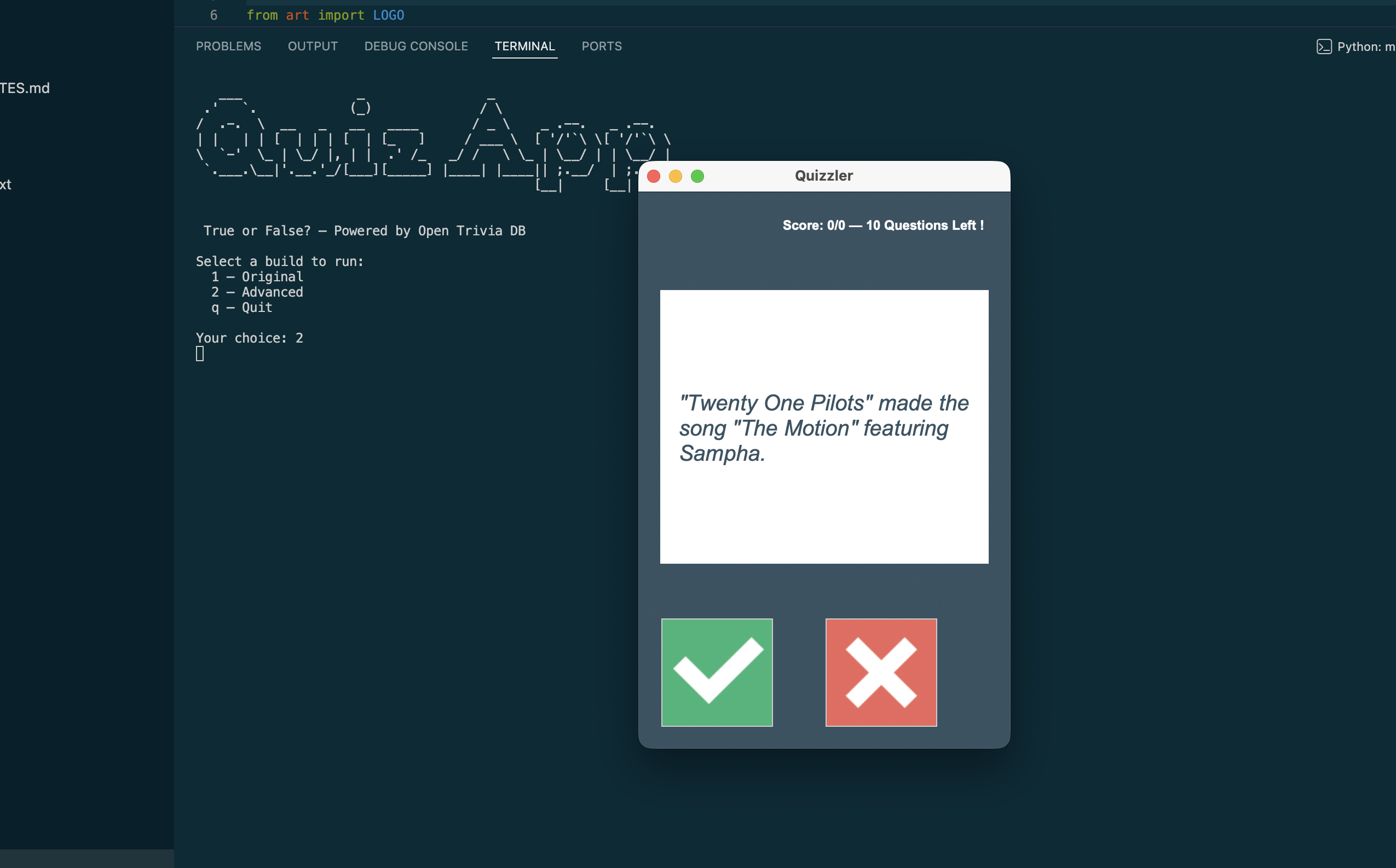
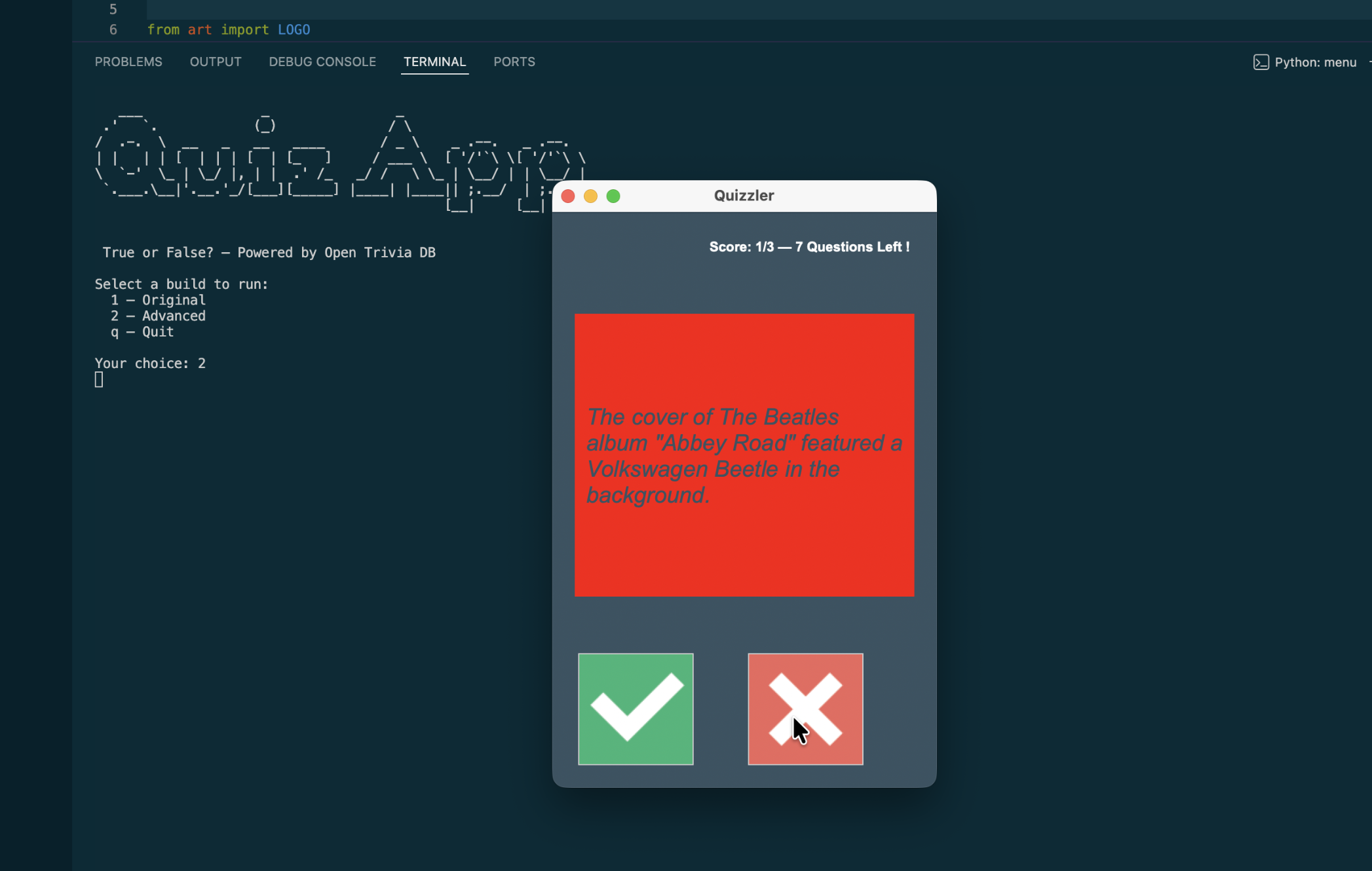
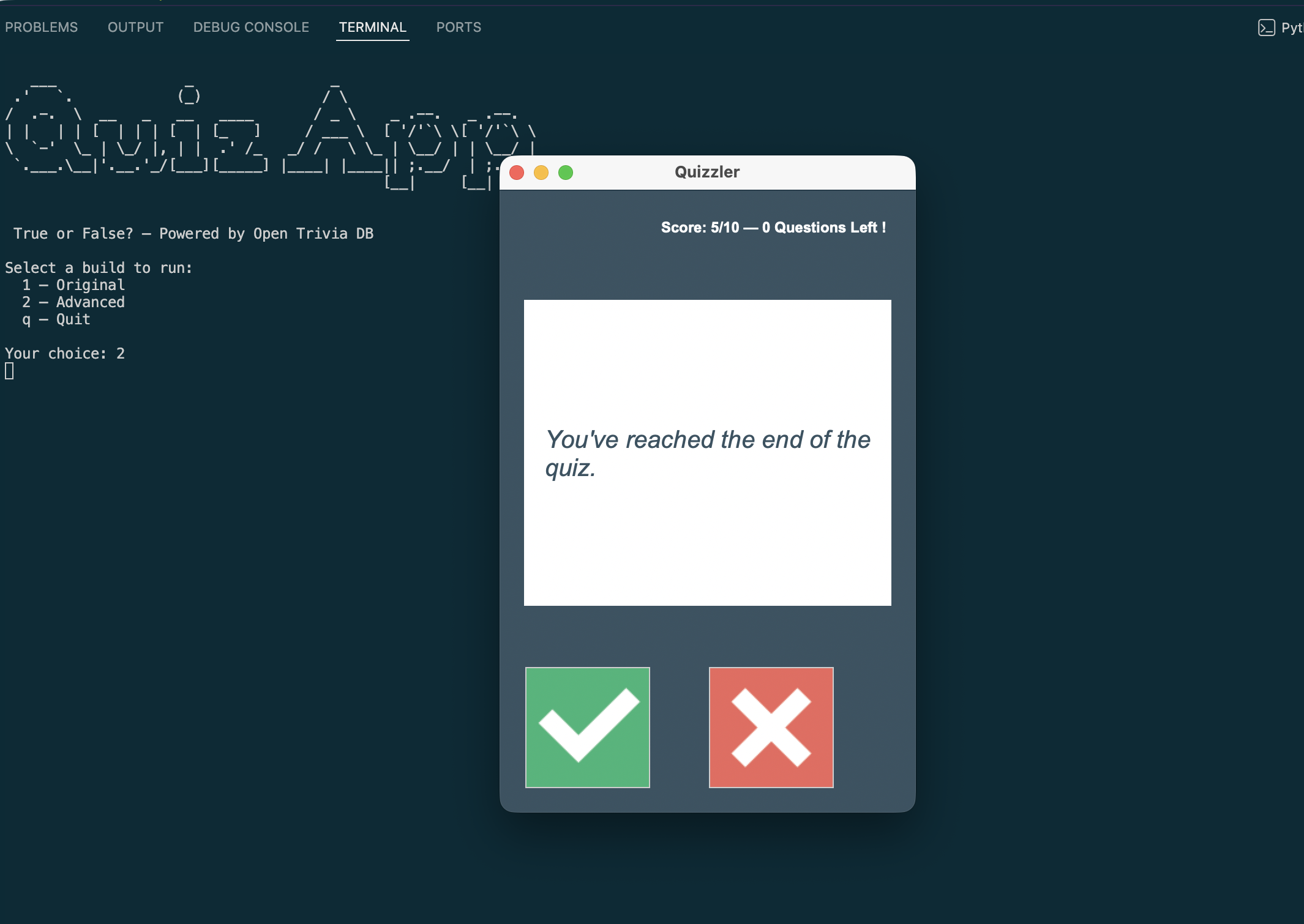
Quizzler is a True/False trivia quiz app that pulls live questions from the Open Trivia Database API across 15 topic categories — from General Knowledge to Video Games to History. Built with Python and Tkinter, it gives instant colour feedback on each answer and tracks your running score as you go. The project ships two builds: a faithful original and a fully refactored advanced version featuring a Tkinter category selector, centralised config, and strict UI/logic separation.
Overview
Problem
Most beginner Tkinter projects work with hardcoded or local data, which sidesteps the interesting challenge of coordinating a live network call with a GUI event loop. The original course build fetched questions at import time and hardcoded a single category — fine for learning, but it meant the quiz always felt the same and the fetch happened silently whether you wanted it or not. Beyond that, the original tangled UI code and quiz logic together in a single class, making it hard to reason about or extend. I wanted to see what the same project looked like when those concerns were properly pulled apart.
Solution
The advanced build splits the app into dedicated modules: `QuizBrain` handles all quiz state with zero tkinter imports, `data.py` exposes a `fetch_questions(category)` function that only fires when explicitly called, and `Display` owns every widget while knowing nothing about quiz rules. `main.py` acts as the orchestrator, wiring the two sides together via constructor callbacks. For category selection I built a Tkinter `Listbox` selector directly inside the main window — no terminal prompt, no separate dialog — that swaps out for the quiz layout once the user makes a choice. All constants (colours, fonts, timing, API parameters, selector sizing) live in a single `config.py` so there are zero magic numbers anywhere else in the codebase.
Challenges
The trickiest part was the two-phase startup: `Display.__init__` receives an `on_category_select` callback, but the quiz callbacks (`on_true`, `on_false`) can't exist until after the API fetch — which only happens after the user picks a category. That meant `Display` needed a second entry point, `start_quiz(on_true, on_false)`, called from `main.py` once the `QuizBrain` was ready. The other tricky bit was giving the user visual feedback ("Loading questions…") before the blocking network call. Tkinter won't repaint until the event loop gets control back, so the loading text would never appear if I called `fetch_questions()` synchronously right after hiding the selector. The fix was scheduling the API call with `root.after(50, ...)`, giving tkinter one render cycle to paint the canvas before the request goes out.
Results / Metrics
The project gave me a solid feel for applying MVC thinking in a desktop GUI context — separating what the app knows from what it shows is just as valuable in Tkinter as it is anywhere else. I came away with a much clearer mental model of how tkinter's event loop works and where blocking calls will bite you. If I were to extend it I'd move the API call to a background thread with `threading.Thread` and use `root.after()` to poll for the result, which would eliminate the brief freeze entirely. The two-build structure also turned out to be a nice way to document the progression from "course solution" to "production-shaped code" in a single repo.
Screenshots
Click to enlarge.
Click to enlarge.