Gym Booking Bot
A Selenium automation bot that takes the weekly chore of booking gym classes off your plate entirely. It logs in, scans the class schedule, targets every Tuesday and Thursday 6 PM session, and clicks Book Class or Join Waitlist for each one without any manual input. Built as Day 49 of 100 Days of Code, the project ships in two versions: the original single-file course script and a refactored OOP build with separate modules for browser management and booking logic. It includes a retry wrapper for network resilience, a persistent Chrome profile, and a GitHub Actions workflow for scheduled weekly runs.
Quick Facts
Overview
Problem
Booking gym classes manually means opening the site every week, logging in, scanning the schedule, and clicking the right buttons before spots fill up. Miss a week and you lose your slot, or end up scrambling to join a waitlist. The practice site even simulates real-world chaos by randomly failing network requests at a 50% rate, which is exactly the kind of flakiness that would cause a naive bot to silently fail mid-run. On top of that, Chrome's built-in password breach detector would pop up a blocking dialog partway through the login sequence and halt the whole automation. These weren't hypothetical edge cases but actual friction I had to solve before the bot could run reliably end to end.
Solution
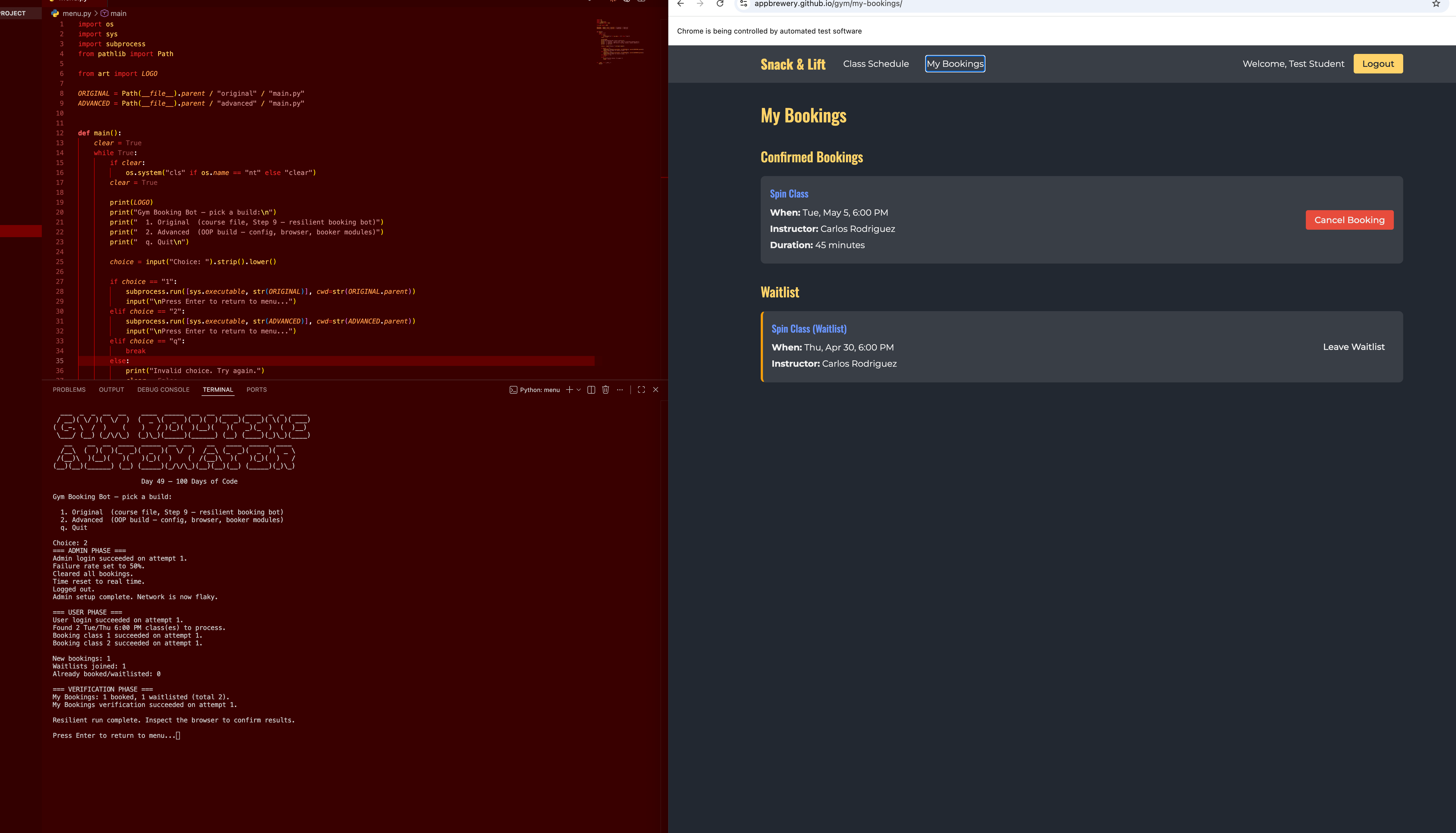
I built a Selenium bot around a persistent Chrome profile so sessions, cookies, and login state carry over between runs. The core flow is: log in as admin to enable network simulation and clear previous bookings, then log in as the user account and scan all class cards using CSS selector patterns. To find which day each card belongs to, the bot traverses the DOM upward with an XPath ancestor query to read the parent day-group heading. Each booking attempt is wrapped in a configurable retry function that catches Selenium exceptions and retries up to seven times with a 0.5 s delay. The advanced build separates concerns into GymBrowser for all driver logic and ClassBooker for all booking decisions, with every constant in config.py and credentials loaded from .env.
Challenges
The hardest problem was making the bot resilient against the site's intentional 50% network failure simulation. A simple try/except around the whole run would mean one bad request kills all subsequent bookings. The fix was a per-action retry wrapper that catches TimeoutException, NoSuchElementException, and WebDriverException individually so each booking attempt gets its own seven chances while the others are unaffected. An unexpected second challenge was Chrome's password breach popup: because the course uses "password123" as the student account password it's a known breached credential, and Chrome would throw up a blocking dialog mid-login that Selenium's switch_to.alert couldn't reach because it is a native browser UI element, not a JavaScript alert. Disabling three ChromeOptions prefs (credentials_enable_service, password_manager_enabled, password_manager_leak_detection) suppressed it cleanly without touching the browser profile.
Results / Metrics
The project demonstrates end-to-end browser automation with real resilience patterns rather than just happy-path Selenium. Structuring the advanced build around GymBrowser and ClassBooker made each piece independently readable and easy to reason about, and wiring HEADLESS=true into the GitHub Actions workflow means the whole thing can run in CI without a display. The biggest takeaway was that production-grade automation is less about the clicking logic and more about anticipating the ways it can silently fail. If I were extending this, I would add a notification step (email or Slack) to confirm which classes were booked each week, so there is an audit trail beyond the console output.
Screenshots
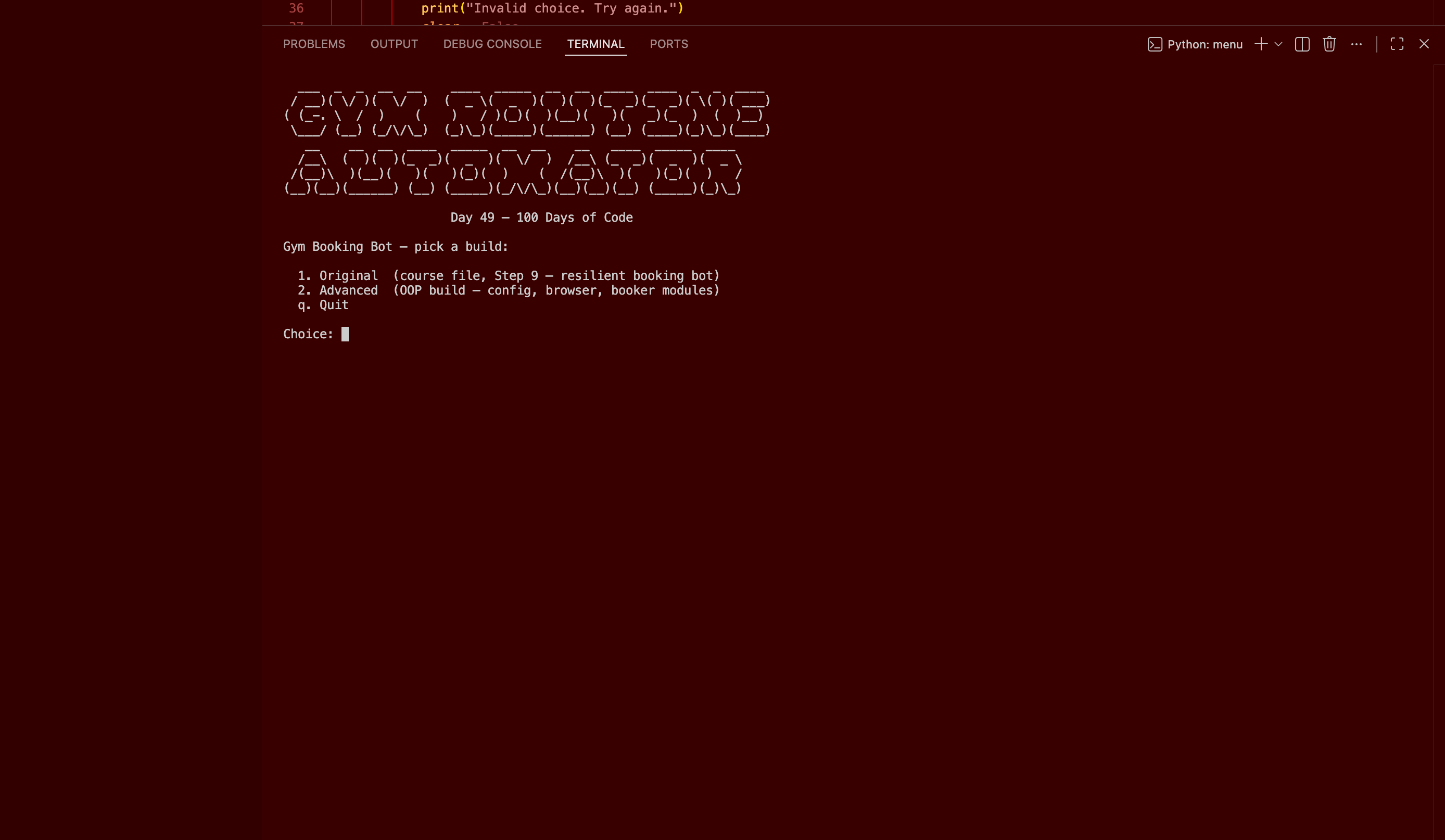
Click to enlarge.
Click to enlarge.