Miles ⇄ Km Converter
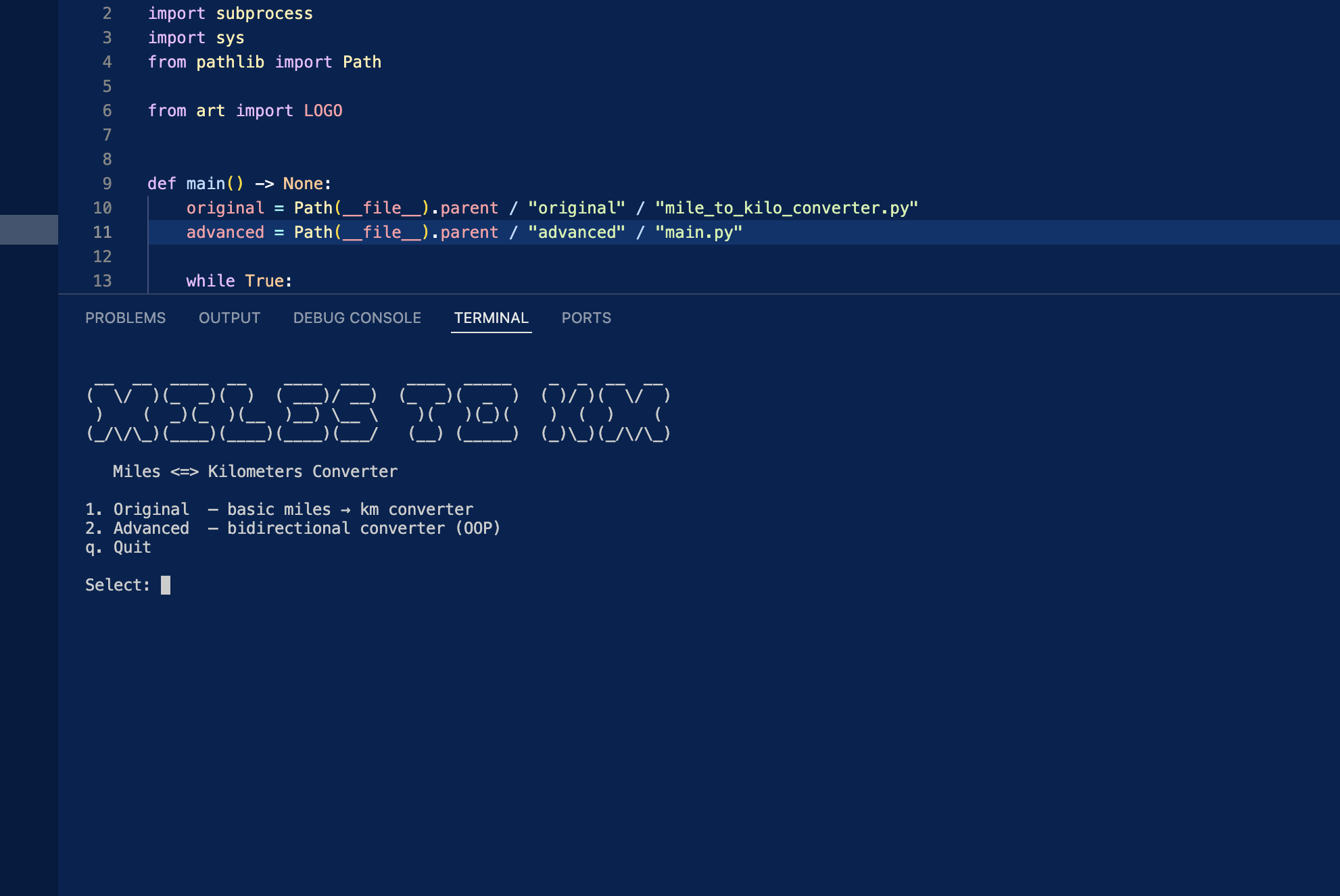
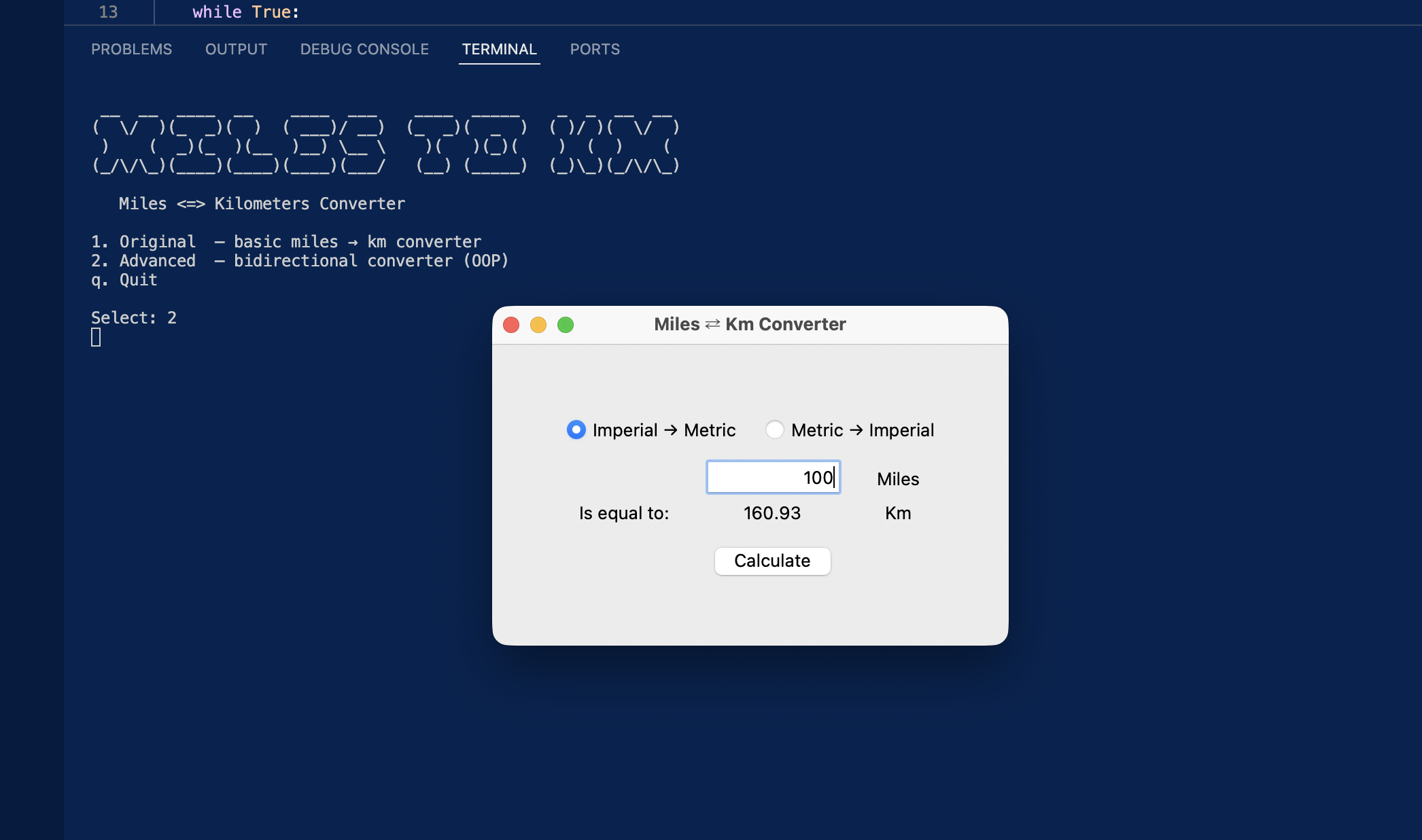
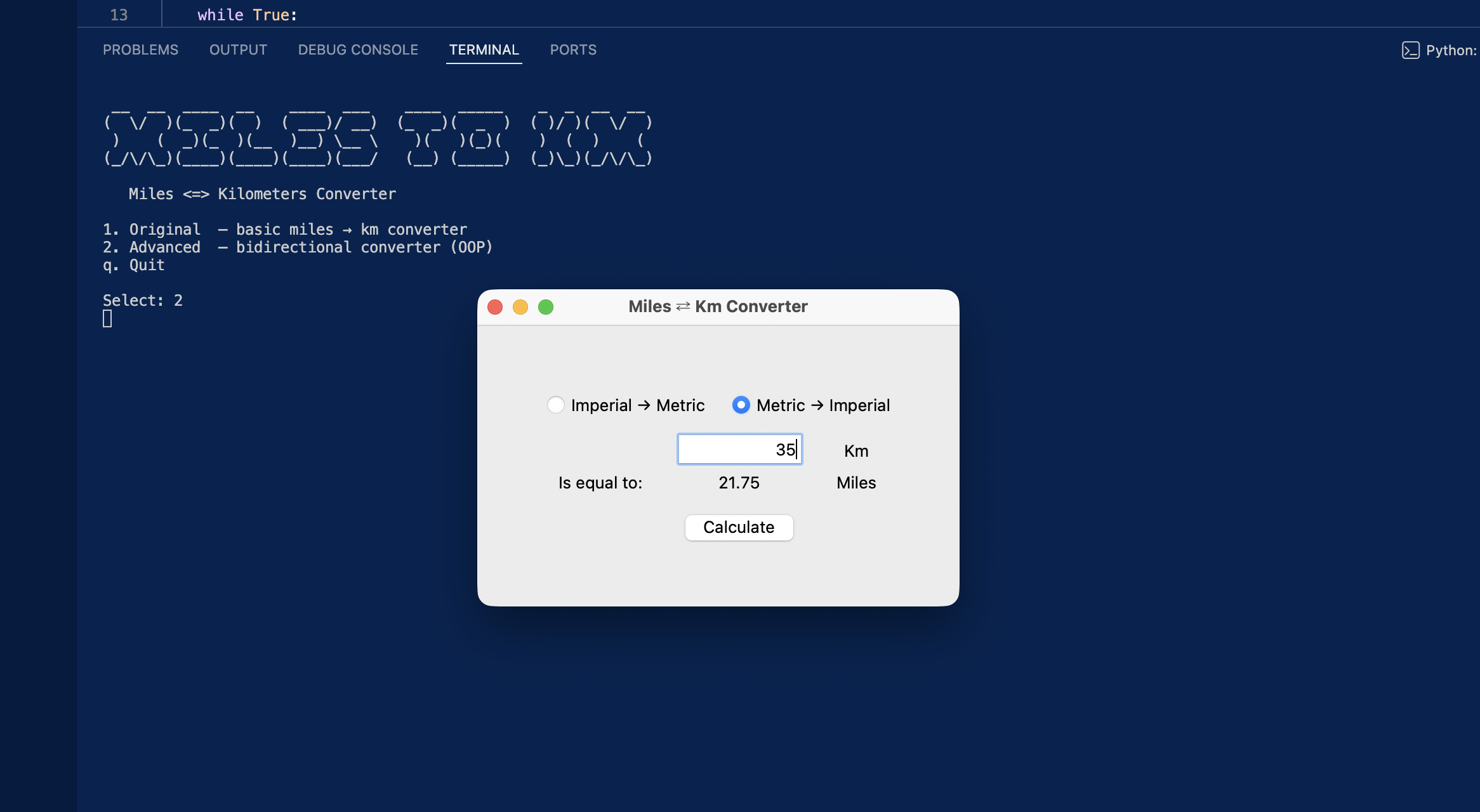
A bidirectional miles-to-kilometers converter built with Python's tkinter. The original build covers the core Day 27 exercise — one-way conversion with a minimal grid layout. The advanced build refactors everything into a clean OOP architecture with a pure-logic Converter class, a Display class that owns all widgets, and a config module with zero magic numbers. Both builds launch from a shared terminal menu.
Overview
Problem
Learning tkinter for the first time, the natural instinct is to mix UI code, business logic, and constants all in one file — which is exactly what the course exercise does. That works fine for a 50-line script, but it means you can't reuse the conversion logic, test it independently, or change the UI without touching the maths. There's also the problem of magic numbers scattered across widget constructors: change the window size or the conversion factor and you're hunting through the whole file. I wanted to see what the same app looked like when those concerns were properly separated.
Solution
I built two versions side by side. The original lives verbatim in original/ — exactly as the course intended. The advanced build separates everything: Converter handles the maths with no tkinter dependency, Display owns the root window and every widget, and main.py wires them together by injecting callbacks into Display via its constructor. All constants — window dimensions, the conversion factor, mode strings — live in config.py as the single source of truth. Both builds launch from a shared menu.py terminal launcher using subprocess.run with cwd= so sibling imports resolve correctly whether you run from the menu or directly.
Challenges
The trickiest part was getting the callback wiring right without coupling Display to the rest of the app. In tkinter, widgets fire events directly, so the instinct is to let Display call methods on a controller — but that would mean Display needs to know about Converter and app state. Instead I injected plain callables into Display.__init__, defined as closures in main.py. That raised another issue: making mutable shared state (the current conversion mode) work across those closures without nonlocal. The fix was wrapping the mode string in a one-element list (current_mode: list[str] = [MODE_IMP2MET]), a clean Python idiom for a mutable closure cell that I'll be reusing across future tkinter builds.
Results / Metrics
The project demonstrates a practical separation-of-concerns pattern for tkinter that scales cleanly to more complex apps. Converter is independently testable, Display is fully swappable, and config.py means any constant change is a single-line edit. If I were to extend this — adding a history log, more unit types, or a dark mode — none of those changes would require touching the conversion logic. The portfolio structure (menu launcher, ASCII art, full README, original + advanced branches) is now a reusable template I'm applying across all my Day X tkinter projects.
Screenshots
Click to enlarge.
Click to enlarge.