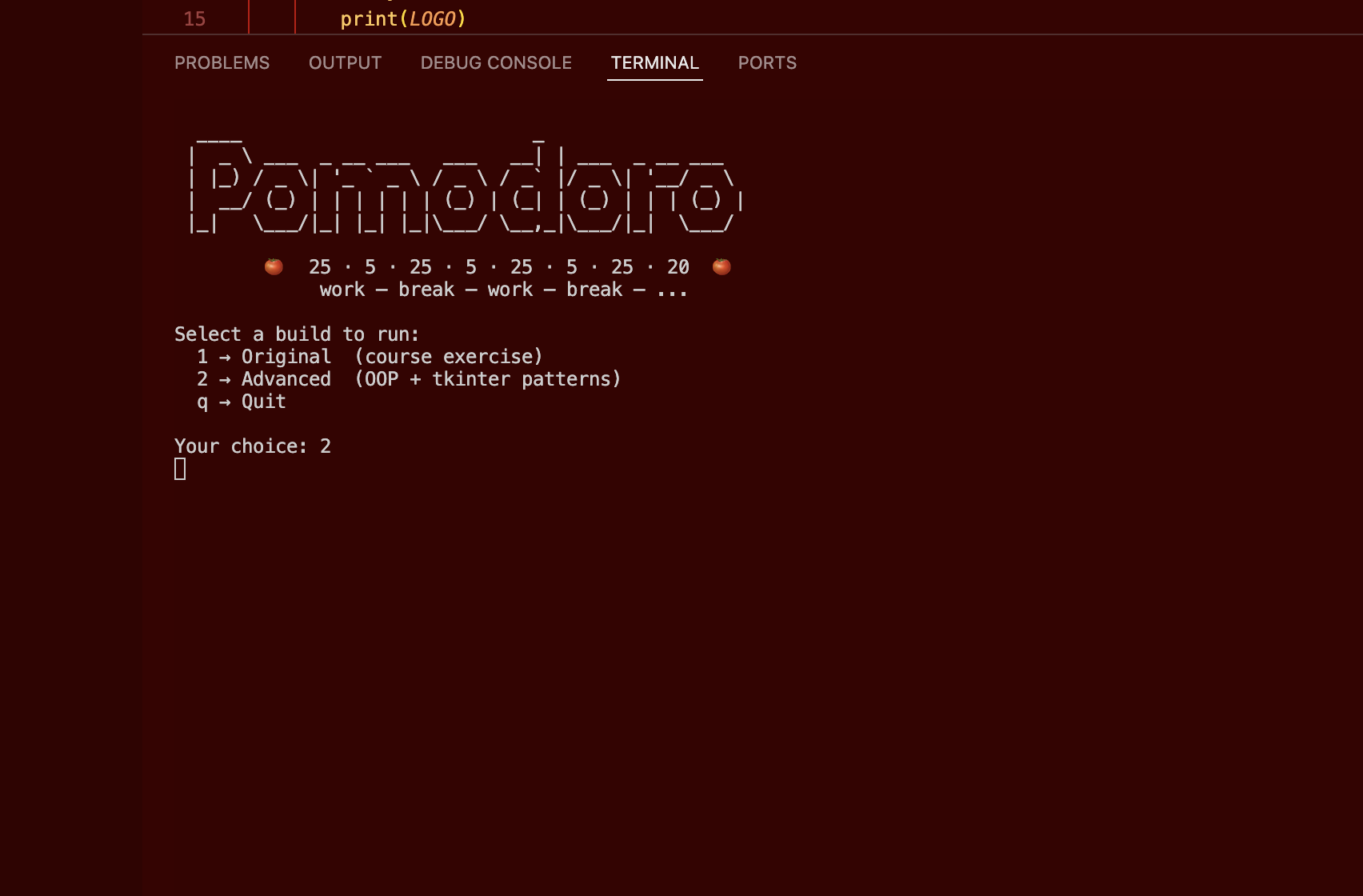
Pomodoro Timer
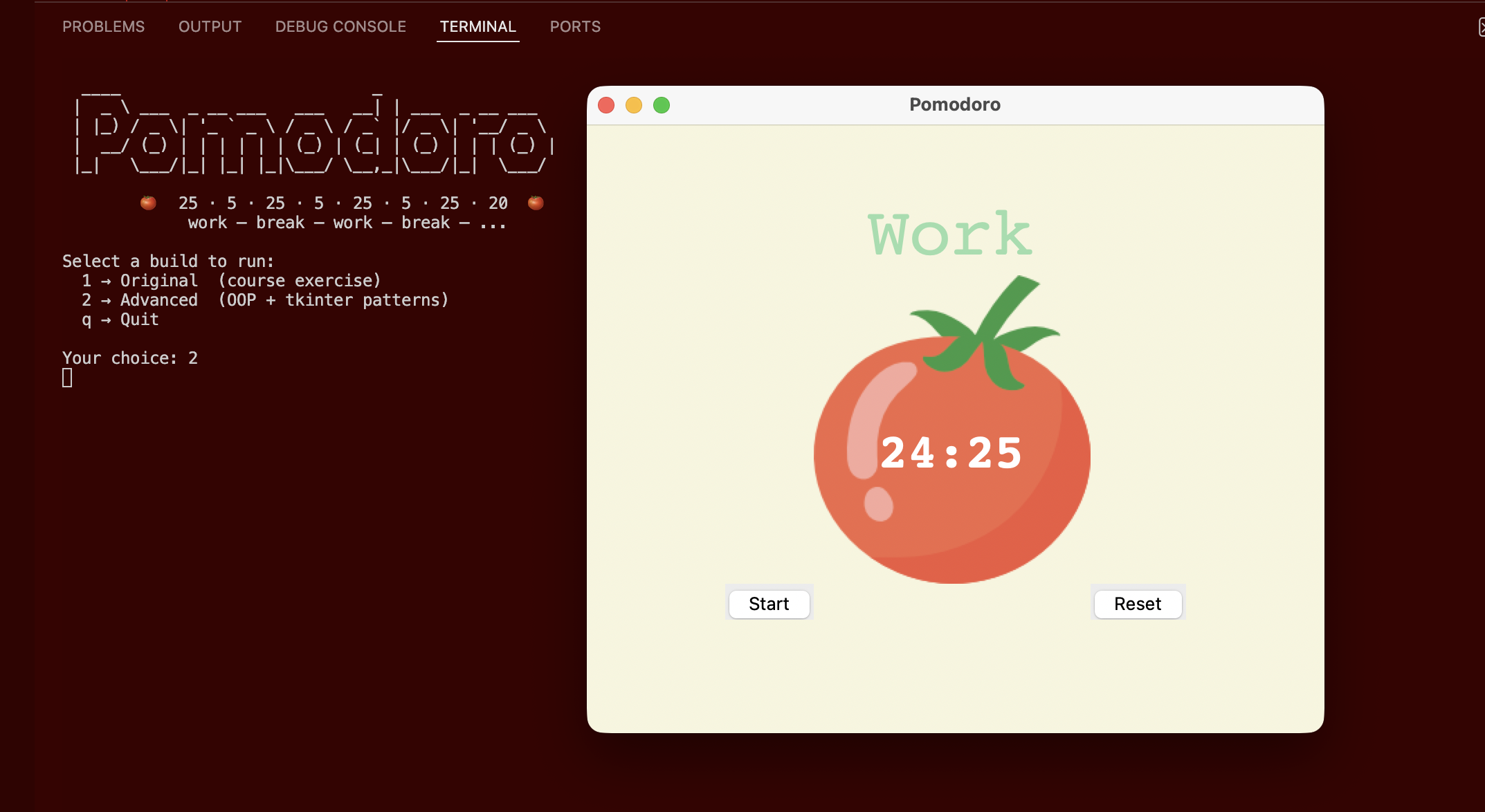
I built this Pomodoro timer as Day 28 of the 100 Days of Code course — a classic productivity tool that automates the 25/5/20-minute work-break rhythm without any manual session management. The original build is a clean procedural tkinter script using root.after() for non-blocking countdowns, global state, and direct widget mutations. The advanced build refactors it into a proper OOP architecture with a pure-logic PomodoroTimer class, a callback-driven Display, and a single-source-of-truth config.py — so the UI and the sequencing logic are completely decoupled and independently testable.
Overview
Problem
The Pomodoro Technique is one of the simplest and most effective focus tools around, but sticking to it manually is surprisingly hard — you either forget to take breaks or lose count of how many sessions you've done. Most people fall back on a phone timer, which means picking up the exact device you're trying to stay away from. A dedicated desktop timer that tracks sessions automatically and advances on its own removes that friction entirely. The course exercise was also a great opportunity to explore what "good structure" looks like once something is working procedurally — the procedural version works fine, but the patterns it uses (global state, direct widget mutation from logic functions) don't scale well as complexity grows.
Solution
The app uses tkinter's root.after() for a non-blocking countdown that ticks every second without freezing the UI — no threads, no time.sleep(). Session sequencing logic lives entirely in PomodoroTimer, a pure Python class with no tkinter dependency: it tracks reps, derives the current session type, computes the checkmark string, and returns everything the UI needs via a single advance() call. Display owns every widget and the countdown loop, but contains zero application logic — it exposes render methods and fires injected callbacks when the user clicks Start or Reset, or when the countdown hits zero. main.py is the only place where timer state and UI updates connect, making the data flow easy to follow in one read.
Challenges
The trickiest design question was where to put the countdown loop. root.after() is inherently UI-side (it needs a live Tk root), but the "what happens when the countdown hits zero" logic is application-side. The clean answer was to give Display a private _tick() method that decrements and reschedules itself, and an on_tick_complete callback it fires when the count reaches zero — so Display drives the loop but has no idea what to do when it ends. Keeping original/main.py truly verbatim (only the Path(__file__).parent path fix allowed) also required resisting the urge to tidy anything else up, which turned out to be a useful discipline in restraint. Getting the branch strategy right — original frozen at the course snapshot, all portfolio structure on main only — also needed careful git sequencing to avoid contaminating the reference branch.
Results / Metrics
The project demonstrates a full procedural-to-OOP refactor of a real tkinter app with identical behaviour and radically better structure. The callback injection pattern means Display could be swapped for a different frontend without touching any timer logic — the separation is genuine, not cosmetic. I learned that the discipline of "no magic numbers anywhere" forces harder thinking up front about what constants actually mean, and the result is a config.py that doubles as documentation. If I built this again I'd add a way to customise session lengths directly from the UI so users don't have to open config.py — a settings panel would be a natural next step.
Screenshots
Click to enlarge.
Click to enlarge.