Pong Game
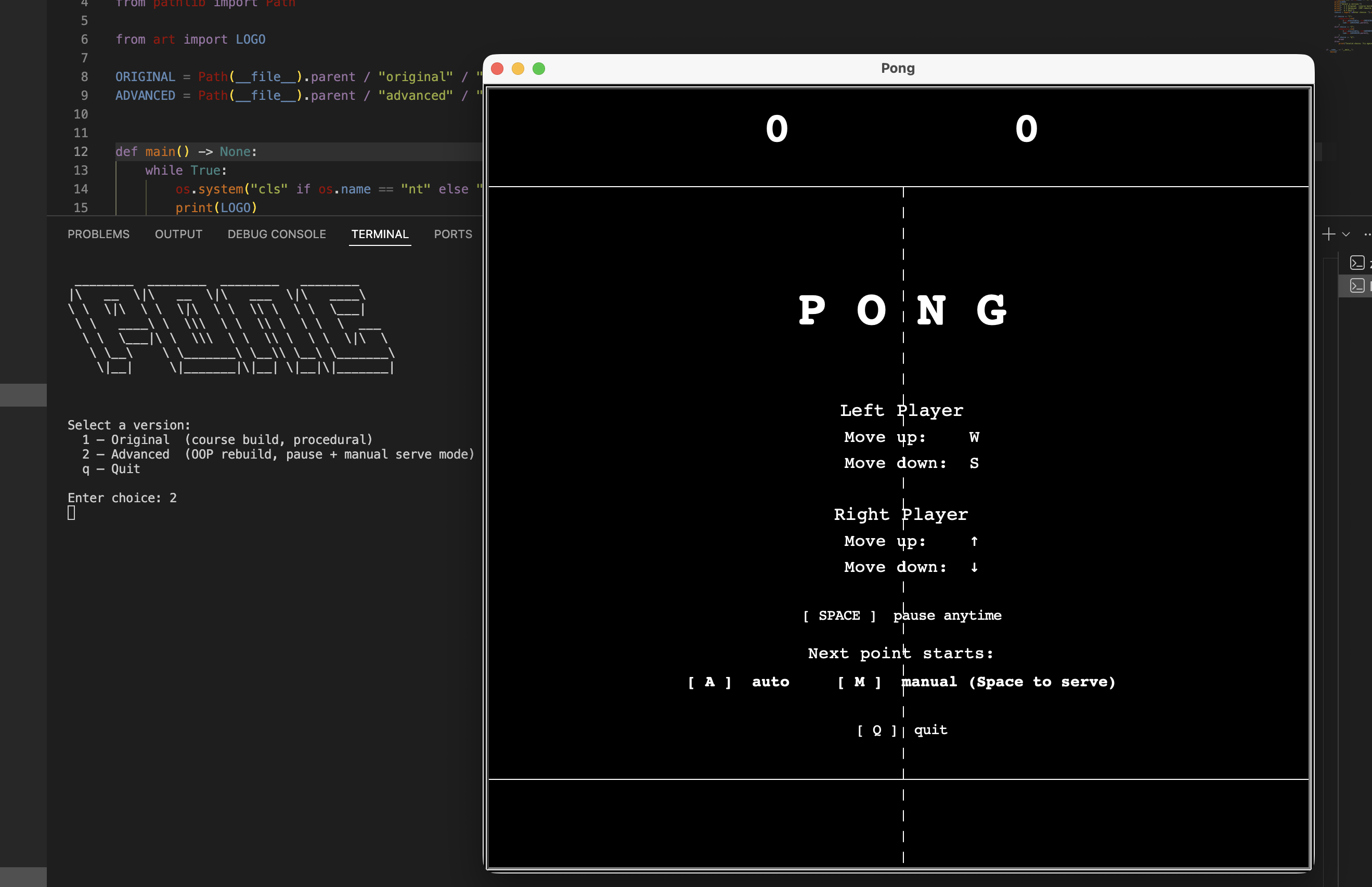
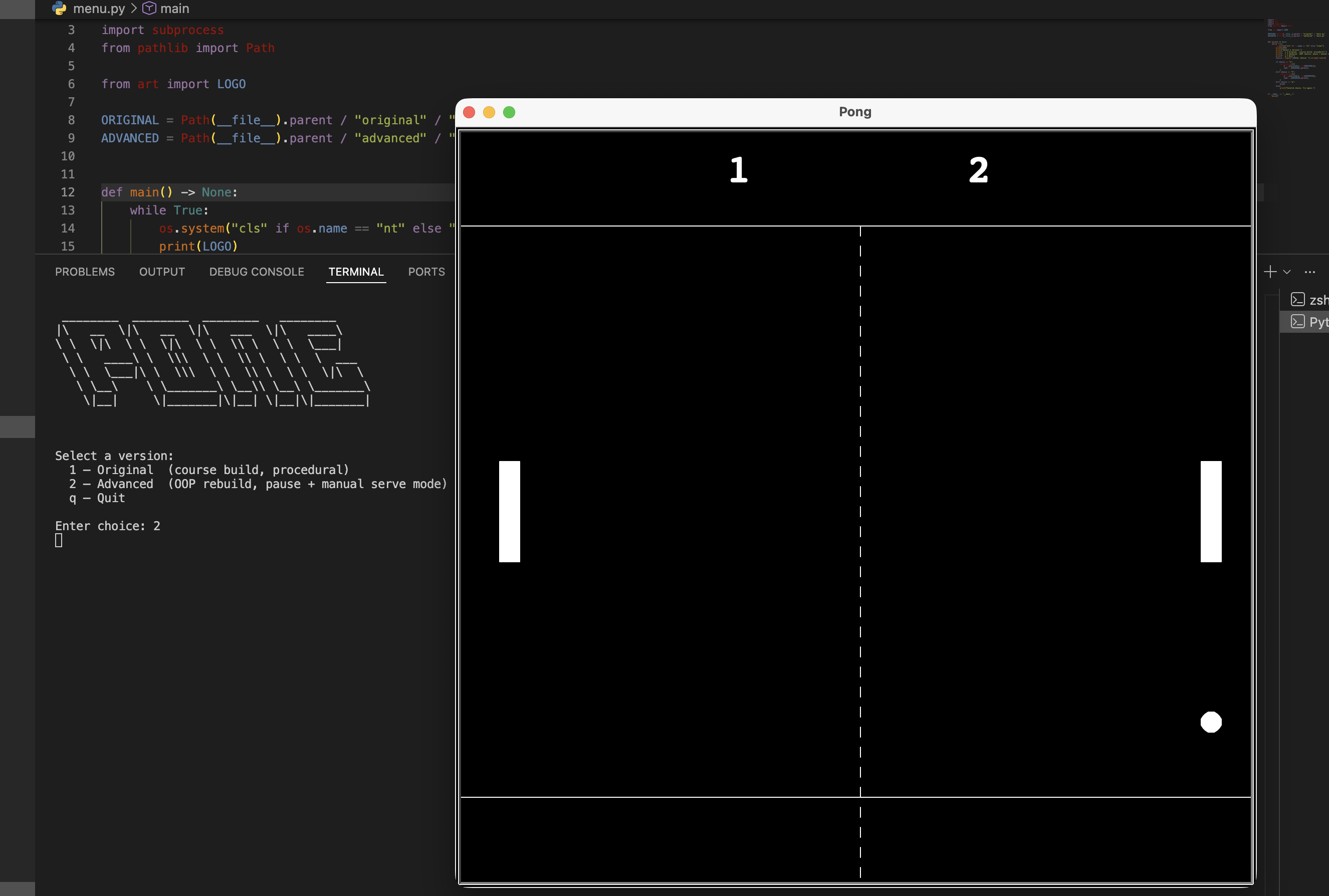
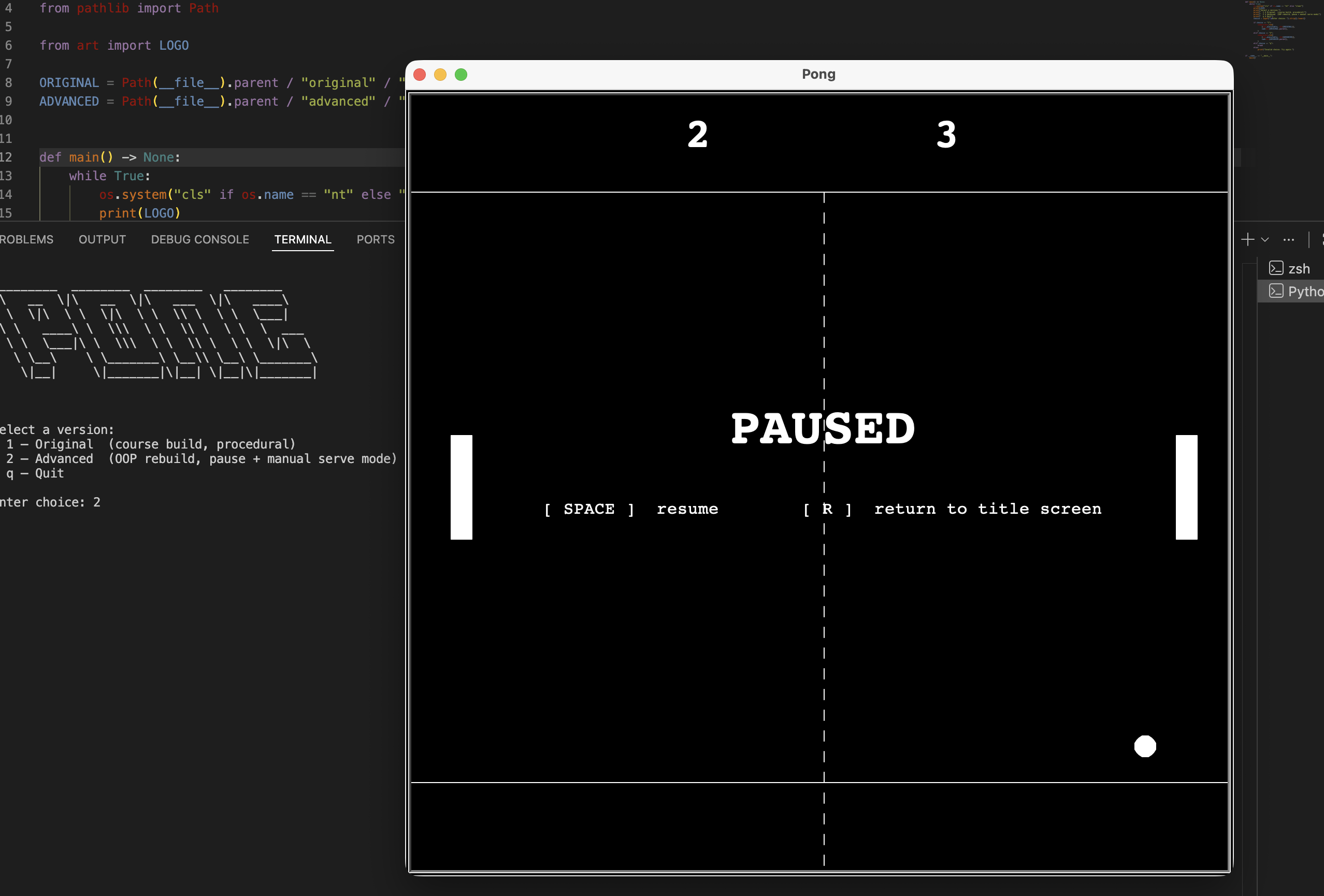
This is my Day 22 project from the 100 Days of Code course: a classic two-player Pong game built entirely with Python's turtle module and zero third-party dependencies. The repo ships two builds side by side — the original course version preserved exactly as written, and a full OOP rebuild I designed myself. The advanced build separates all game logic from the display layer entirely, meaning the ball, paddles, and score tracker have zero UI imports and can be reasoned about independently. It also features a terminal version-selector launcher, a persistent score HUD strip, a pause system, an animated title screen, and an in-window navigation flow where R always returns to the title screen without ever closing the window.
Quick Facts
Overview
Problem
The course version of Pong gets the game working, but everything lives tangled in one place: game logic, display code, and screen state are all mixed together. Magic numbers are scattered across files, and the game ends by calling screen.clear() which wipes everything — there's no real game-over experience, no way to pause mid-rally, and no way to replay without restarting the script entirely. As something I wanted to show in a portfolio, it also needed a clean entry point, a readable architecture that someone else could follow, and a README that explains the why behind the code, not just the what.
Solution
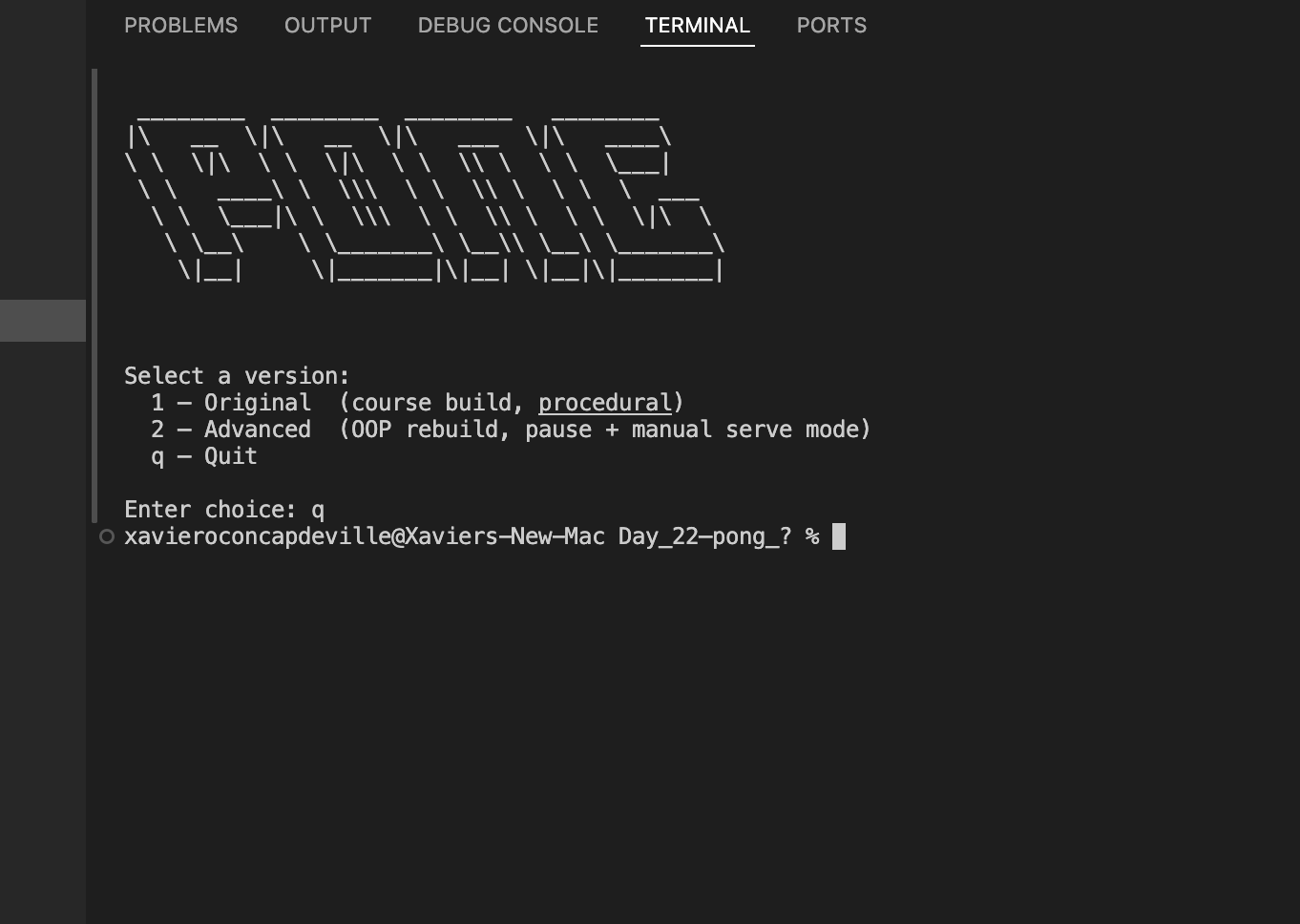
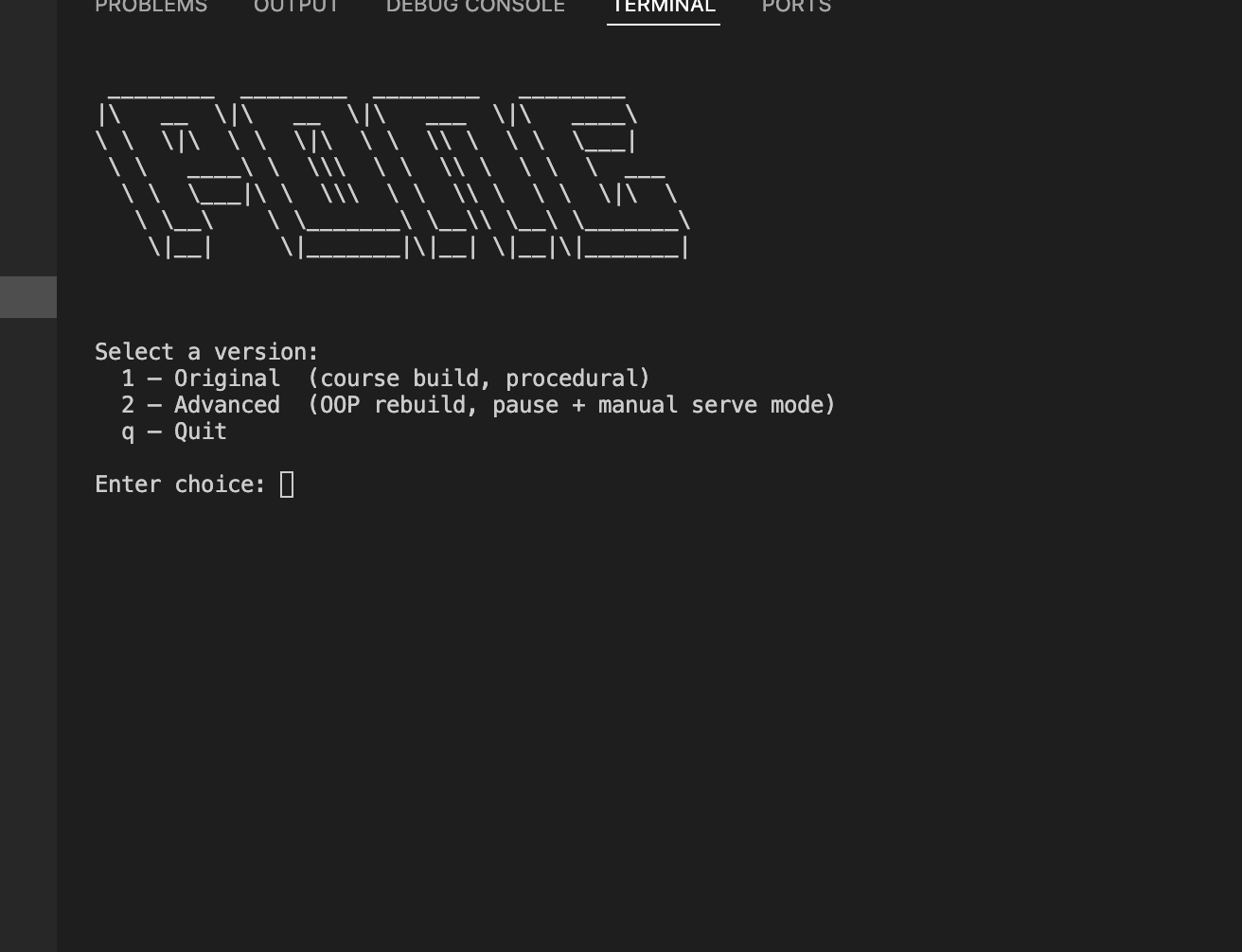
I restructured the project into a standard portfolio layout: a terminal menu launches either the original or the advanced build as a subprocess with cwd set to the build's directory so relative imports resolve correctly. The advanced build separates concerns strictly across dedicated modules — ball.py and paddle.py are pure logic with no UI imports, display.py owns every turtle object and every overlay, and main.py is purely an orchestrator wiring input to logic to display. All constants live in config.py so there are no magic numbers anywhere else. The main loop uses two nested while loops: an outer one that re-shows the title screen on R without closing the window, and an inner game loop that breaks cleanly to trigger that return.
Challenges
The hardest problem was making R reliably return to the title screen in the same tkinter window. The first approach used screen.bye() for teardown, which triggers tkinter cleanup that raises turtle.Terminator or TclError unpredictably, leaving the subprocess broken instead of exiting cleanly. Replacing it with sys.exit(0) fixed that — the process terminates immediately, subprocess.run() in menu.py gets a clean exit code, and the terminal menu reappears correctly. A second tricky problem was the Space key being needed by the game loop for pause, the pause overlay for resume, the serve prompt for serving, and the title screen for starting — all at the same time. Turtle only keeps one onkeypress handler per key, so Space has to be explicitly unregistered before entering any overlay and re-registered on exit. Mixing onkeypress and onkey (which is actually onkeyrelease under the hood) on the same key created two independent bindings that fired simultaneously, so I standardised on onkeypress everywhere and the problem disappeared.
Results / Metrics
This project ended up teaching me a lot more than just Pong — it became a practical study in how to structure a Python GUI application so it stays readable and extensible as features get added. Having zero UI imports in the logic files makes the game loop genuinely easy to follow: every line is either "update this value" or "tell the display about this value," with no turtle calls hiding inside the logic. If I were doing it again I'd use a second dedicated writer turtle for the score HUD to avoid the pattern where every overlay has to call render_score() after clearing the writer. Overall though, I'm pleased with how clean the module boundaries turned out, and the process of debugging the Space key handoff and the sys.exit fix gave me a solid mental model of how turtle's event system actually works under the hood.
Screenshots
Click to enlarge.
Click to enlarge.