Quiz Game
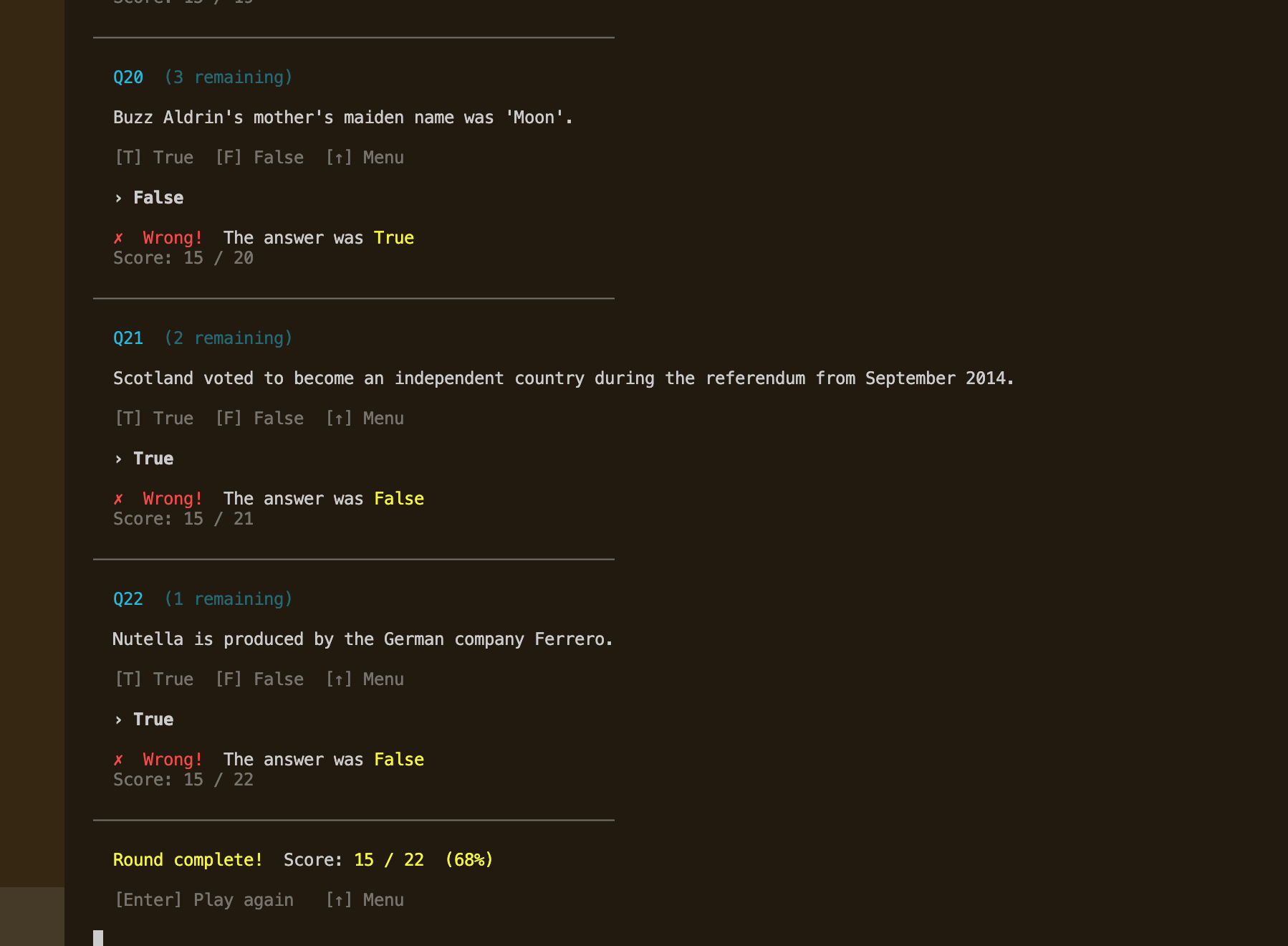
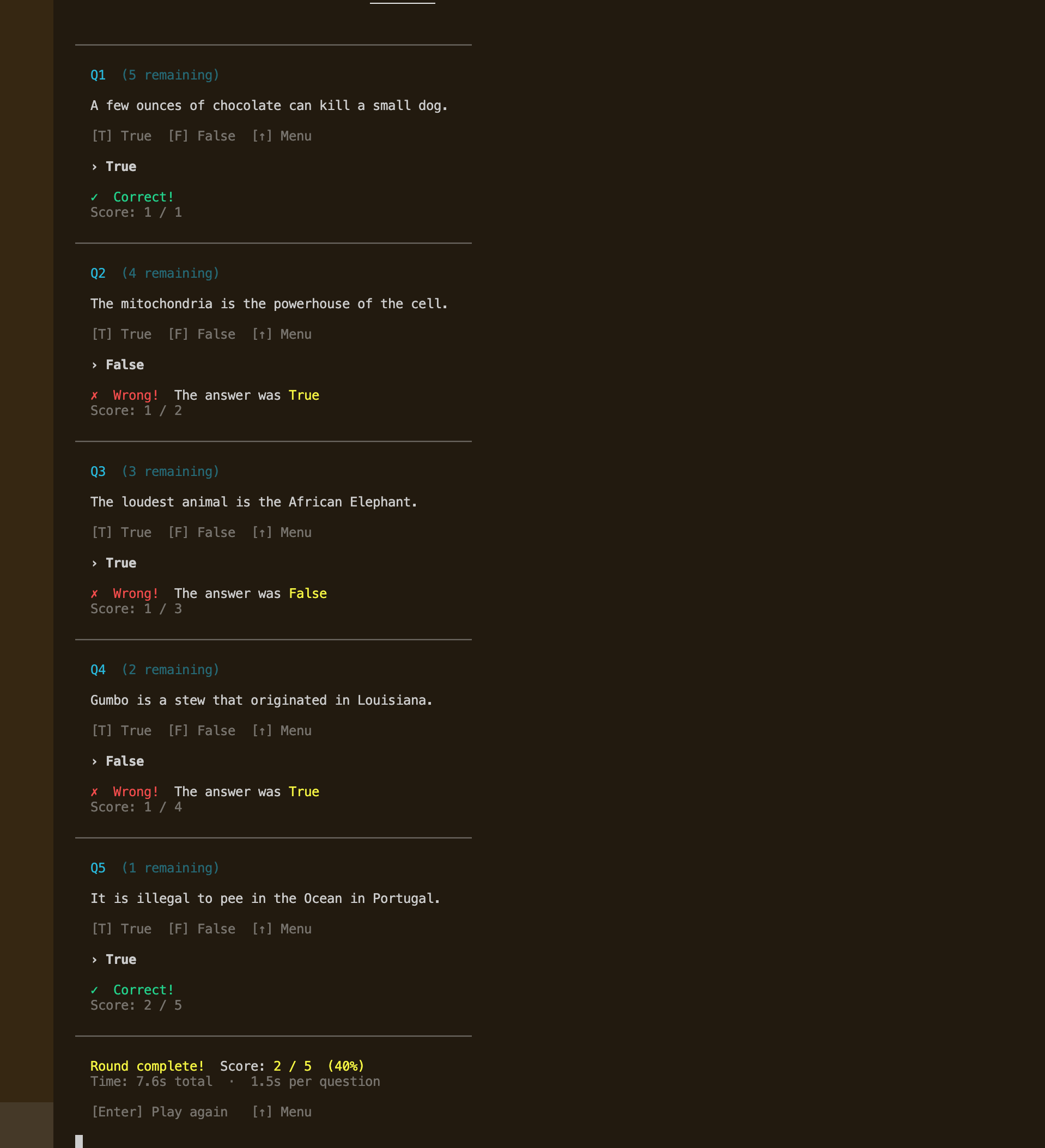
Built as part of 100 Days of Code (Day 17), this is a True/False trivia quiz that exists in two versions inside the same repo. The original preserves the course exercise exactly as taught — one file, procedural, minimal abstraction. The advanced version is a complete rebuild with strictly separated logic, display, and config layers, three distinct game modes, and a polished terminal experience — all without a single external dependency.
Quick Facts
Overview
Problem
The course exercise produced a working quiz but everything lived in one file — data, models, UI, and game loop all tangled together. There was no way to add questions without digging through logic code, and no separation between what the program knew and what it showed. The terminal experience was bare: no color, no animation, no real navigation — just raw input() calls. As a learning milestone it was fine, but as a portfolio piece it didn't reflect what I actually know how to build.
Solution
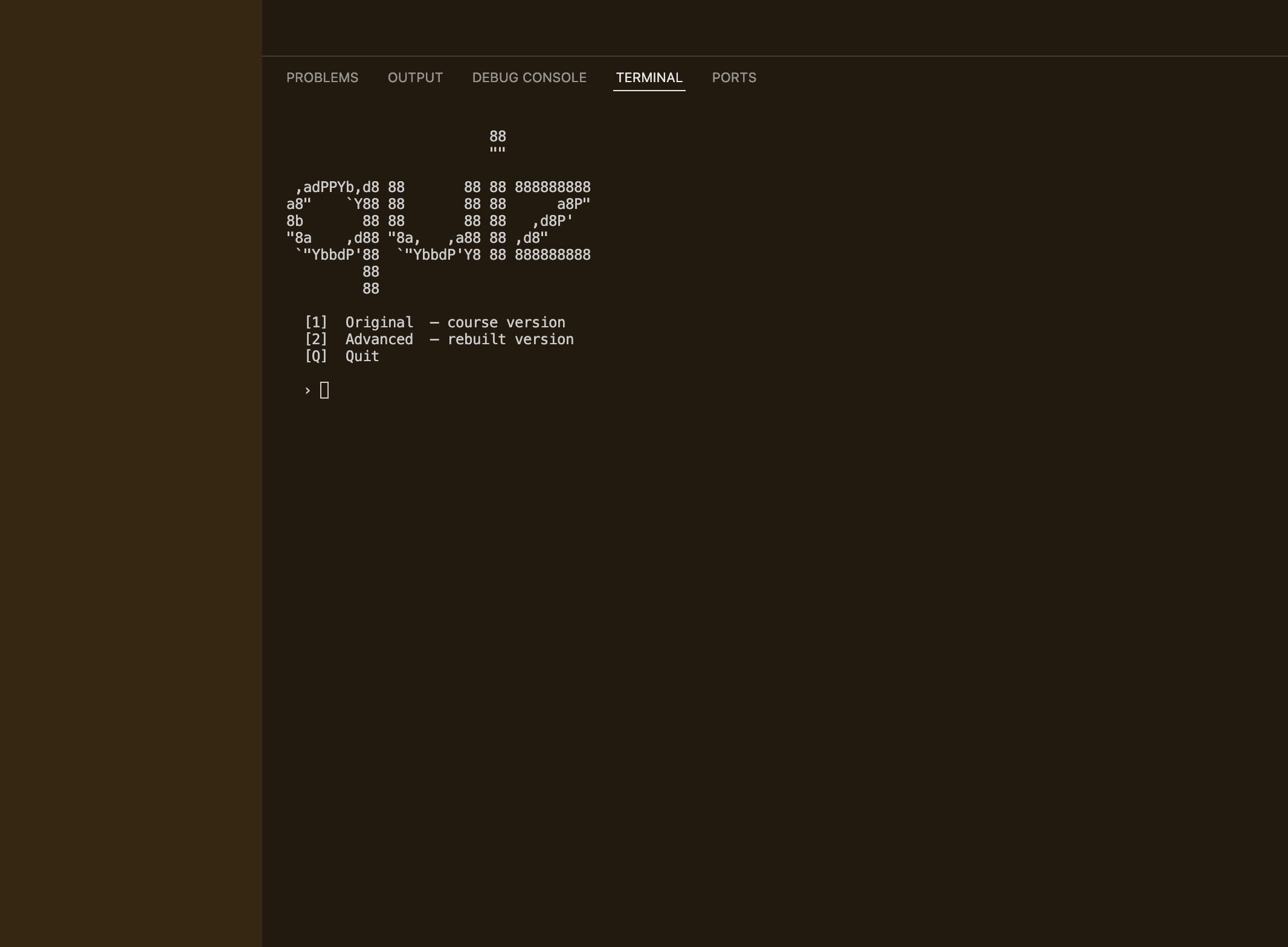
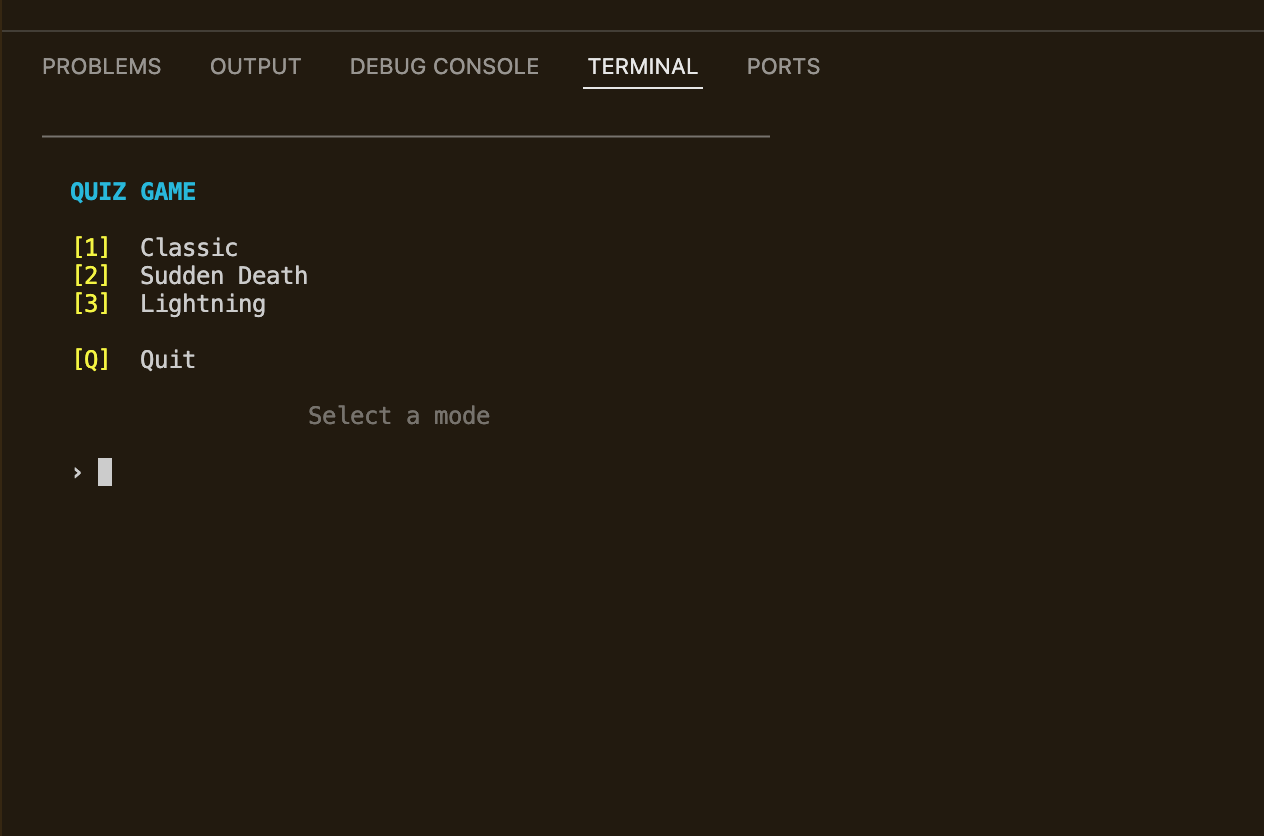
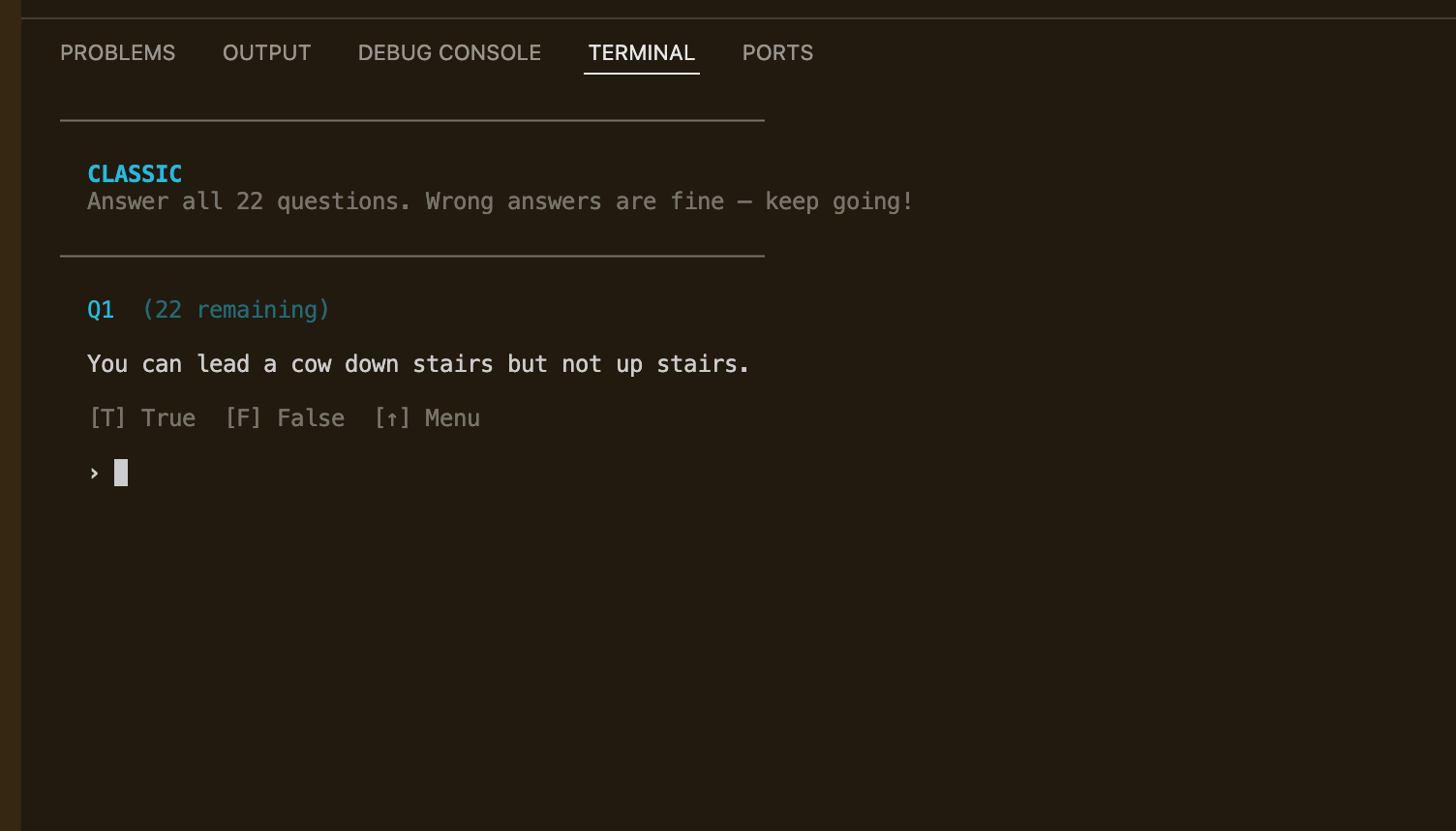
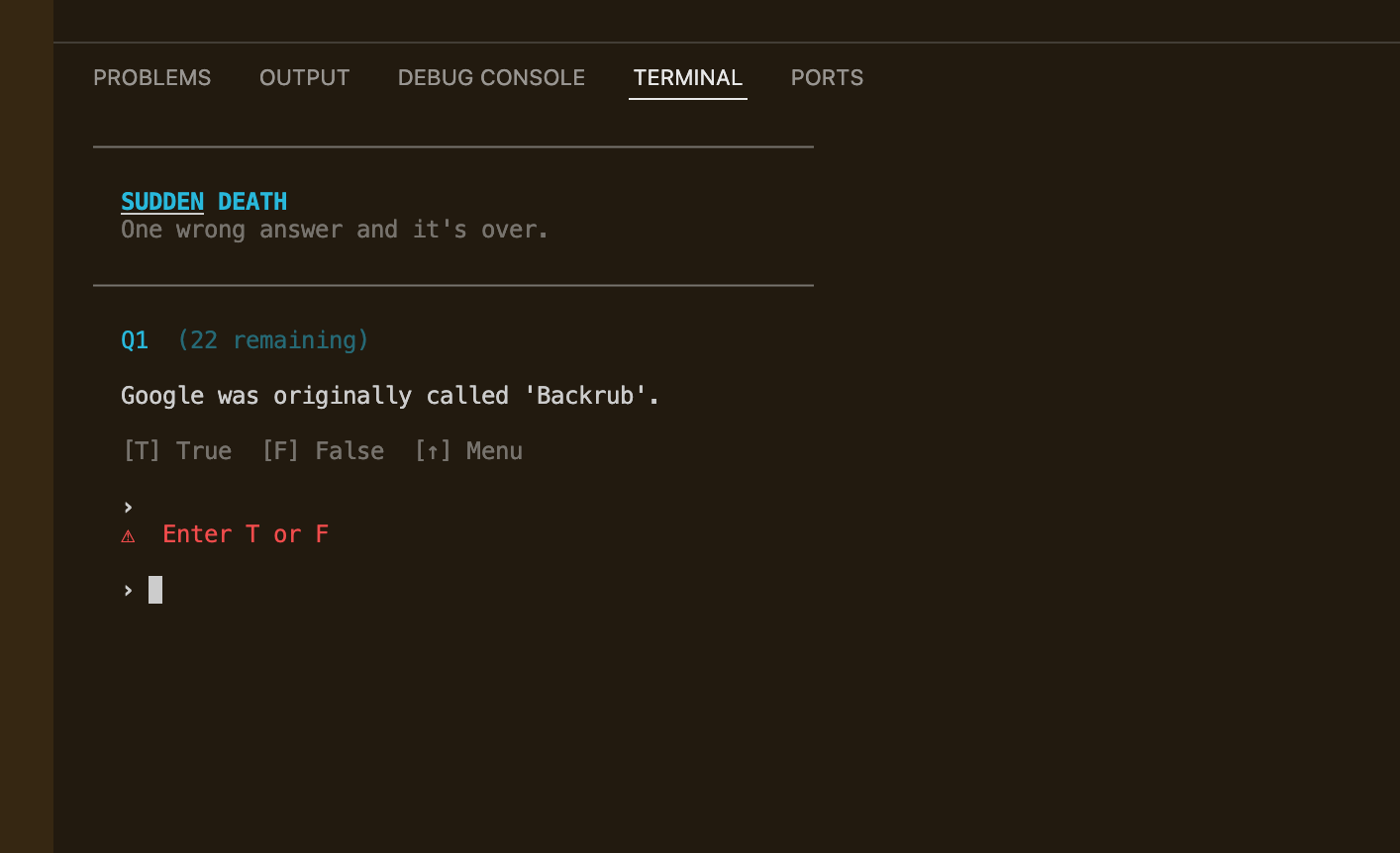
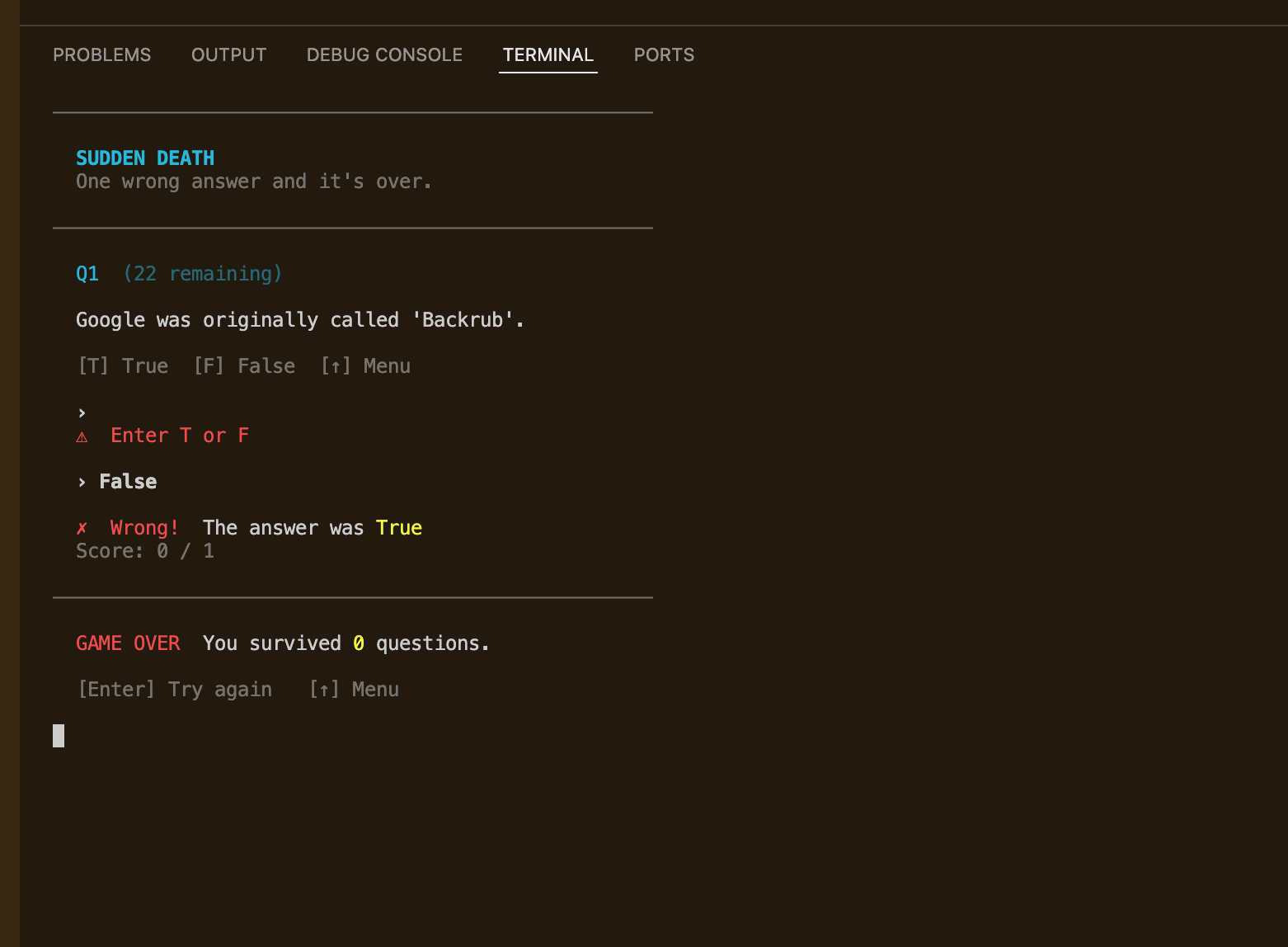
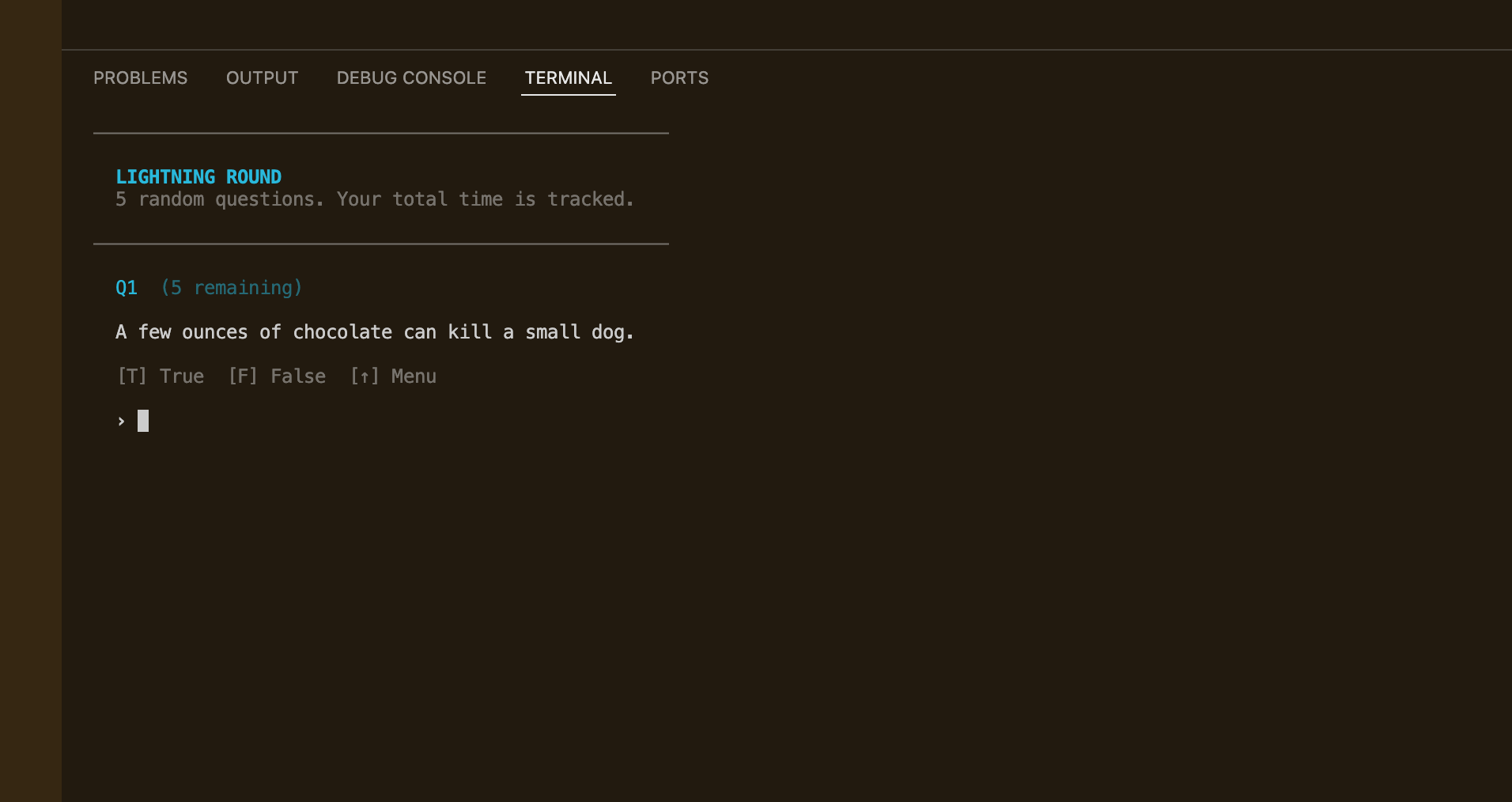
I built two parallel versions launchable from a single root menu.py that uses subprocess to launch each version cleanly. The original is preserved intact as a reference point. The advanced version separates into four strict layers: quiz.py for pure logic with zero print() calls, display.py for all terminal output, config.py for constants, and main.py as the thin orchestrator. A shared art.py and questions.py at the project root are imported by both versions using a sys.path insert that walks up from __file__, keeping shared assets centralized without needing a package structure. Three game modes — Classic, Sudden Death, and Lightning — are dispatched through a MODES dict keyed by the Mode enum.
Challenges
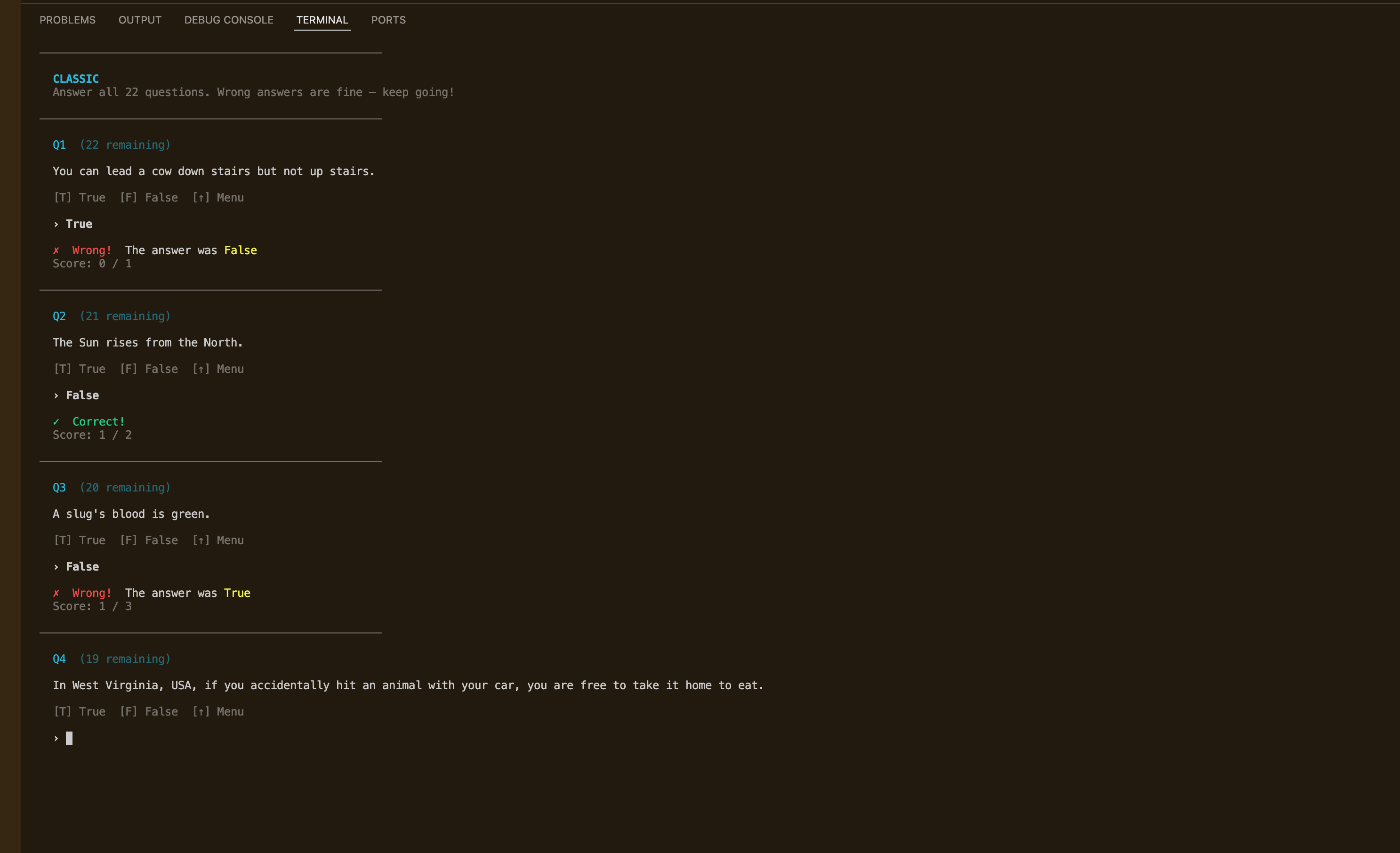
The hardest part was getting single-keypress input to feel right. Python's standard input() requires Enter after every answer, which kills the UX of a fast-paced quiz. I dropped into raw terminal mode using termios and tty to read one character at a time, but arrow keys send a 3-byte ANSI escape sequence (ESC [ A) rather than a single character — so I had to read multiple bytes and map them to named keys like 'UP'. The trickiest detail was restoring terminal settings in a finally block no matter what, so the terminal never ends up in a broken state if the program exits unexpectedly. The second challenge was the shared import structure: both subdirectories run as subprocesses from their own working directories, which breaks naive relative imports of root-level files. Solving it with sys.path.insert(0, root) using __file__ to locate the project root was simple but took a few failed attempts to get right.
Results / Metrics
The project makes the gap between "course done" and "production-minded" visible — both versions live side by side so the contrast is immediate. I got comfortable with Python's low-level terminal I/O for the first time, and the architecture of quiz.py is genuinely portable: it could be dropped into a web backend or Discord bot with no changes. The questions.py file means anyone can add trivia without touching the logic. If I built it again I'd store questions in JSON so non-developers could edit the bank without opening Python at all, and I'd add a high-score tracker persisted to a local file.
Screenshots
Click to enlarge.
Click to enlarge.