Ron Swanson Quotes App
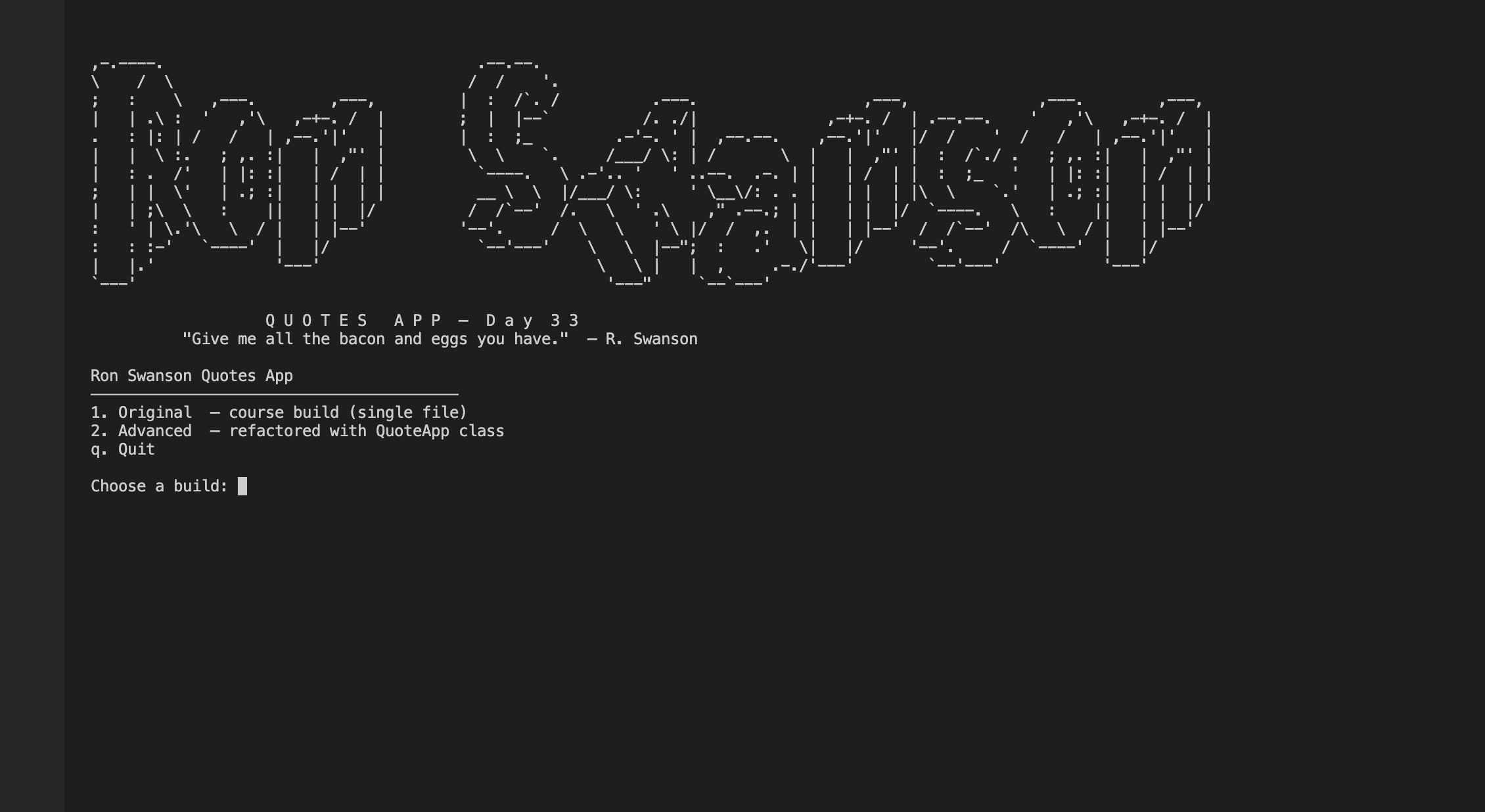
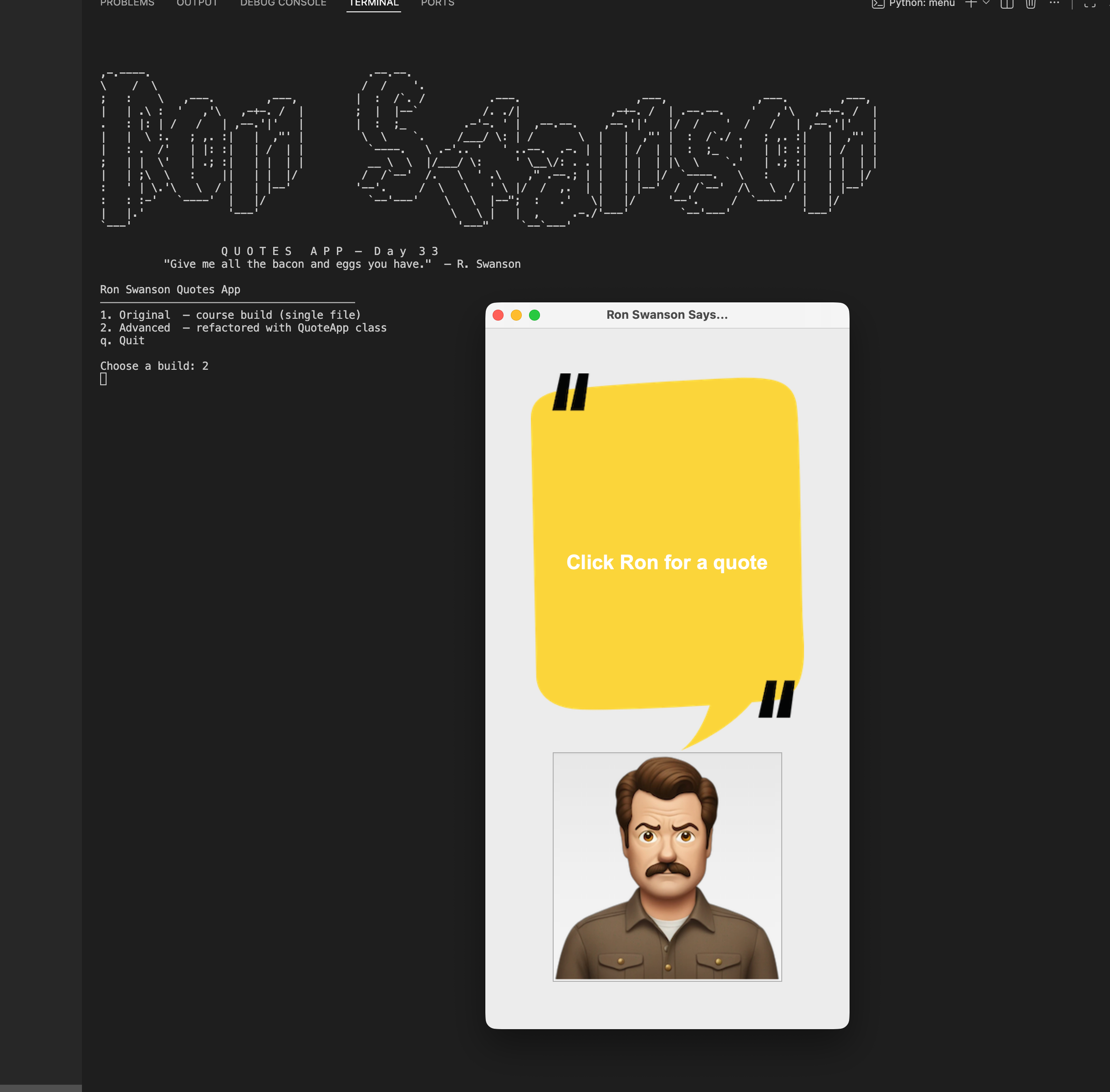
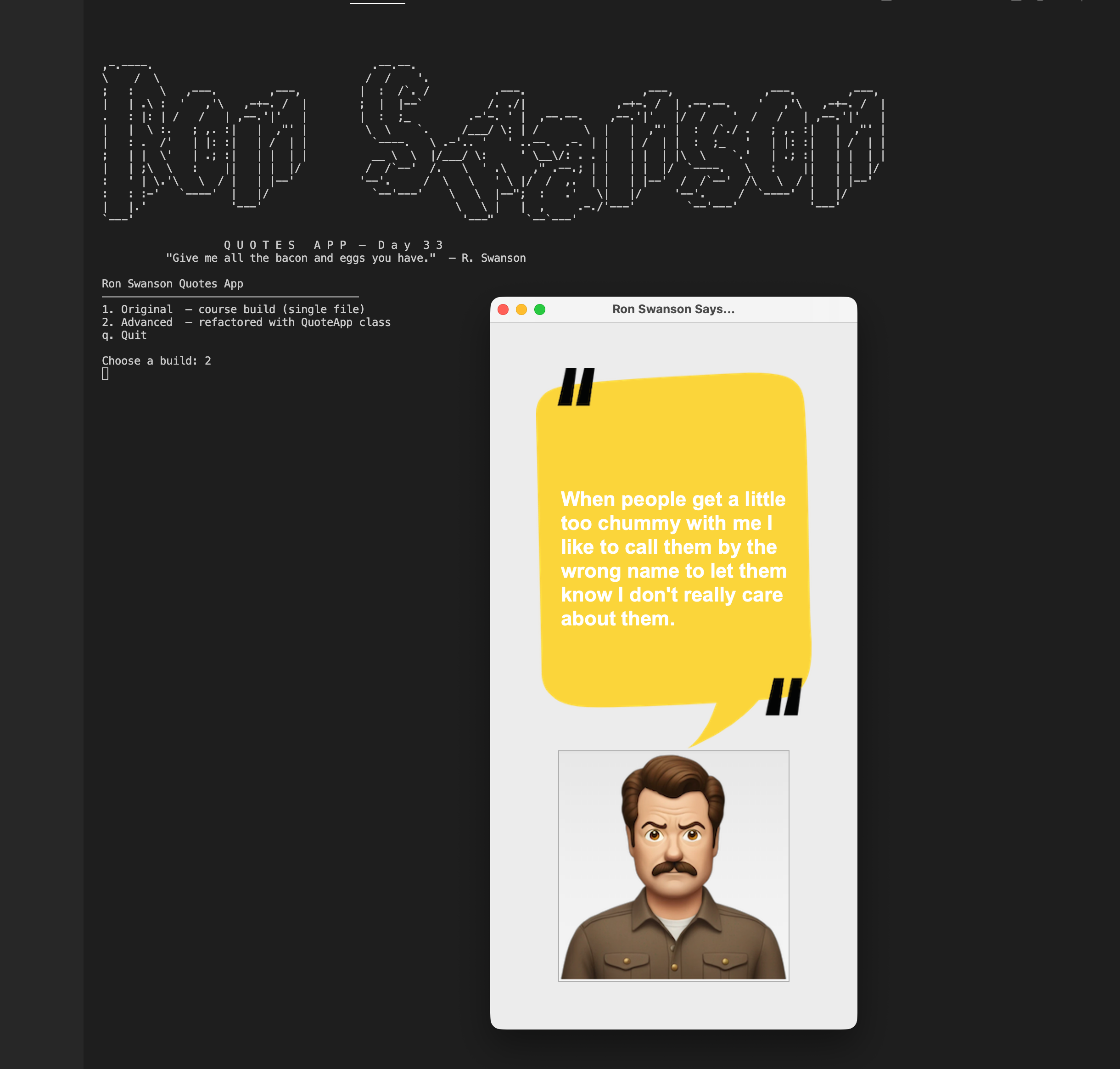
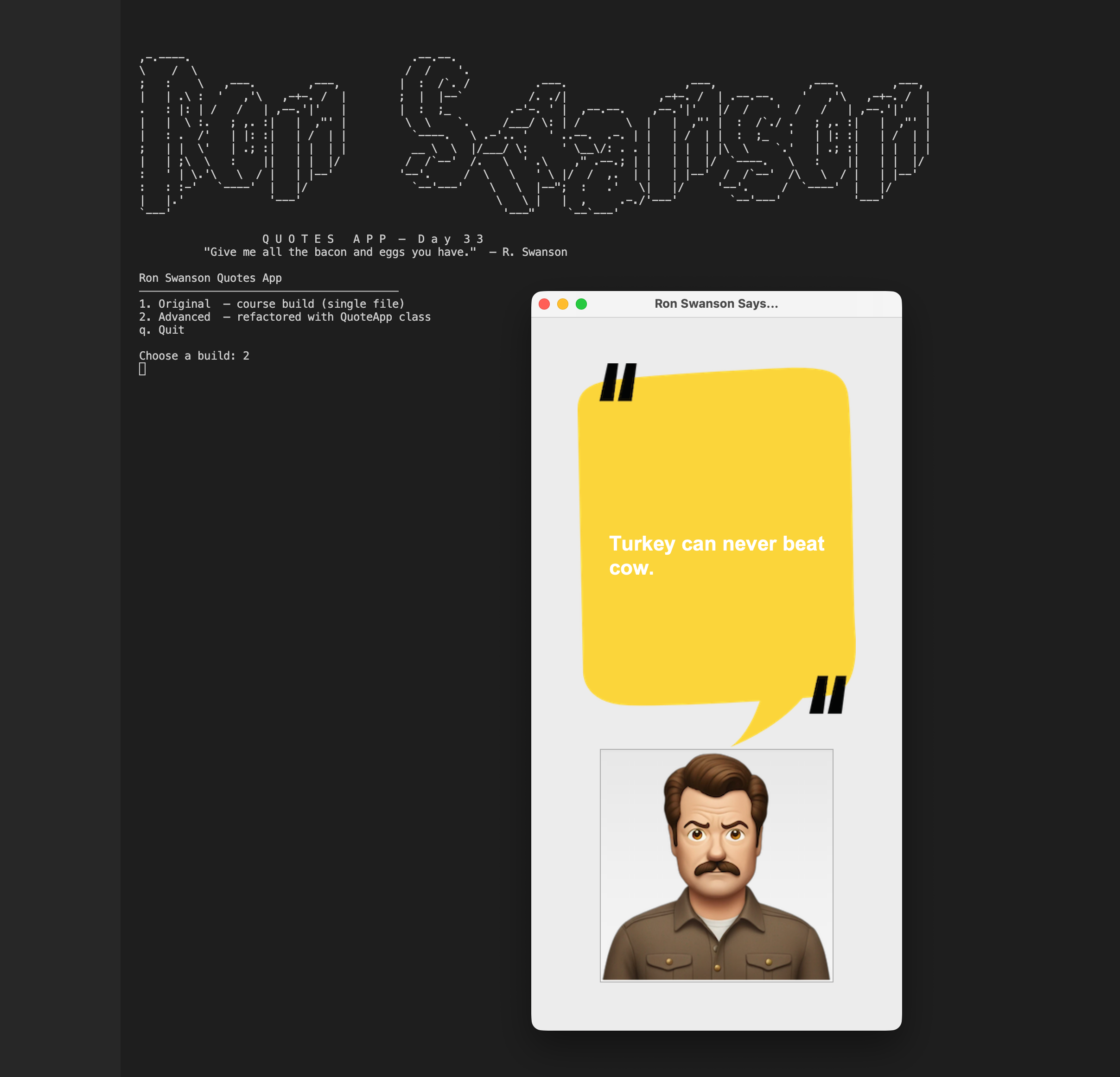
This is a desktop GUI app I built using Python's tkinter library that pulls random Ron Swanson quotes from a public REST API and displays them on a canvas. Click the photo of Ron, get a quote -- it's as simple as that. I built two versions: the original course solution as a single-file script, and an advanced refactor that wraps everything in a QuoteApp class with all constants centralised in config.py. It's a small project, but it's a solid first exercise in connecting a live API response to a real GUI event.
Overview
Problem
Most introductory tkinter examples use static, hardcoded data -- you build a to-do list, a calculator, a timer. The moment you want your GUI to show something live from the internet, the tutorial ends and you're on your own. The specific friction here is understanding how to fire an HTTP request inside a button callback, parse the response, and update a canvas text item in place -- all without blocking the GUI or reloading the window. The course exercise exists precisely to bridge that gap: here is a real API, now wire it up to a button.
Solution
The app uses tkinter's Canvas widget as the main display surface -- a background PNG is drawn onto it, and a text item is created on top. When the user clicks the Ron Swanson button, requests.get() fires against the quotes endpoint, the JSON response (a single-element array) is unpacked, and canvas.itemconfig() swaps the text in place with no flicker or redraw. The advanced build wraps all of this in a QuoteApp class and moves every magic number and string into config.py, so the UI and the logic are easy to reason about separately.
Challenges
The trickiest part was tkinter's PhotoImage garbage collection behaviour. If you assign a PhotoImage to a local variable, Python's garbage collector can destroy it before tkinter ever renders it -- and the image silently disappears with no error. The fix is to store references on the window object (course solution) or on self (advanced build) so the image stays alive for the widget's lifetime. The second challenge was making asset paths work correctly when menu.py launches the script as a subprocess with a different working directory -- solved by resolving paths via Path(__file__).parent.parent rather than relying on wherever the script happens to be called from.
Results / Metrics
This project taught me a pattern I have used in every GUI project since: keep image references alive on a long-lived object, and always resolve asset paths relative to __file__. The OOP refactor also showed me concretely why encapsulation matters -- module-level globals like canvas and quote_text work fine for a script this small, but they become a maintenance headache the moment you want to test or extend anything. I would add error handling for network failures next -- right now a failed request raises an unhandled exception and the app crashes, which is not a great user experience for something as important as Ron Swanson quotes.
Screenshots
Click to enlarge.
Click to enlarge.
Videos
No videos available yet.