Tinder Bot Automation
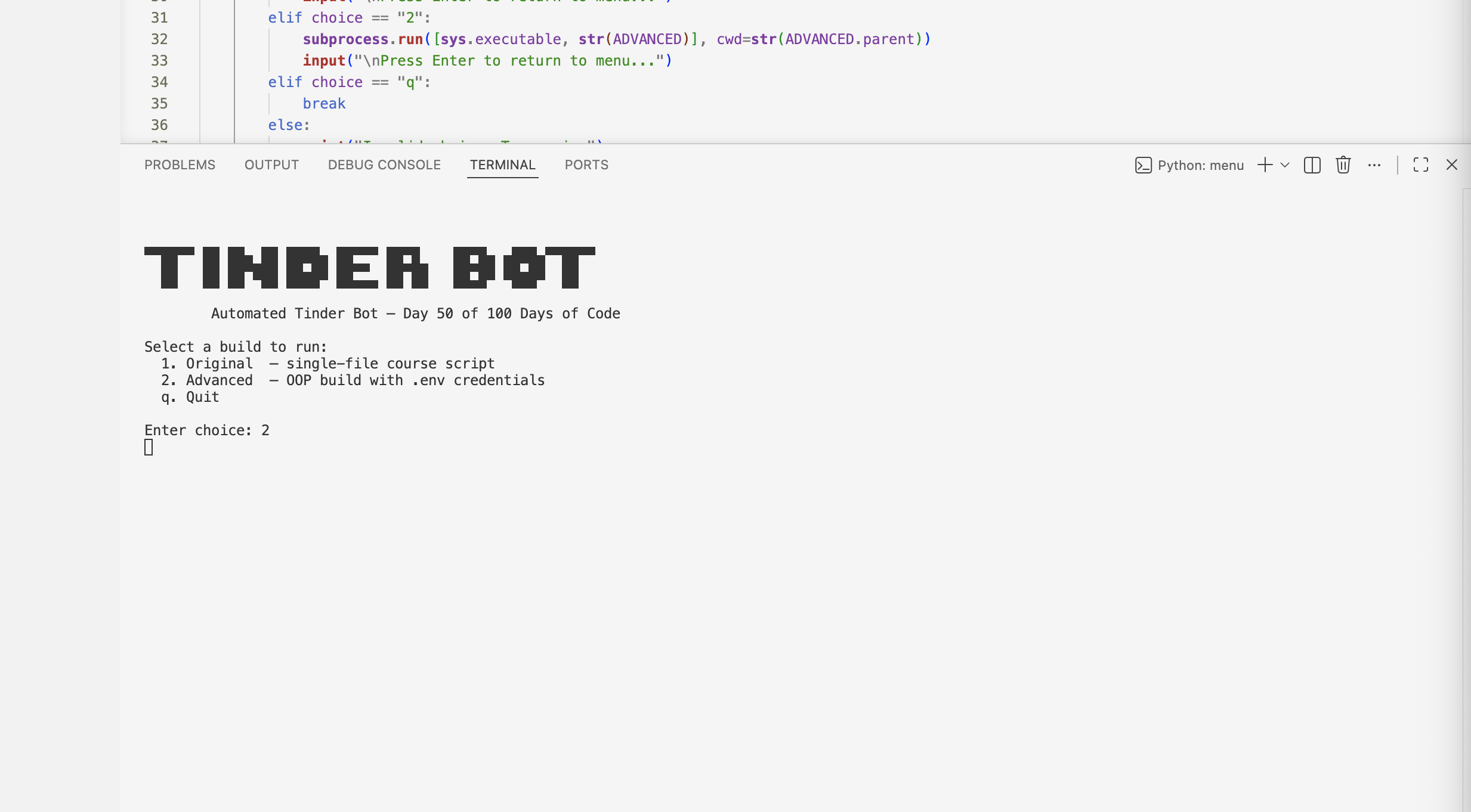
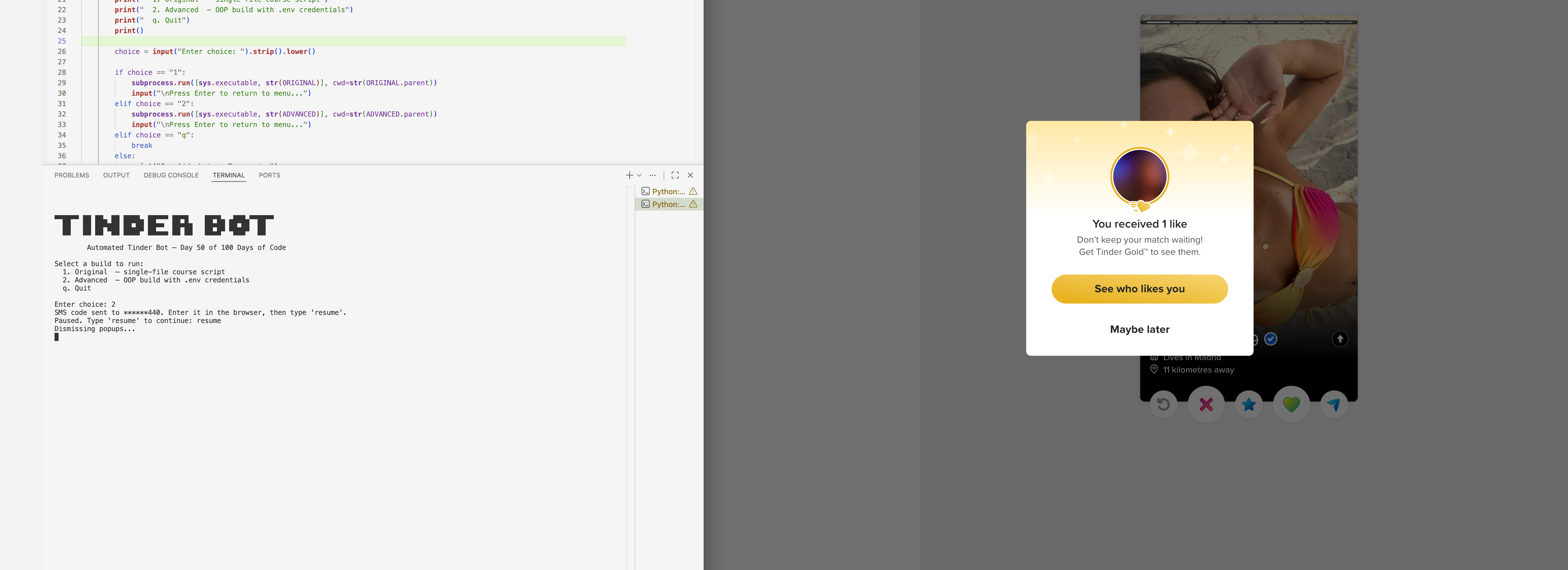
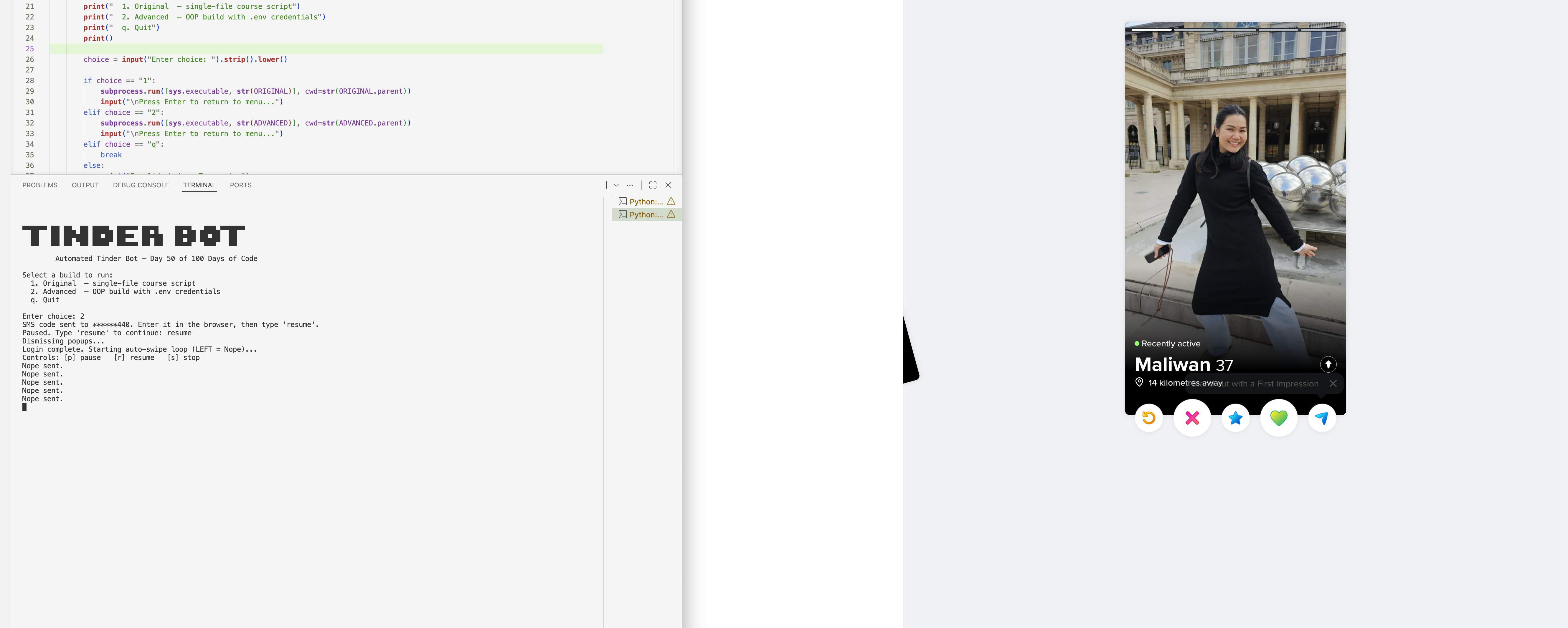
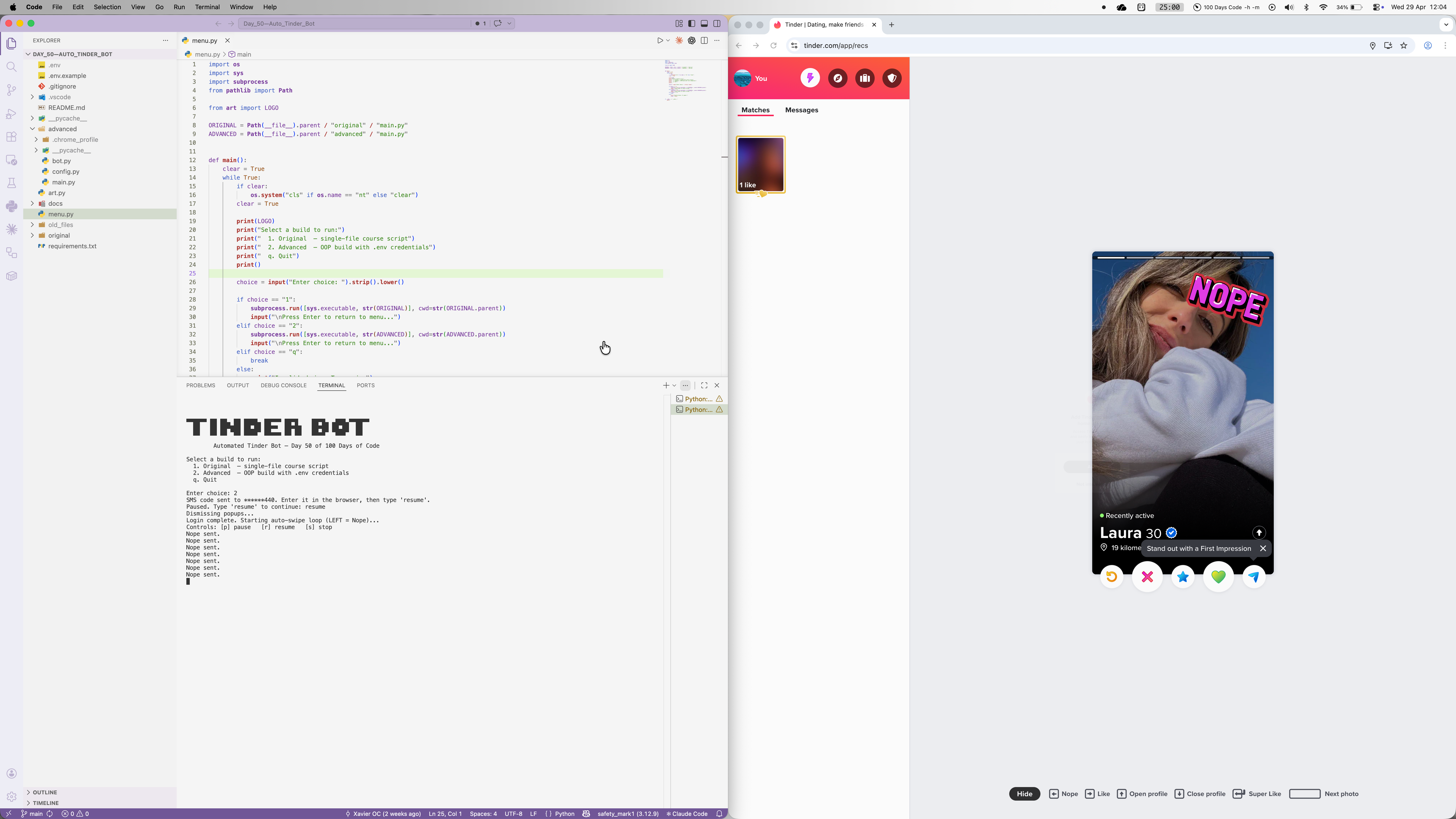
Built as Day 50 of 100 Days of Code, this browser automation bot opens Tinder, handles phone number login with SMS verification, dismisses post-login popups, and runs a continuous left-swipe loop. It's structured as an OOP advanced build alongside the original course script, both launchable from a terminal menu. What started as a straightforward course exercise turned into a real debugging project as I adapted to Tinder's changing login flows, popup landscape, and bot detection systems.
Quick Facts
Overview
Problem
Tinder's web UI requires multiple manual login steps, popup dismissals, and repetitive swiping — all of which are tedious to do by hand at scale. The original course approach used Facebook OAuth, but Tinder removed that option entirely, so the whole login strategy needed rethinking around phone number authentication and SMS verification codes. Even once logged in, mid-session overlays like "Add to home screen" and location permission prompts block swiping silently — standard Selenium exception handling misses them because send_keys() doesn't raise when a popup is in the way. On top of that, browser automation detection systems immediately flag standard ChromeDriver, rejecting the Google sign-in before it even starts.
Solution
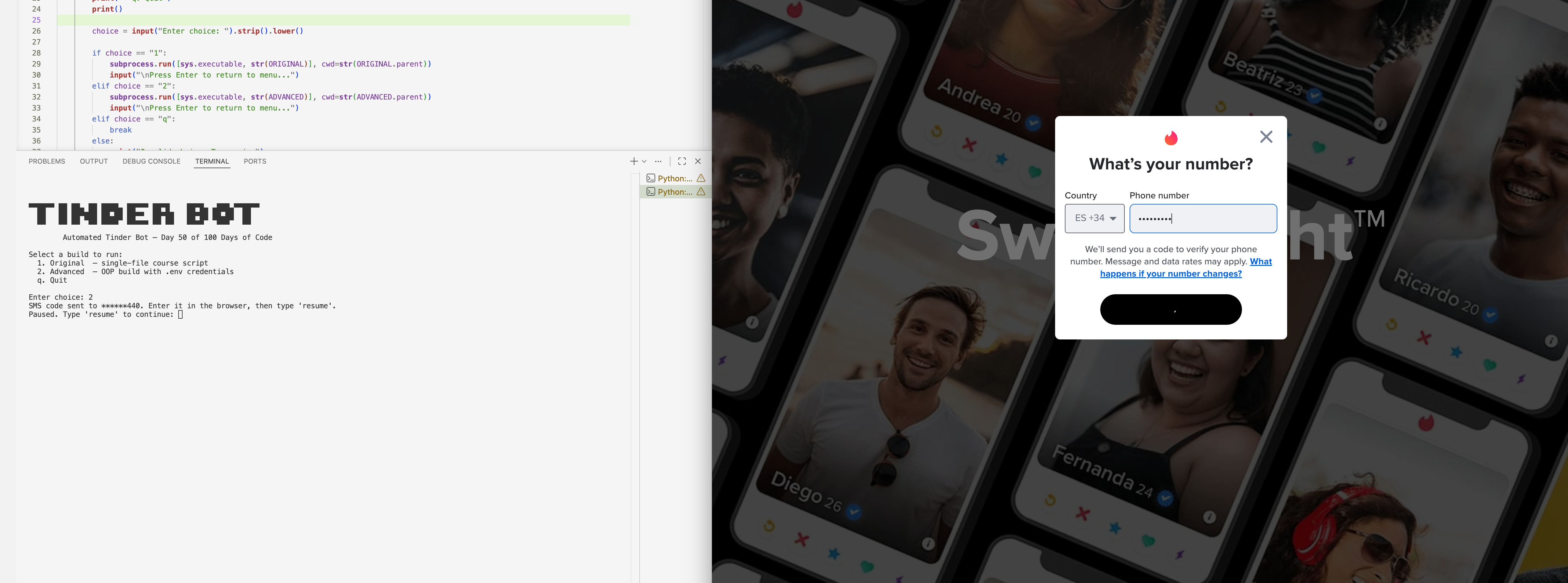
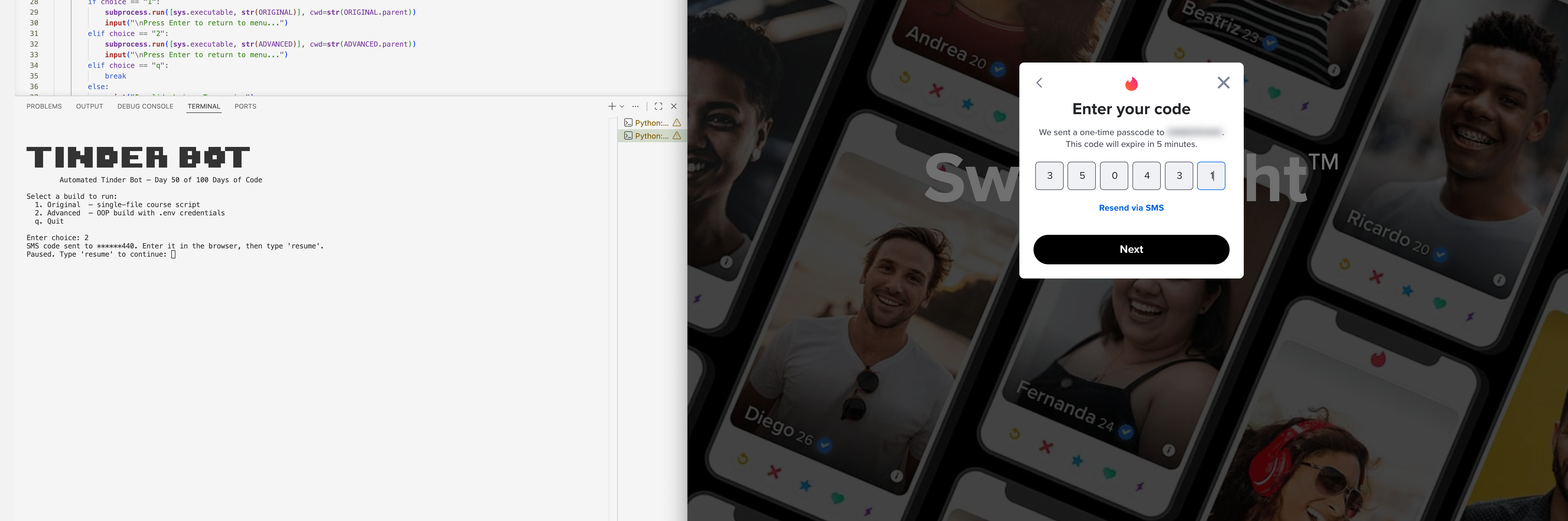
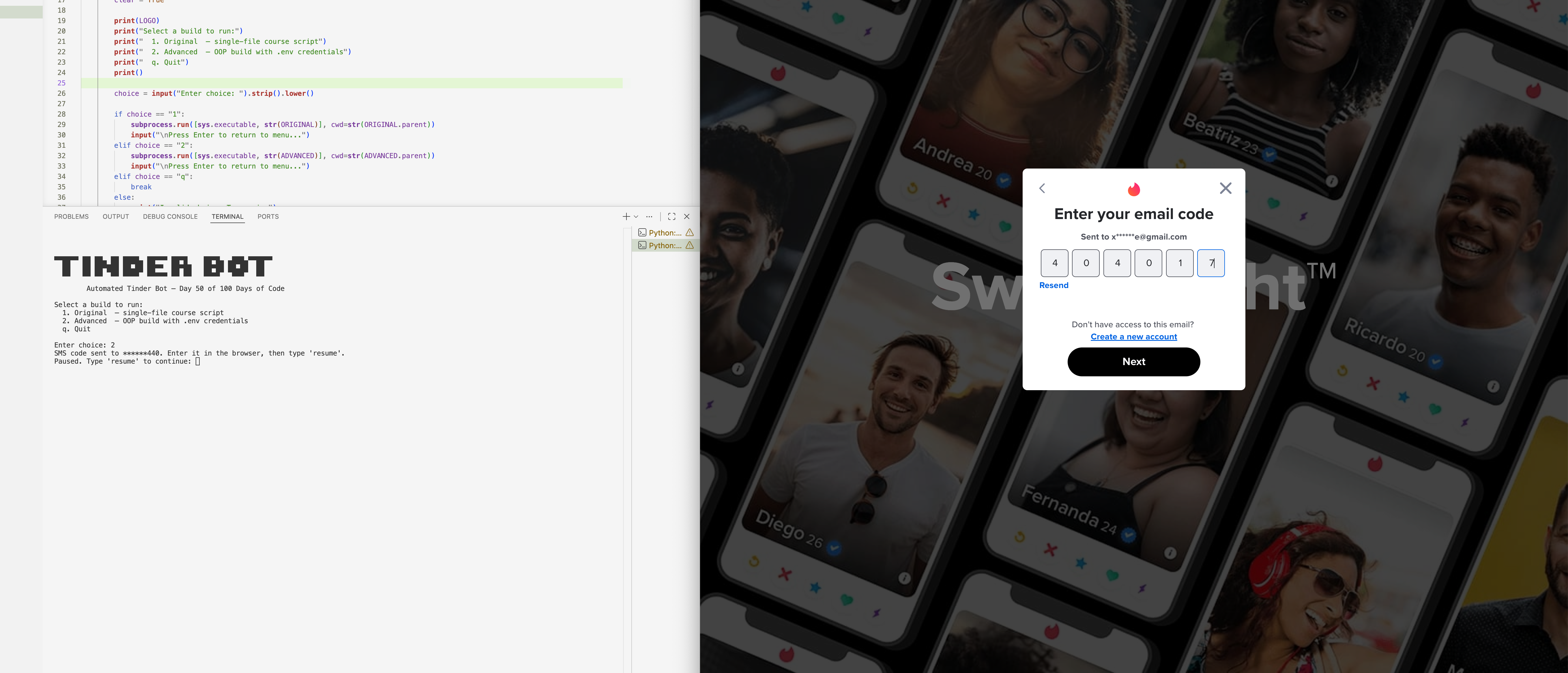
The bot uses undetected-chromedriver to patch ChromeDriver's automation signatures at the binary level, bypassing Tinder and Google's bot detection where standard selenium.webdriver.Chrome would be blocked outright. Phone login is automated end-to-end — clicking through the "Get Started" modal, entering the phone number, and hitting Next — with a manual pause that lets the user enter the SMS code in the browser before typing 'resume' to hand control back to the bot. All Selenium interactions go through a TinderBot class with a JS click fallback (_js_click) for every button, handling overlapping elements and disabled-button edge cases that normal clicks can't reach. XPaths, CSS selectors, and timing constants are centralised in config.py so when Tinder's DOM changes, fixing a broken selector means changing exactly one line.
Challenges
The hardest problem was silent popup blocking — send_keys() to the page body does nothing when an overlay is covering it, but raises no exception, so the bot appeared to be running normally while doing absolutely nothing. The fix was to call clear_popup() proactively at the start of every swipe iteration using find_element with no wait, so it's near-instant during normal swiping but catches any overlay before the key is sent. A second tricky issue was the "Next" button on the phone entry screen, which starts disabled and only activates after a number is typed — element_to_be_clickable always timed out on it. Switching to presence_of_element_located combined with a JS click bypassed the disabled check entirely. The multiple-candidate selector fallback pattern also needed its own short per-candidate timeout (3s) rather than the global 20s wait, because a single miss on the wrong selector would otherwise silently hang for 20 seconds before trying the next one.
Results / Metrics
The bot successfully automates the full Tinder login flow and runs an indefinite swipe session, recovering from match overlays, install prompts, and location popups automatically without any manual intervention. The project turned out to be a genuine lesson in the gap between what Selenium reports and what's actually happening in the browser — exceptions are not the only signal that something has gone wrong. If I were starting over, I'd build proactive popup clearing in from day one rather than adding it after puzzling over why the loop was running but nothing was swiping. The OOP structure and centralised config paid off every time Tinder's DOM shifted — fixes stayed isolated to one file and never touched the bot logic itself.
Screenshots
Click to enlarge.
Click to enlarge.