Zillow Web Scraper & Form Bot
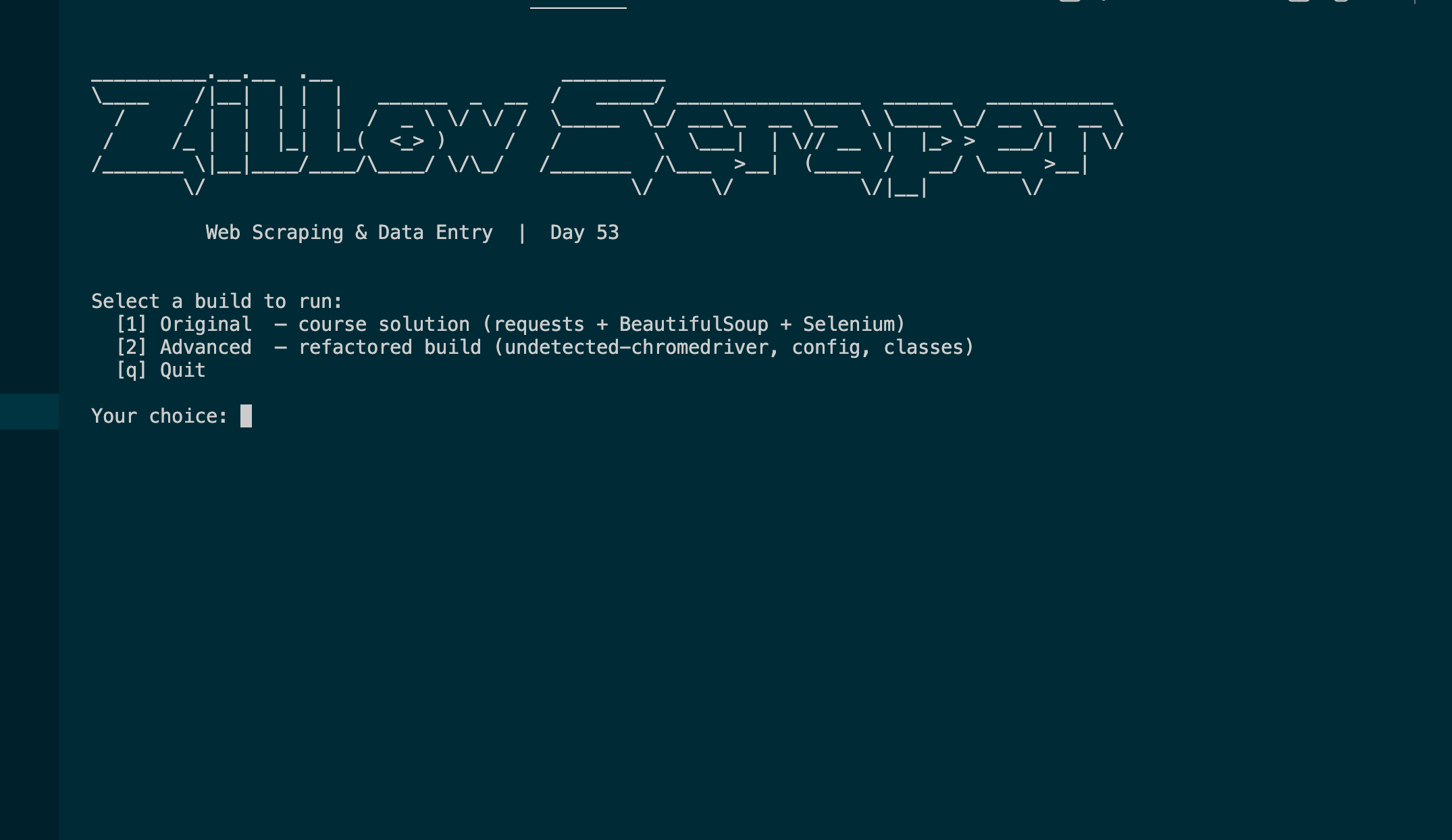
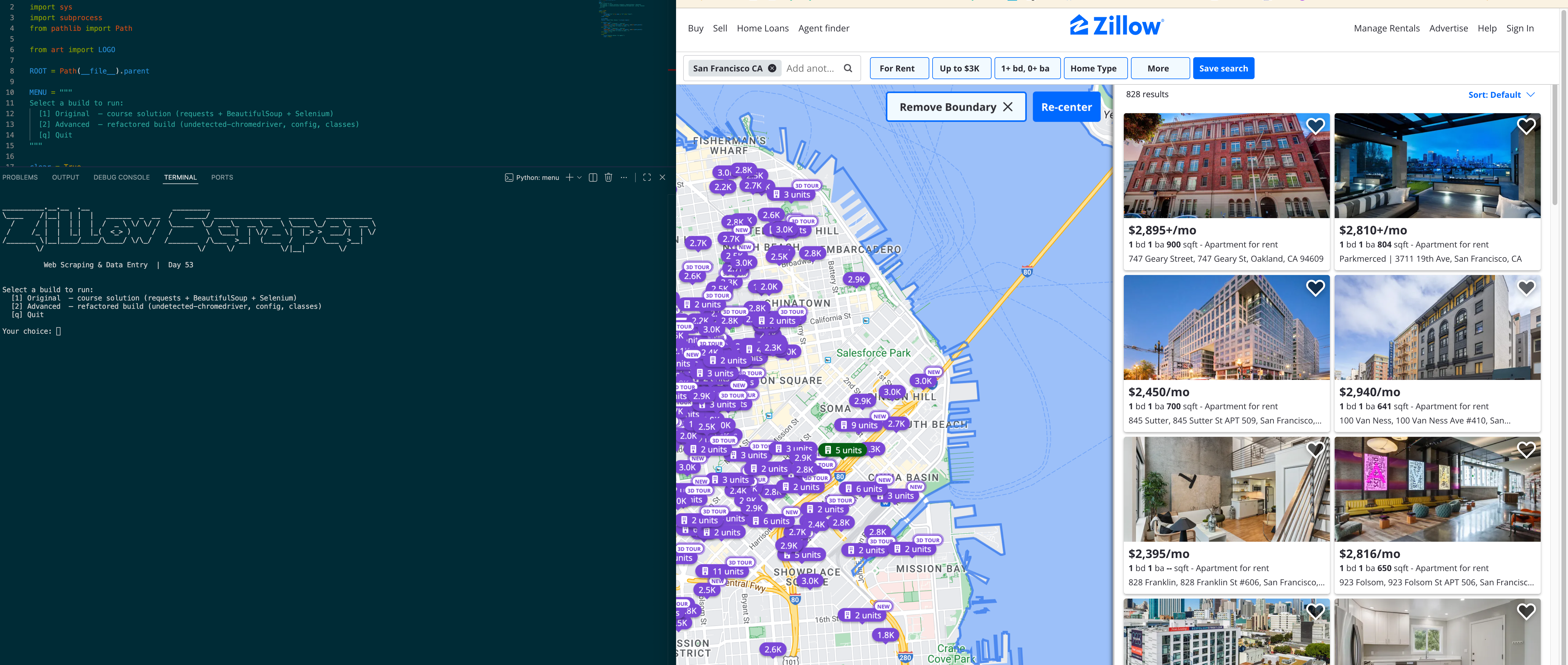
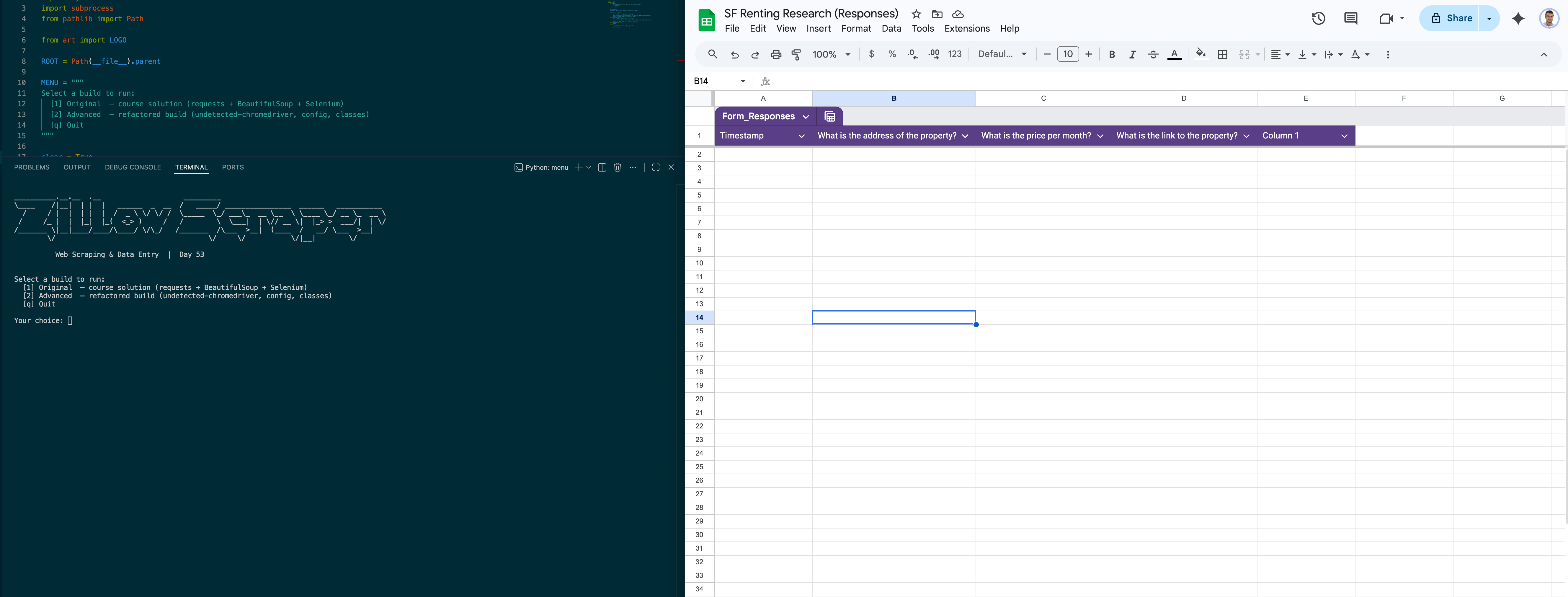
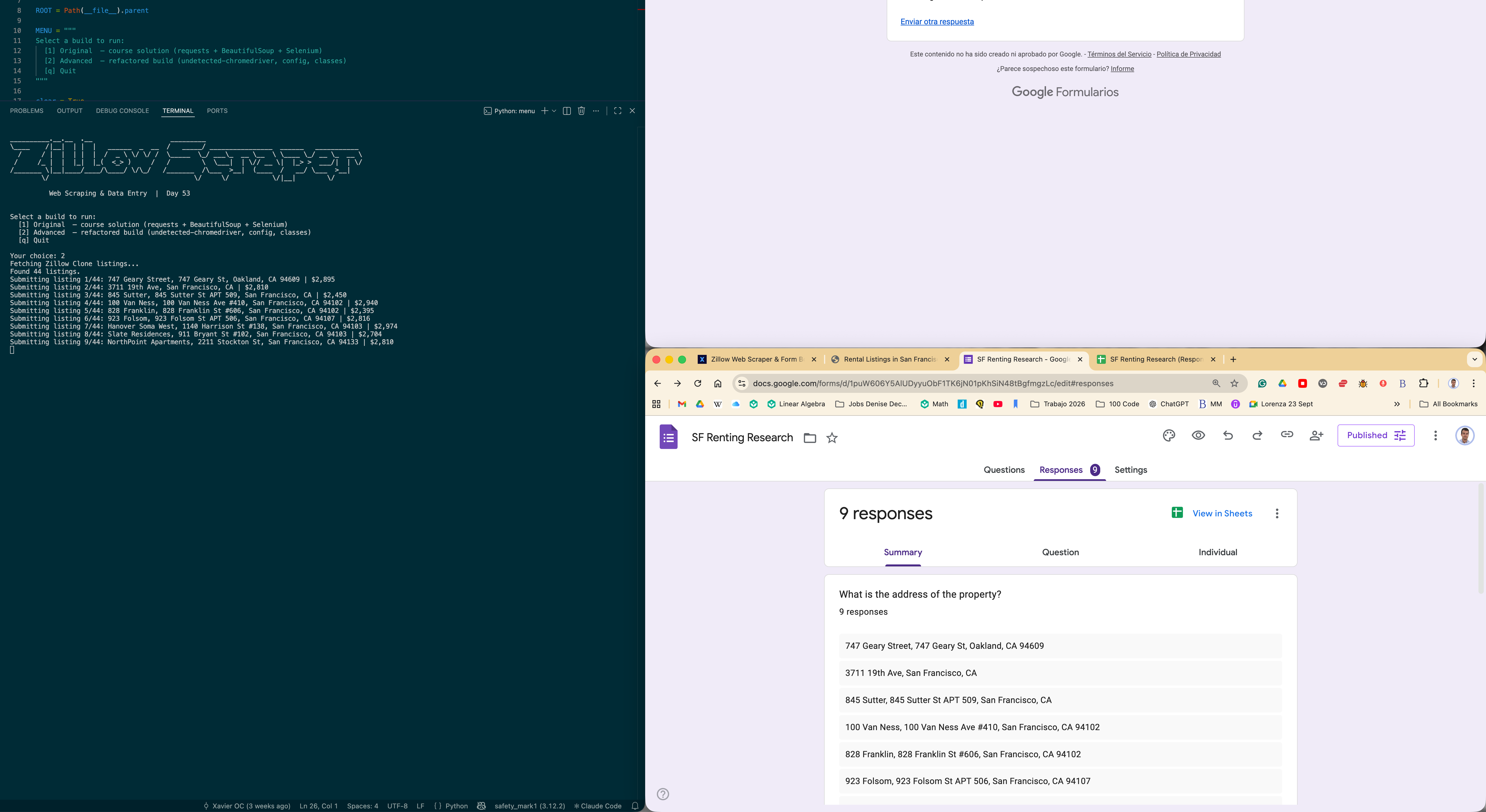
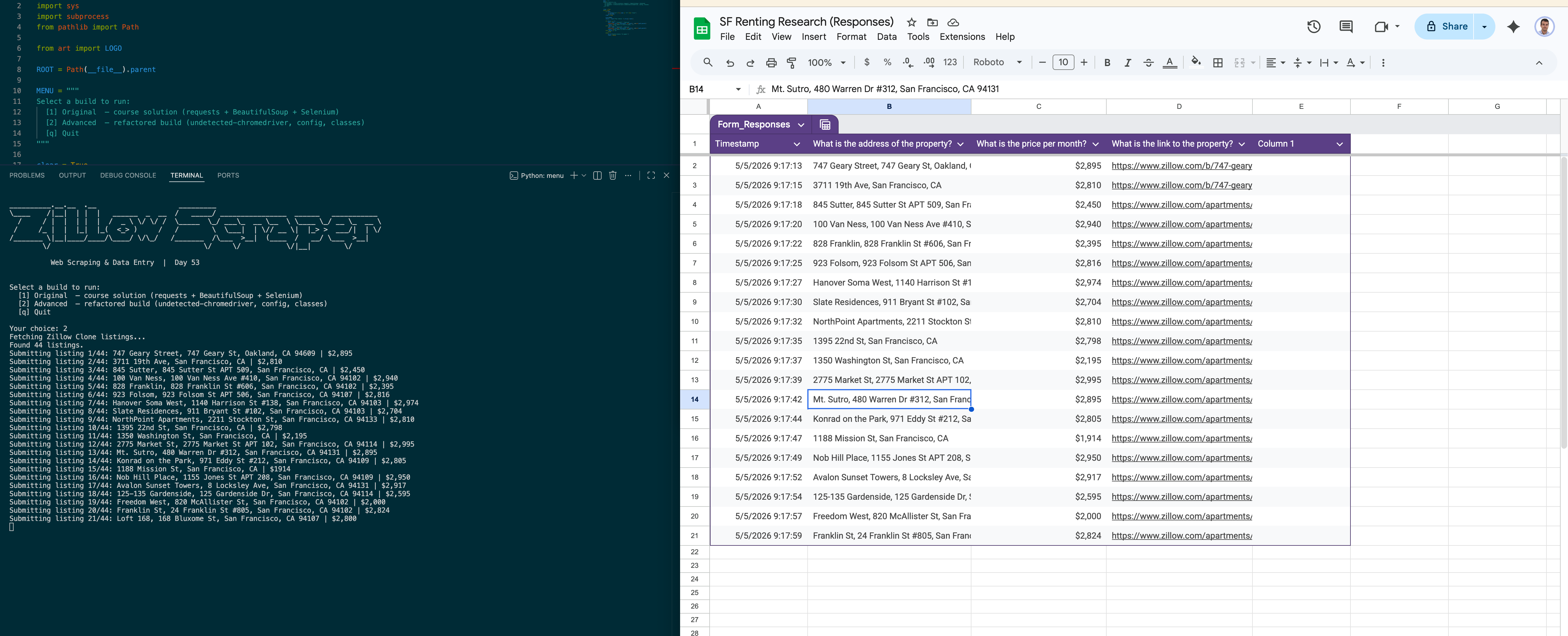
I built this as a two-stage automation pipeline for Day 53 of the 100 Days of Code bootcamp. Stage one uses requests and BeautifulSoup to scrape rental listings from a static Zillow clone, pulling addresses, prices, and property links from each card on the page. Stage two hands those tuples to a Selenium bot running on undetected-chromedriver, which opens the Google Form for each listing, fills all three fields, and submits — turning what would be minutes of manual copy-pasting into a script that runs end-to-end without touching the keyboard. The repo ships two builds: the original single-file course solution and a refactored advanced version split across ZillowScraper and FormBot classes with all selectors centralised in config.py.
Quick Facts
Overview
Problem
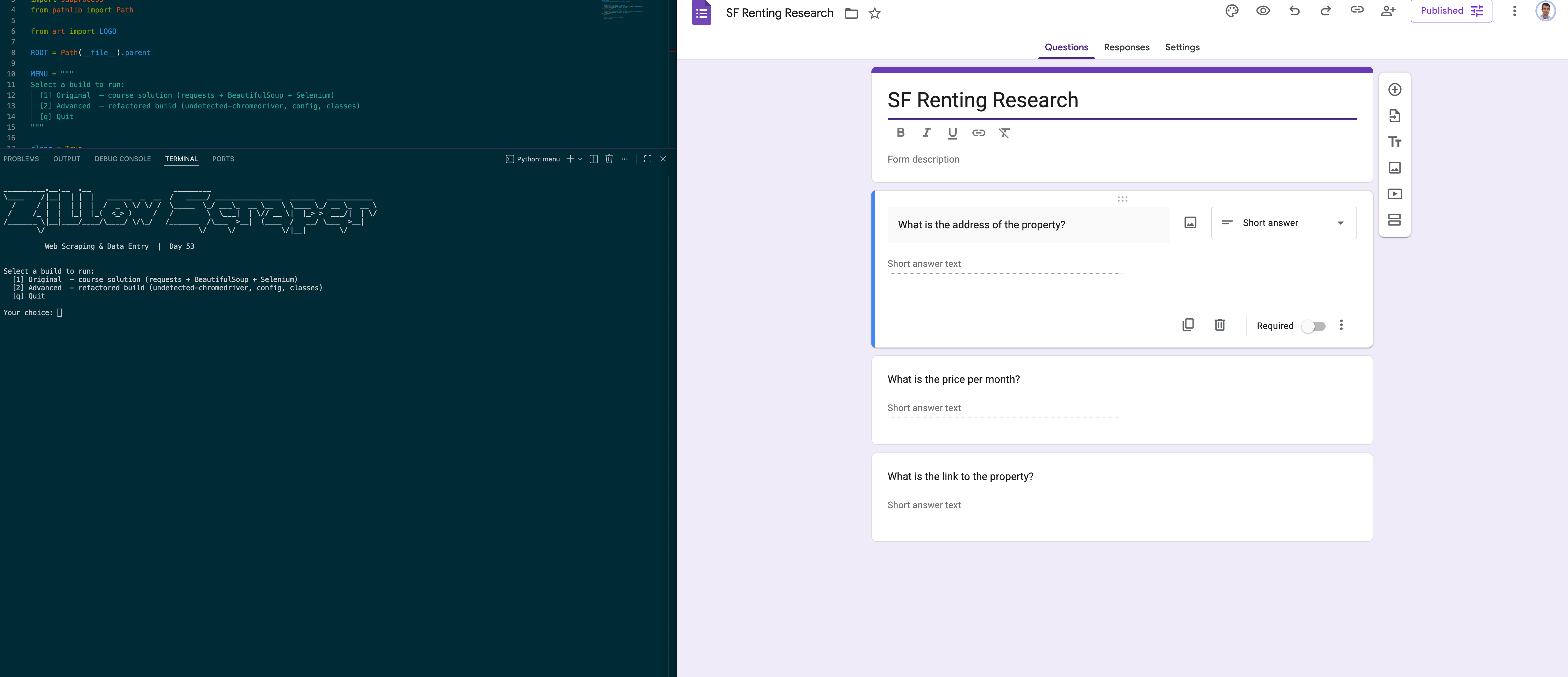
When you're aggregating listing data from a property page, manually transferring each record into a form is the kind of work that feels fine for five entries and unbearable for fifty. The Zillow Clone exercise makes this friction concrete: you're handed a page of rental cards and a Google Form with three fields per entry, and the only path without automation is to open each card, copy three values, paste them into the form, submit, and repeat. With 44 listings that's 132 individual copy-paste operations — and zero tolerance for typos, because a miscopied price or address poisons the form data permanently. The missing piece is a script that can read the whole page at once and drive the form exactly as a human would, just without the fatigue.
Solution
The pipeline splits cleanly into a scraping stage and a submission stage. ZillowScraper uses requests with a spoofed User-Agent header — necessary because a bare request without headers returns a 403 — then BeautifulSoup CSS selectors targeting data-test attributes pull links, prices, and addresses from each card. Raw text gets cleaned by splitting on "/" and "+" to strip "/mo" and fee suffixes, and on "|" to drop neighbourhood label prefixes before the street address. FormBot takes those tuples and drives Chrome through undetected-chromedriver, which patches the binary to remove Chromium's automation fingerprint for more reliable access to Google's own UI. Every XPath and CSS selector lives in config.py, so when Google or Zillow changes a DOM element, the fix is a single line in one file rather than a hunt through the codebase.
Challenges
The hardest bug was a NoSuchWindowException that fired on maximize_window() immediately after driver init. Undetected-chromedriver launches Chrome in a background thread and returns the driver object before the OS window is actually ready, so calling any window-level command at that instant hits a handle that doesn't exist yet. A one-second sleep between uc.Chrome() and maximize_window() gives the window enough time to appear — subtle, but breaking if you miss it. The other challenge was text normalisation: price elements could carry "+/mo" for utilities fees, "+/wk" for weekly variants, or a clean "$1,500/mo", while address elements sometimes prepended a neighbourhood name separated by "|". Each field needed its own split strategy, and getting both right without accidentally dropping listings required testing against the live page output until the counts matched cleanly.
Results / Metrics
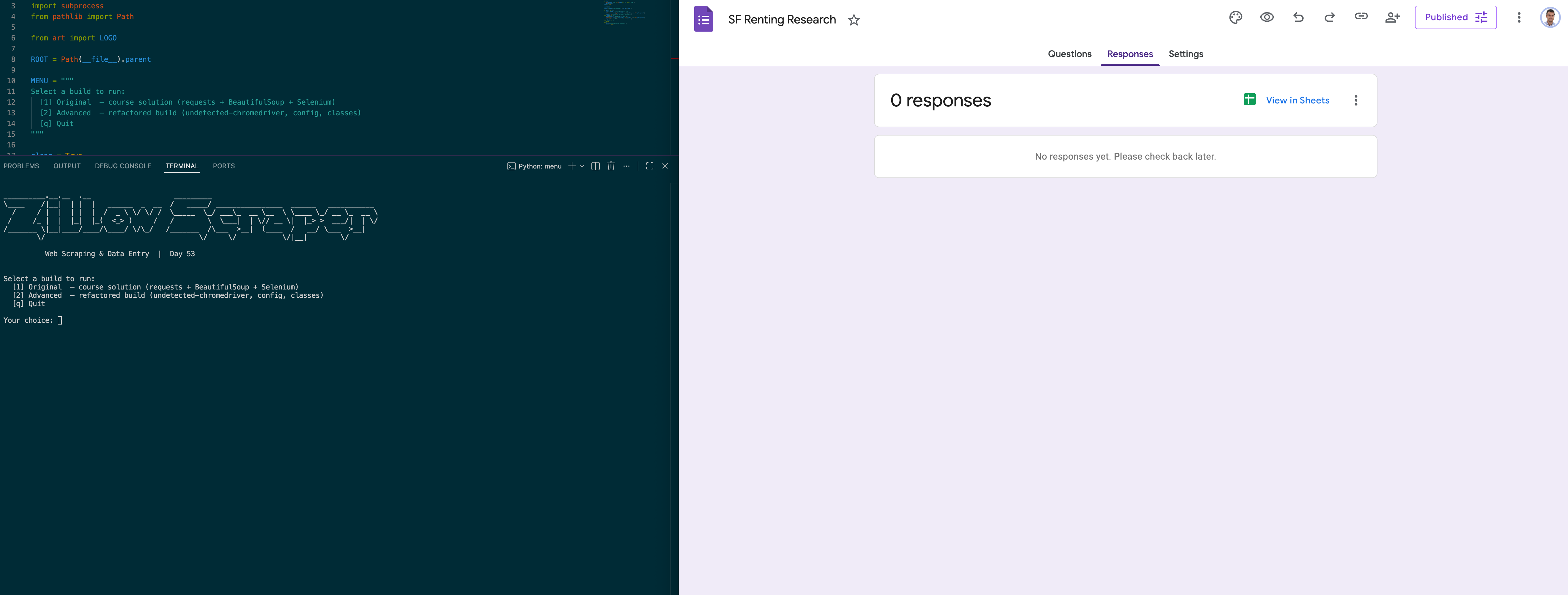
The bot works end-to-end: it scrapes all 44 listings from the Zillow Clone, cleans and normalises each record, and submits every one to the Google Form correctly. Beyond the functionality itself, this project gave me a real feel for how undetected-chromedriver's async startup differs from standard Selenium — a subtle but breaking difference that's easy to miss until you hit the exact timing window. I also came away with a much stronger instinct for centralising fragile selectors: absolute XPaths are the most brittle selector type available, and keeping every one of them in config.py is the only thing standing between "works" and "breaks silently on the next Google Forms DOM update." If I extended this, I'd add a CSV export step so the data persists locally regardless of whether the form is still active.
Screenshots
Click to enlarge.
Click to enlarge.
Videos
No videos available yet.